8 min read
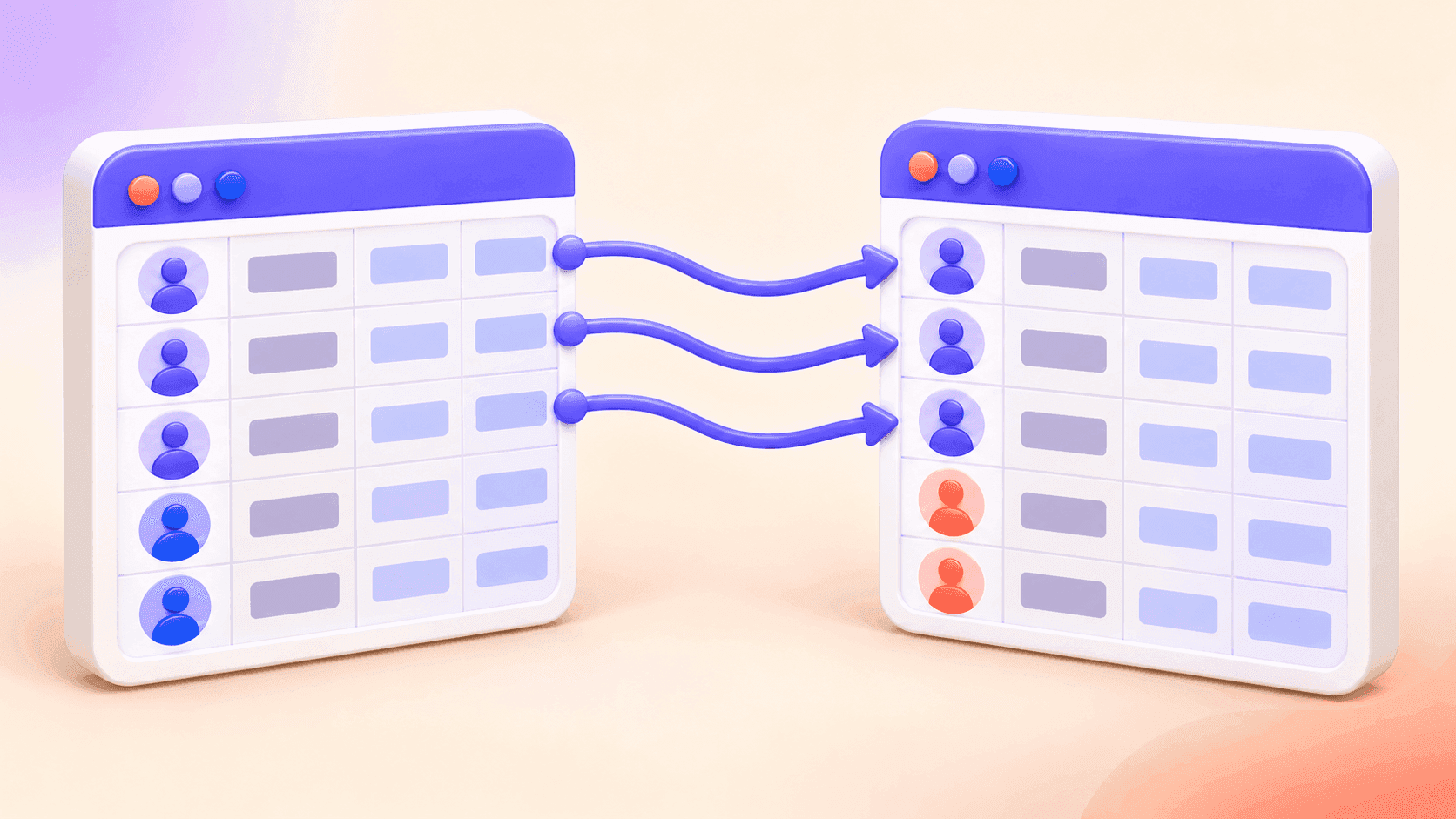
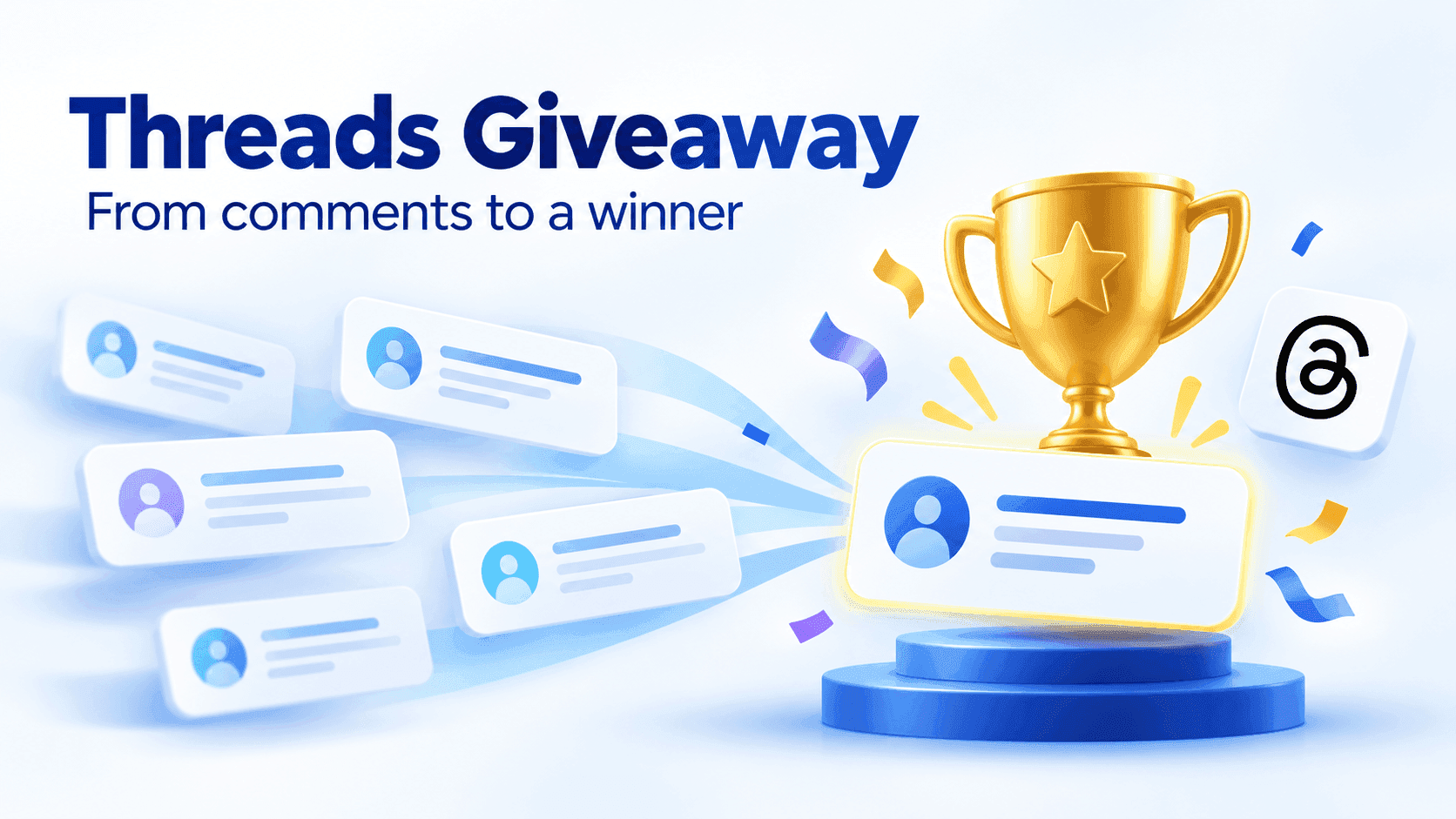
To pick an Instagram giveaway winner, first close entries at the time stated in your rules. Export the available comments from the public post or Reel, remove entries that do not qualify, decide how duplicates should count, and run a random draw from the final list. Verify the selected person's eligibility before announcing the result, then keep a copy of the entry list and winner record.
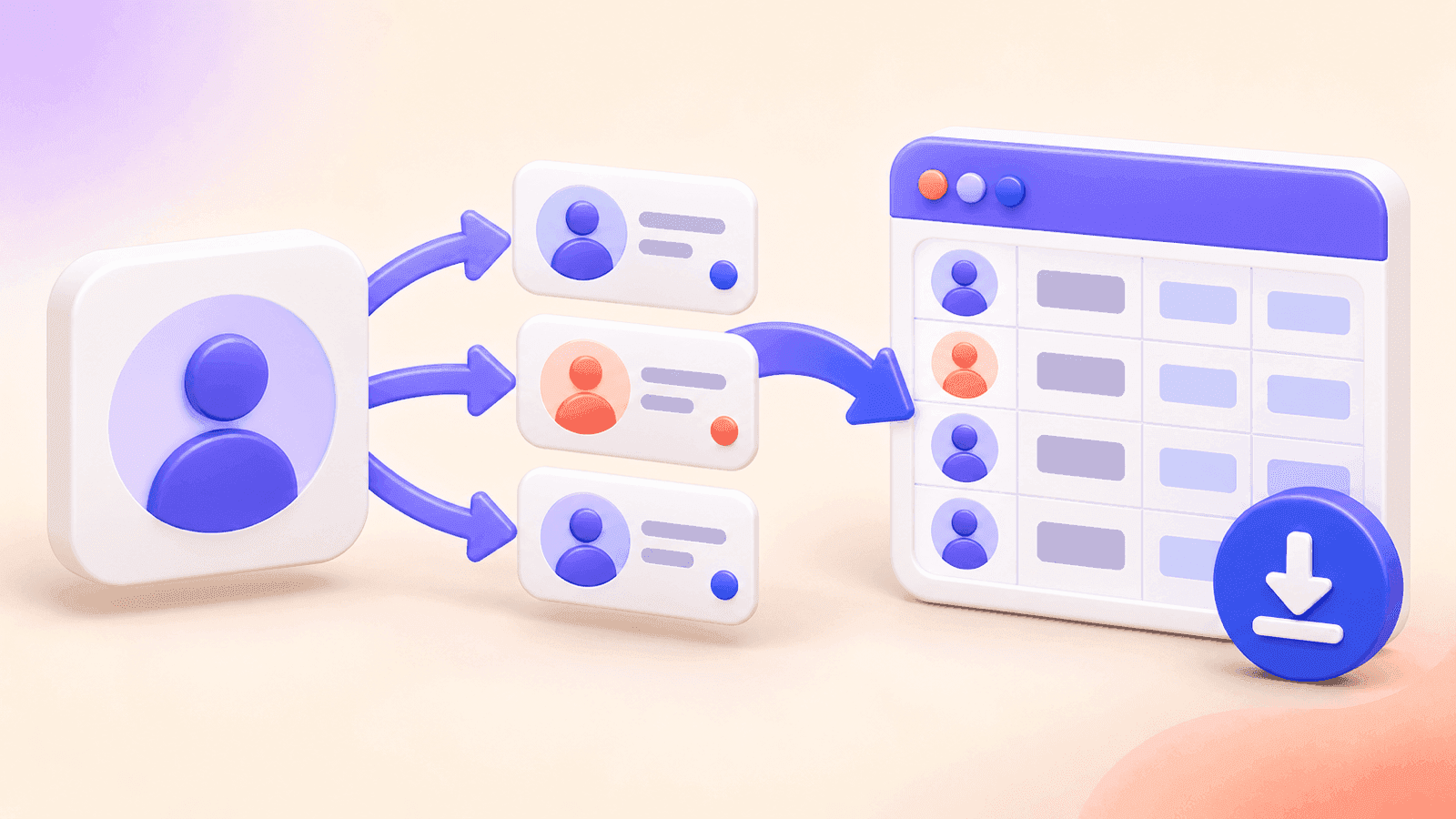
You can complete that workflow with the free CommentGrid Instagram Giveaway Picker. It works with public post and Reel URLs, requires no Instagram login, and lets you download CSV or JSON records.
How to pick a random winner from Instagram comments
- Close the giveaway at the published deadline.
- Copy the URL of the public Instagram post or Reel.
- Paste it into the Instagram Giveaway Picker.
- Export and review the available comments.
- Remove duplicate users if your rules allow only one entry per person.
- Exclude comments that clearly do not meet the published entry rules.
- Select one or more random winners from the eligible list.
- Verify any requirements that cannot be checked from a comment.
- Save the comment list and winner result as CSV or JSON.
- Contact and announce the winner according to your rules.
The drawing itself is the easy part. The decisions you make before the draw—especially how you handle duplicates, tags, late entries, and unverified actions—are what make the result consistent and explainable.
Before the giveaway: write rules you can apply
A winner picker can select from the list you give it. It cannot repair vague rules after entries have closed. Your giveaway terms should state at least:
- Who is eligible, including any age or location requirements
- The opening and closing date, time, and time zone
- The exact action required to enter
- Whether each person receives one entry or each valid comment counts
- Whether a comment must include a keyword, answer, or number of mentions
- How many winners and backup winners may be selected
- How and when the winner will be contacted
- How long the winner has to respond
- What happens if the selected winner is ineligible or does not respond
- Any prize details, restrictions, and required disclosures
Review Instagram's current Promotion Guidelines and the laws that apply where you and your participants are located. Your rules should also make clear that Instagram does not sponsor or administer the promotion. This guide is operational information, not legal advice.
Do not add a new eligibility condition after the deadline. If “one entry per person” was not in the published rules, automatically collapsing every participant to one entry could change the odds after people have already entered.
How to use CommentGrid's Instagram Giveaway Picker
1. Copy the giveaway post or Reel URL
Open the giveaway in Instagram, use the share menu to copy its link, and confirm the post or Reel is public. Private, deleted, restricted, or unavailable content may not be accessible to a web-based picker.
2. Load the comments
Paste the URL into the Instagram Giveaway Picker and start the export. CommentGrid creates a reviewable list from the available public comments without asking for your Instagram password.
Depending on availability, the list can include:
| Field | Why it is useful |
|---|---|
| Comment text | Check required answers, keywords, or mentions |
| Comment time | Review entries around the closing deadline |
| Author username | Identify participants and find duplicate users |
| Author full name | Additional context when reviewing an entry |
| Likes count | Reference visible engagement; do not use it unless your rules say so |
| Replies count | Identify comment threads that may need review |
| Comment URL | Return to the public comment when supported |
The number of comments available to the tool can depend on the post, platform behavior, and processing limits. Review the resulting entry list before drawing, particularly for a high-value campaign.
3. Apply your published entry rules
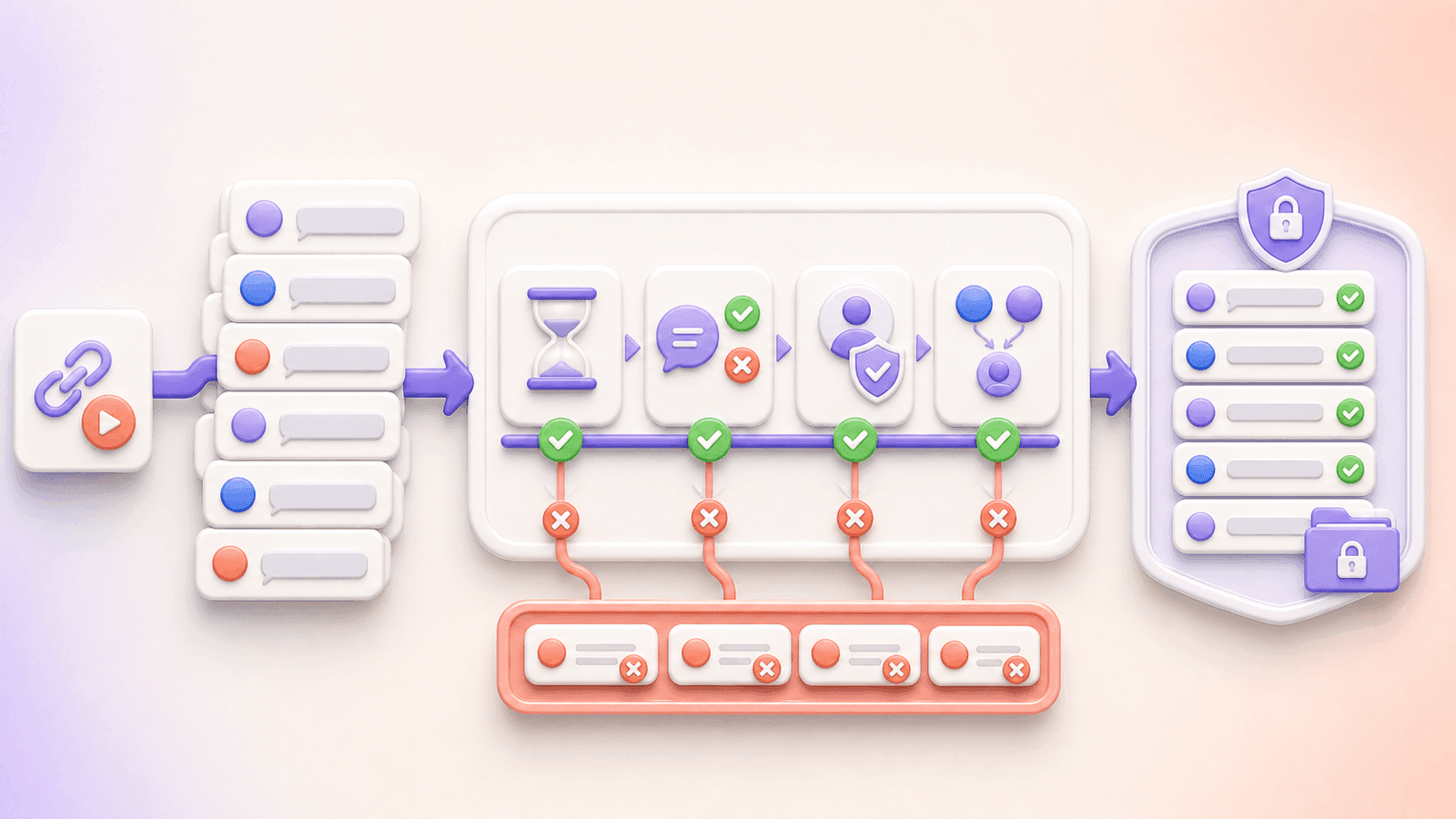
Work through the rules in a consistent order. A practical sequence is:
- Remove clearly late entries when reliable timestamps are available.
- Exclude comments that do not contain the required response or mention.
- Exclude accounts that are not eligible under the published rules.
- Apply your chosen duplicate policy.
- Save or note the final number of eligible entries.
If a requirement cannot be determined from the exported data, do not pretend the picker verified it. For example, a comment list alone cannot reliably prove that someone follows an account, liked the post, shared it to Stories, or still meets a condition at the time of the draw.
4. Decide how duplicate comments count
There are two common approaches:
- One entry per person: remove duplicate usernames so each eligible participant appears once in the draw.
- One entry per valid comment: retain multiple qualifying comments when your rules explicitly allow more than one chance.
Neither approach is universally correct. Use the method stated before the giveaway began. If your rules require tagging different friends for additional entries, check that repeated comments actually satisfy that condition rather than merely counting identical spam.
CommentGrid can filter duplicate users, but you should decide whether that filter matches your rules before applying it.
5. Run the random draw
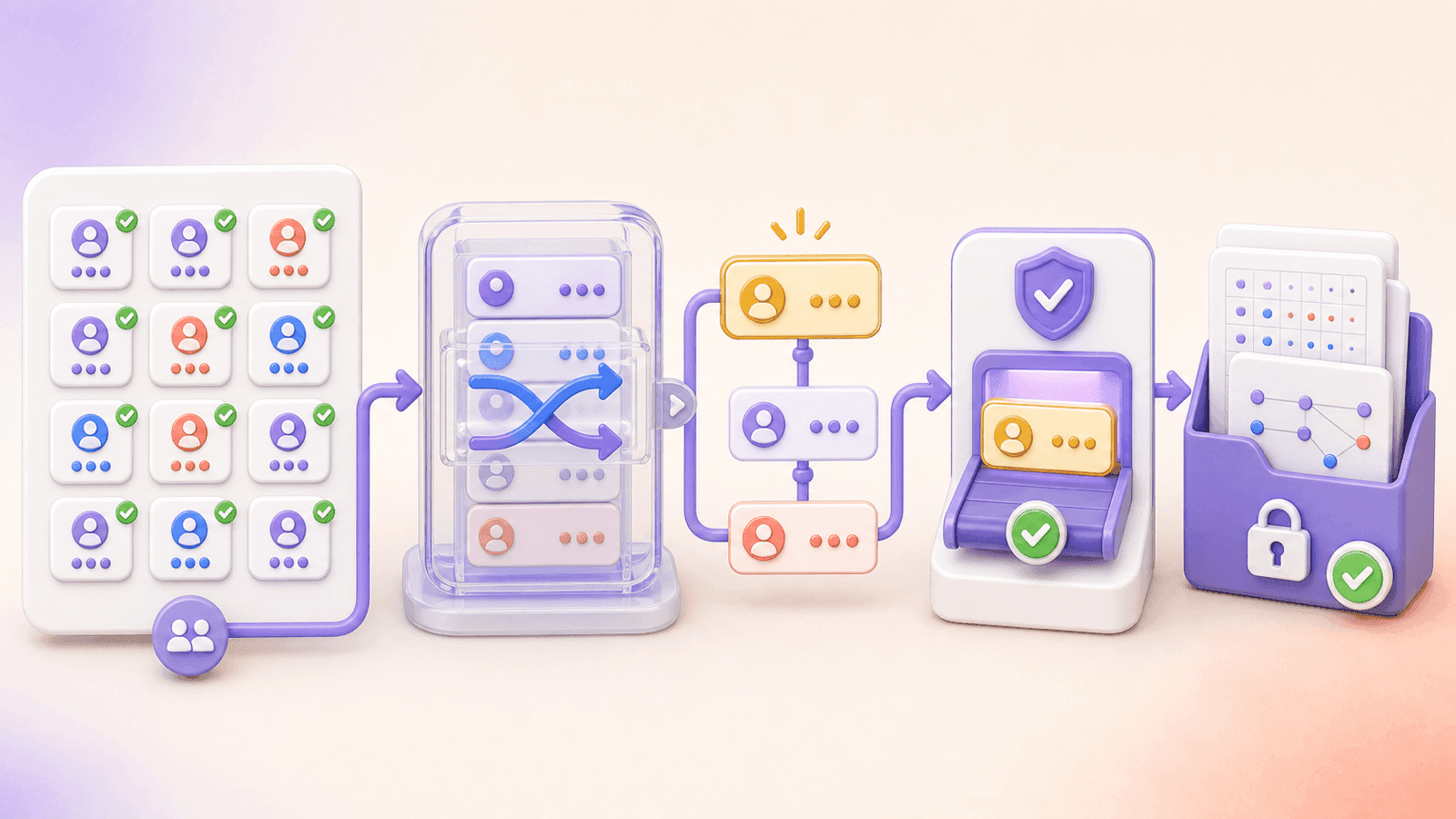
After the list is clean, select one or multiple winners from the reviewed entry pool. Pick backup winners in the same session if your rules provide for them. Backups are useful when the first person is ineligible, cannot be contacted, or misses the response deadline.
Do not keep redrawing simply because you prefer another participant. A redraw should happen only for a reason already covered by the giveaway terms.
6. Download the records
Save the comment list and winner result as CSV or JSON. A basic giveaway record should show:
- The Instagram post or Reel URL
- The stated closing time
- The rules used during review
- The final eligible entry list
- The selected winner and any ordered backups
- The draw date
- Notes about any disqualification or redraw
Keep the original export as well as the cleaned entry list. Together, they make it easier to explain what changed during eligibility review.
Verify the winner before announcing them
Random selection and eligibility verification are separate steps. After the draw:
- Reopen the winning comment and profile.
- Confirm the comment met the entry requirements.
- Check age, location, follow status, or other conditions only when they were in the published rules and can be checked appropriately.
- Contact the winner through the method stated in your rules.
- Give them the published amount of time to respond.
- Move to the first eligible backup if necessary, and record why.
Be alert to impersonation scams. In the original giveaway post or winner announcement, identify the only account that will contact the winner and state that you will not request payment or sensitive login information to release a prize.
Manual draw, spreadsheet, or Instagram comment picker?
Manual scrolling
Stopping on a random-looking comment may be acceptable for a tiny informal activity, but it does not handle duplicates or leave a useful record. It also makes it difficult to show that every eligible entry had the same opportunity.
Spreadsheet and random number generator
You can export Instagram comments, clean the rows in Excel or Google Sheets, number the eligible entries, and use a random number function. This provides control and a review trail, but manual cleanup can take time.
Purpose-built giveaway picker
A picker combines export, review, duplicate handling, random selection, and result download in one flow. This is usually the most convenient option when the giveaway is based on comments and you want a record of the final entry pool.
Common mistakes to avoid
Picking before entries close
Even if the post has slowed down, wait until the stated deadline. Otherwise, valid participants can be excluded.
Changing duplicate rules after the giveaway
“One comment per person” and “each valid comment counts” produce different odds. Decide before launch and state the rule clearly.
Assuming the picker verifies follows or likes
The picker works from comment data. Requirements outside the comment need a separate eligibility check.
Promising that every visible number will match
Instagram's displayed comment count may include replies, later deletions, moderated content, or comments not available during processing. Review the exported list rather than relying only on the count shown on the post.
Announcing before verification
Verify first. If you publicly name someone and later disqualify them, the correction is harder to explain than a short delay before the announcement.
Failing to save the result
A screenshot of the winner alone does not show the entry pool. Save the exported comments, cleaned list, and winner record.
Frequently asked questions
Is the Instagram Giveaway Picker free?
Yes. CommentGrid's web tool can export comments from a public Instagram post or Reel, let you review entries, and select random winners without an Instagram login.
Can I pick more than one Instagram winner?
Yes. The tool supports one or multiple winners. State the number of winners and any backup policy in your rules before the draw.
Can I remove duplicate users?
Yes. Use duplicate filtering when your rules give each person one entry. Do not remove duplicates when each valid comment was promised as a separate chance.
Can the tool verify that a winner follows my account?
No. A comment export does not reliably verify follows, likes, or shares. Check any such requirement separately before announcing the winner.
Does it work with Instagram Reels?
Yes, the tool is designed for public Instagram posts and Reels that are accessible through a valid URL.
Do I need to log into Instagram?
No Instagram login is required for the public URL workflow, and the tool does not ask for your Instagram password.
Can I download the result?
Yes. You can save comment and winner records as CSV or JSON for later review.
What if the first winner does not reply?
Follow the response window and backup procedure in your published rules. If you selected ordered backups, contact the next eligible person and record the reason for the replacement.
Pick your Instagram giveaway winner
Once entries are closed and your rules are ready, use the free Instagram Giveaway Picker to load the available comments, review the eligible list, remove duplicates when appropriate, select the winner, and save the records.
Planning your next campaign? Use this Instagram giveaway guide to define the entry method and winner process before you publish.
CommentGrid is an independent tool and is not affiliated with or endorsed by Instagram.
Ready to Pick Your Instagram Giveaway Winner?
Load the available comments from your public giveaway post or Reel, review entries against your rules, and select random winners. Verify any follow requirements manually before announcing the result.
Open Instagram Giveaway Picker M
MMarshall Sun
Building CommentGrid to decode social conversations. Exploring the signal within the noise of the global social web.