Copy, View & Export Instagram Comments to CSV or Excel
Paste a public Instagram Post or Reel URL to review available comments, copy the data you need, and download a structured CSV, Excel, or JSON export. Use it to back up conversations, analyze responses, or prepare a fair giveaway draw.
Paste your Instagram Post or Reel URL


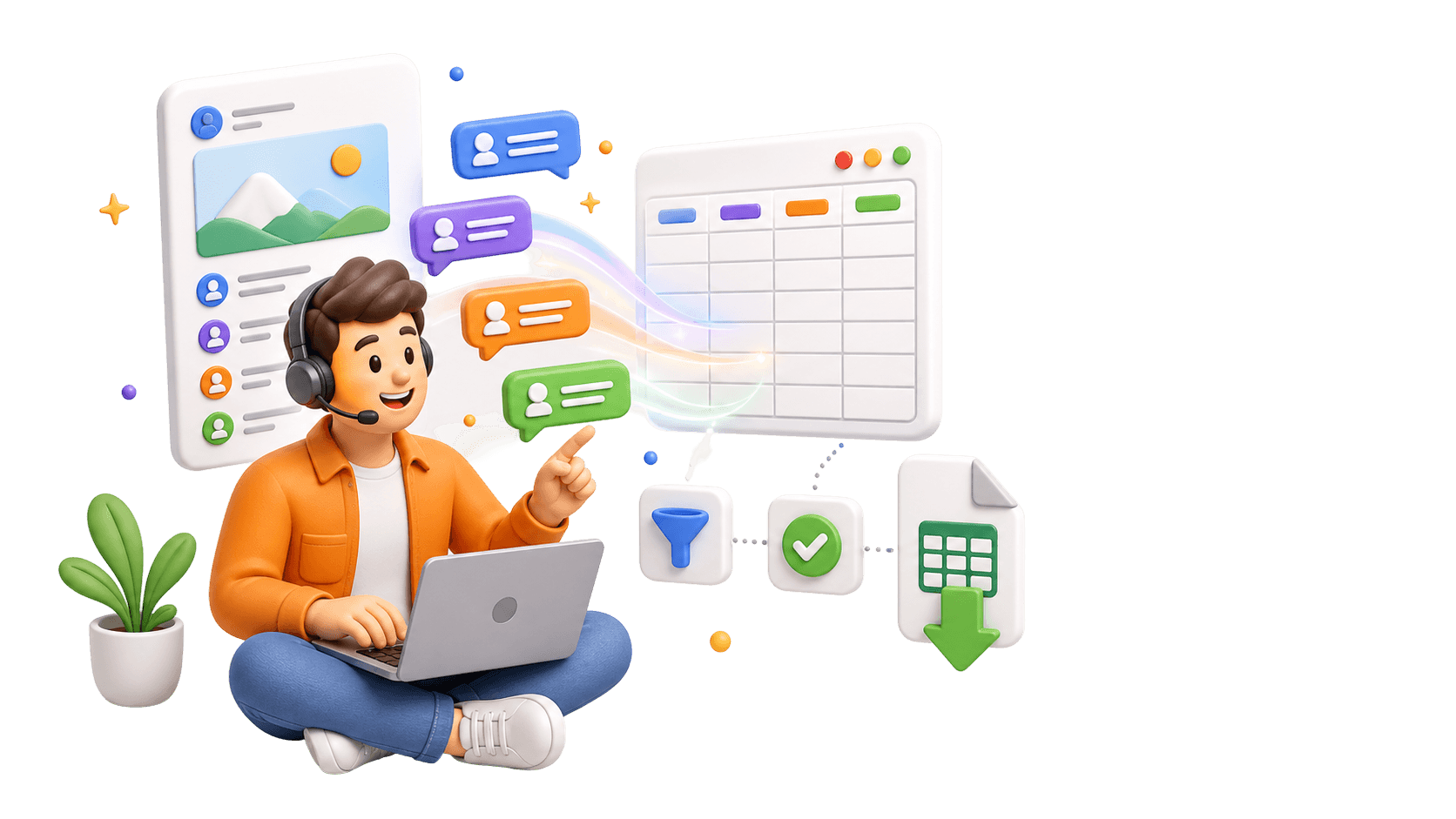
Analyze Comments, Not Just Export Them.
Use the CommentGrid Extension to turn Instagram, TikTok, and Facebook comments into buyer signals, reply queues, and content ideas in minutes.
Add to Chrome Add to Chrome
How to View and Export Instagram Comments in 3 Steps
No technical skills required

1. Copy a Public Post or Reel URL
Open the public Instagram Post or Reel you want to use and copy its link. Use the direct post or Reel URL, not the account’s profile URL.

2. Paste the URL and Start Processing
Paste the link into the input box above and start processing. Wait for the request to finish; processing time varies with the post and platform access conditions.

3. Review and Download
When results are available, review the returned comment data and download CSV or JSON. If the request returns no data or an error, check the post link and any message shown before trying again.
What data is included
| Field | Description |
|---|---|
| Comment text | The full text of each exported Instagram comment. |
| Comment time | The timestamp returned for the comment when available. |
| Likes count | The visible engagement count captured for the comment. |
| Replies count | The number of replies reported for the comment thread. |
| Author username | The public Instagram username attached to the comment. |
| Author full name | The display name returned with the commenter profile. |
| Comment URL | A direct link to the public comment when supported. |
Why use an Instagram Comment Exporter?
More than just data. Unlock the true value of your audience interactions.
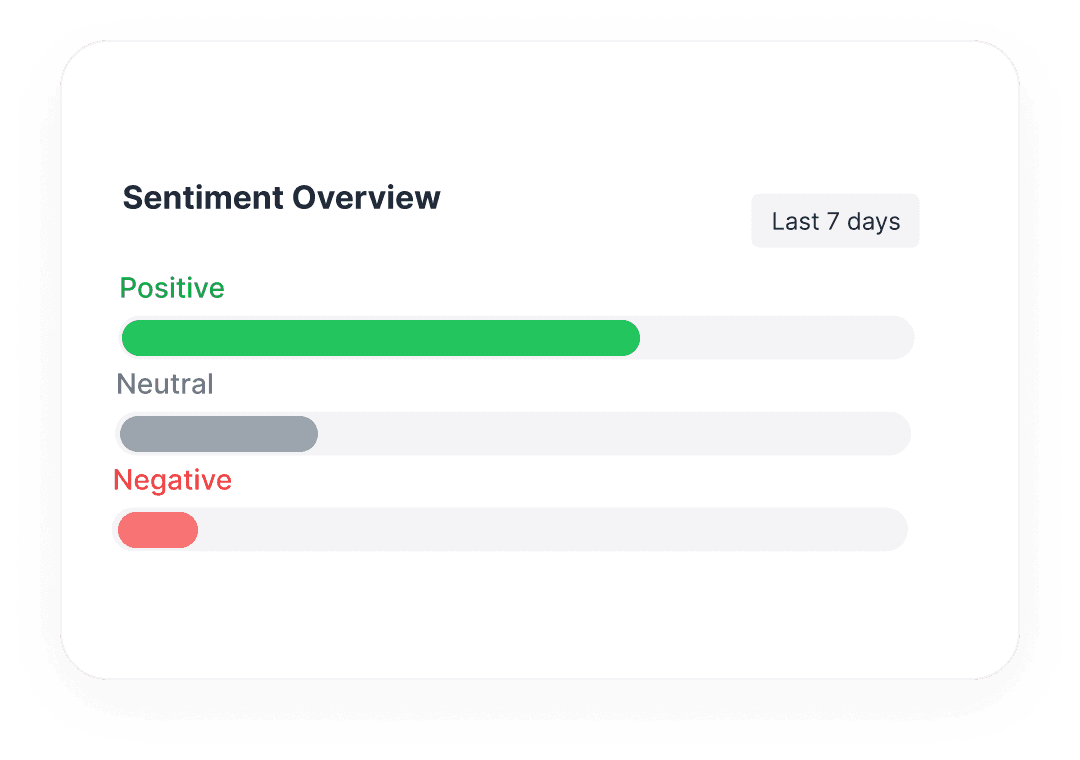
 Analyze Brand Sentiment
Don't just count comments. Export raw text to perform sentiment analysis and understand how your audience truly feels.
- Identify common pain points
- Find superfans & influencers

 Prepare Your Instagram Giveaway Entries
Review the exported comment list and remove duplicate entries according to your giveaway rules before selecting a winner.
- Review entries against your giveaway rules
- Manually verify the winner’s follow status

 Archive Your Social Data
Social media isn't forever. Securely backup your community interactions for offline storage, compliance, or future reference.
- Permanent Excel/CSV records
- Own your audience data
Export Instagram Comments in Structured Formats
Supports Posts & Reels
Works on any public Instagram content type.
Includes Replies
Fetches nested comments and conversation threads.
Rich Data Export
Get Usernames, Timestamps, Like counts & more.
Fast Processing
JSON format available for developers.
Questions, answered
Everything you need to know about getting started with CommentGrid’s Instagram comment workflows.
Which Instagram links can I use?
Use a direct URL to a supported public Instagram Post or Reel. A profile URL is not a substitute for a post link. Private, deleted, or otherwise restricted content may be unavailable.
Can I view Instagram comments before downloading them?
Yes. Submit a supported public Post or Reel URL, wait for processing, and review the available comment data before downloading. Only the comments returned for that request will be available to review.
Can I copy Instagram comments instead of downloading a file?
Yes. Once the results are available, copy the comment text you need. For several comments that you want to organize in a spreadsheet, downloading a CSV may be more convenient.
Which file formats can I download?
Download CSV for use in Excel or Google Sheets, or JSON for structured data. An Excel-compatible CSV is not a native XLSX file; open or import the CSV in Excel if you need to work with it there.
How many comments can I export, and what does it cost?
Paid credit packs support up to 5,000 comments per export. The total credits in a pack do not increase that per-export limit. Free allowances and charges depend on the tool and plan you use; check the applicable pricing information before starting. The number of comments actually returned may be lower than the limit.
Why are some comments or replies missing?
Some comments may be deleted, hidden, or unavailable under the current access conditions. A reply count describes a thread; it does not prove that every reply’s text was exported. Check the returned records to see which comments and replies are actually included.
Can CommentGrid verify whether a giveaway winner follows my account?
No. CommentGrid cannot automatically verify Instagram follow status. If your giveaway requires a follow, manually check the selected winner’s status before announcing the result.
What is the difference between the Instagram Comment Extractor and Giveaway Picker?
Use the Comment Extractor to view, copy, and download comment data. When you are ready to review giveaway entries and select a random winner, open the [Instagram Giveaway Picker](/tool/instagram-giveaway-picker). If following your account is required, verify the selected winner’s follow status manually before announcing the result.
More Tools

Instagram Profile Viewer
View public Instagram profile details and account statistics, then download the returned record as CSV or JSON.

Threads Comment Export
Export Threads comments from any public post, review and filter the replies, and download the results.

TikTok Comment to CSV Exporter
Free TikTok Comment to CSV Exporter. Export public TikTok video comments to CSV or JSON, review rows, and download clean comment data.