Copia, revisa y exporta comentarios de Instagram a CSV o Excel
Pega la URL de una publicación o Reel público de Instagram para revisar los comentarios disponibles, copiar los datos que necesites y descargar una exportación estructurada en CSV, Excel o JSON. Úsala para guardar conversaciones, analizar respuestas o preparar un sorteo justo.
Pega la URL de tu publicación o Reel de Instagram


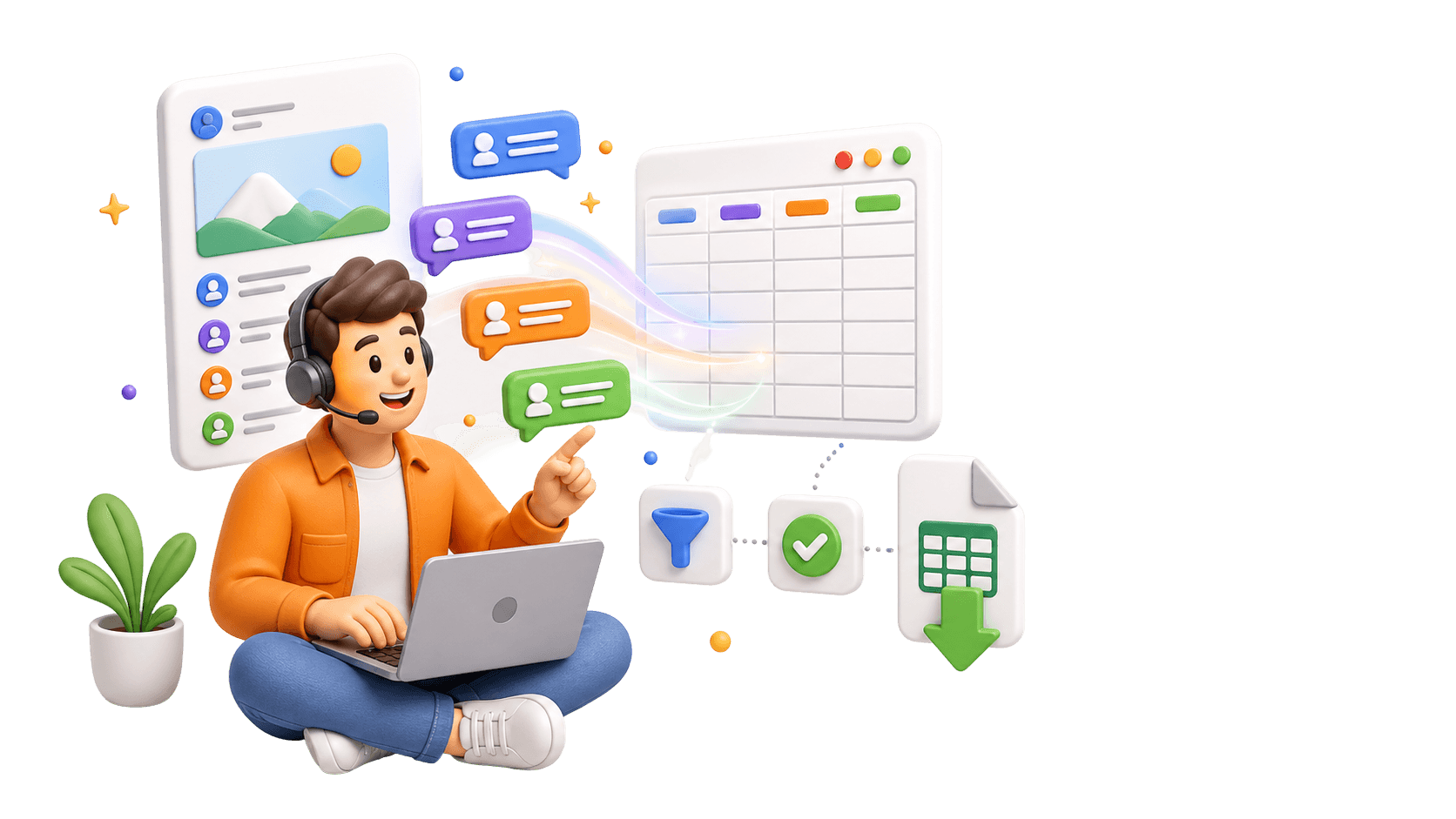
Analiza los comentarios, no solo los exportes.
Usa la extensión de CommentGrid para convertir en minutos los comentarios de Instagram, TikTok y Facebook en señales de compra, colas de respuestas e ideas de contenido.
Añadir a Chrome Añadir a Chrome
Cómo ver y exportar comentarios de Instagram en 3 pasos
No se requieren conocimientos técnicos

1. Copia la URL de una publicación o un Reel público
Abre la publicación o el Reel público de Instagram que quieras utilizar y copia su enlace. Usa la URL directa de la publicación o del Reel, no la URL del perfil de la cuenta.

2. Pega la URL e inicia el procesamiento
Pega el enlace en el campo de arriba e inicia el procesamiento. Espera a que finalice la solicitud; el tiempo de procesamiento varía según la publicación y las condiciones de acceso a la plataforma.

3. Revisa y descarga los resultados
Cuando los resultados estén disponibles, revisa los comentarios obtenidos y descarga CSV o JSON.
Que datos se incluyen
| Campo | Descripcion |
|---|---|
| Texto del comentario | El texto completo de cada comentario exportado de Instagram. |
| Hora del comentario | La marca de tiempo devuelta para el comentario cuando esta disponible. |
| Cantidad de me gusta | El conteo visible de interacciones capturado para el comentario. |
| Cantidad de respuestas | El numero de respuestas reportadas para el hilo del comentario. |
| Usuario del autor | El nombre de usuario publico de Instagram asociado al comentario. |
| Nombre completo del autor | El nombre visible devuelto con el perfil del comentarista. |
| URL del comentario | Un enlace directo al comentario publico cuando la plataforma lo admite. |
¿Por qué usar un exportador de comentarios de Instagram?
Más que datos. Descubre el verdadero valor de las interacciones de tu audiencia.
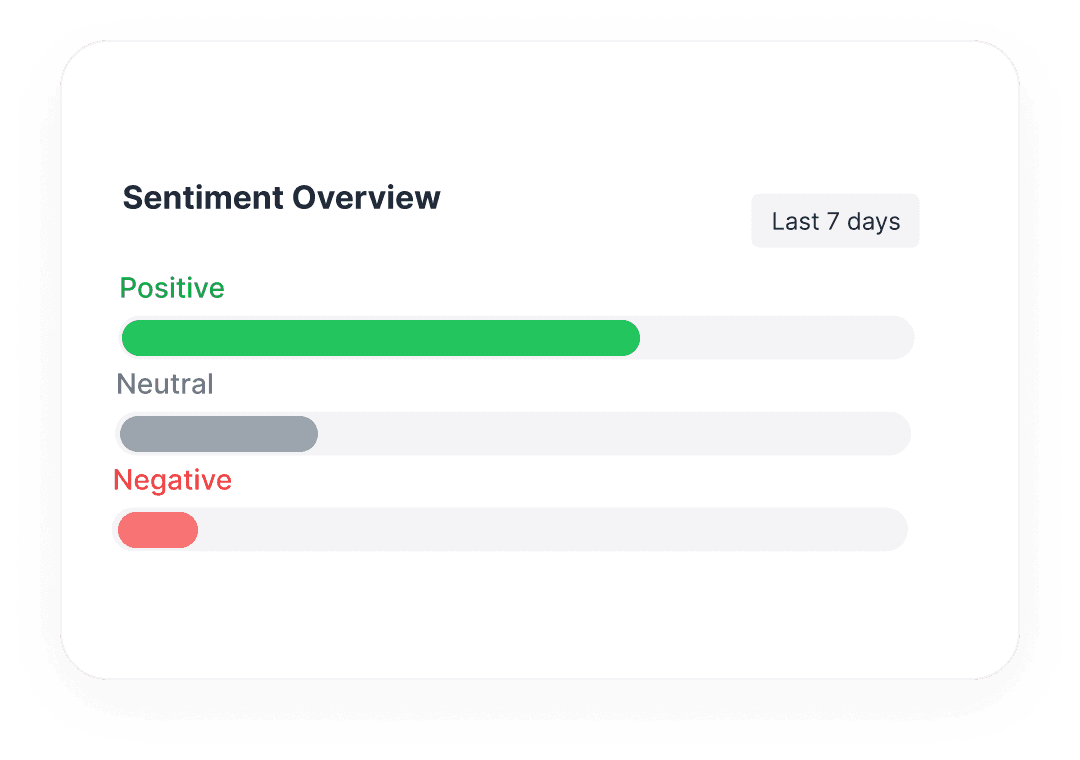
 Analiza el sentimiento de marca
No te limites a contar comentarios. Exporta el texto completo para realizar análisis de sentimiento y entender cómo se siente realmente tu audiencia.
- Identifica los puntos de dolor más comunes
- Encuentra superfans e influencers

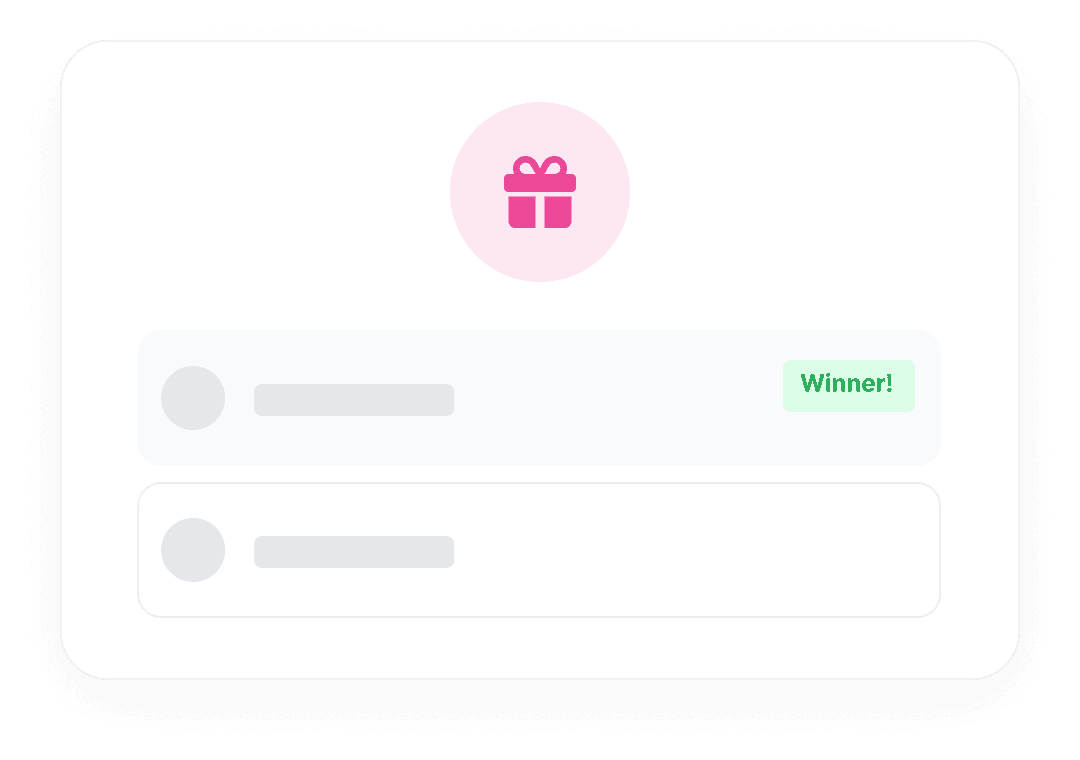
 Prepara las participaciones de tu sorteo de Instagram
Revisa la lista de comentarios exportados y elimina las participaciones duplicadas según las reglas de tu sorteo antes de elegir un ganador.
- Revisa las participaciones según las reglas de tu sorteo
- Verifica manualmente si el ganador sigue tu cuenta
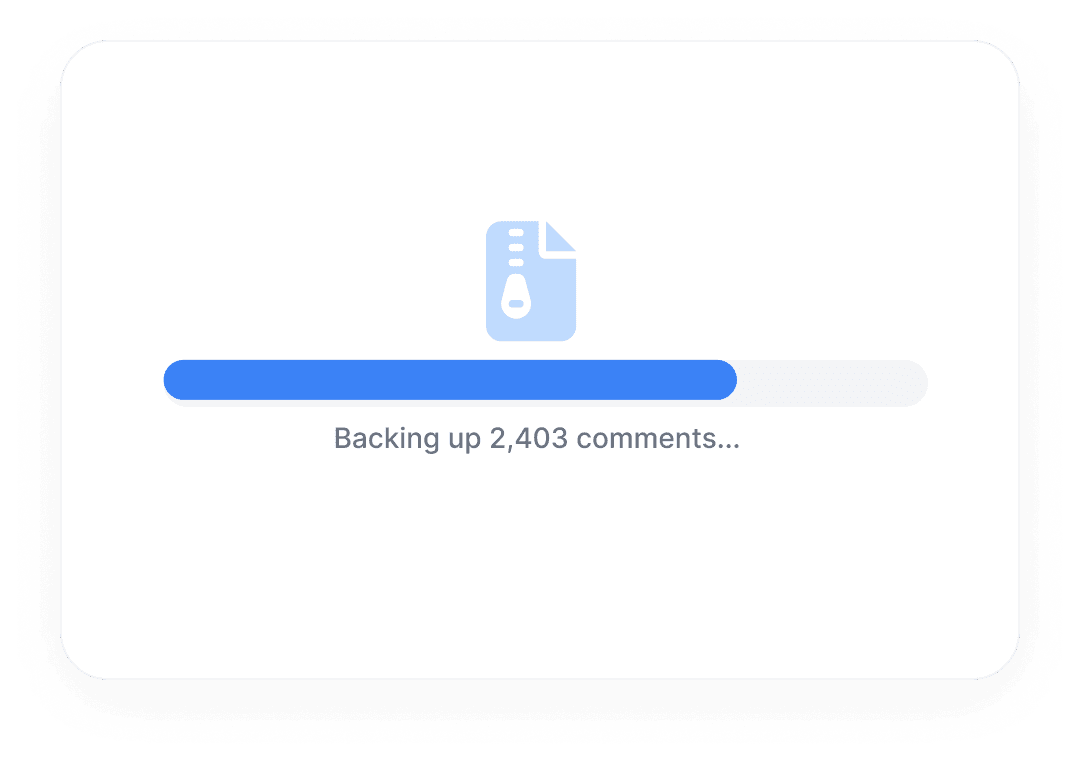
 Archiva tus datos sociales
Las redes sociales no duran para siempre. Respalda de forma segura las interacciones de tu comunidad para almacenamiento offline, cumplimiento o referencia futura.
- Registros permanentes en Excel/CSV
- Tus datos de audiencia te pertenecen
Funciones de un vistazo
Compatible con publicaciones y Reels
Funciona con cualquier tipo de contenido público de Instagram.
Incluye respuestas
Obtiene comentarios anidados y hilos de conversación.
Exportación de datos enriquecidos
Obtén nombres de usuario, marcas de tiempo, cantidad de likes y más.
Procesamiento rápido
Formato JSON disponible para desarrolladores.
Preguntas frecuentes
Todo lo que necesitas saber para empezar con los flujos de comentarios de Instagram de CommentGrid.
¿Qué enlaces de Instagram puedo usar?
Usa la URL directa de una publicación o un Reel público de Instagram compatible. La URL de un perfil no sustituye al enlace de una publicación. Es posible que el contenido privado, eliminado o sujeto a otras restricciones no esté disponible.
¿Puedo ver los comentarios de Instagram antes de descargarlos?
Sí. Envía la URL de una publicación o un Reel público compatible, espera a que termine el procesamiento y revisa los comentarios disponibles antes de descargarlos. Solo podrás revisar los comentarios obtenidos en esa solicitud.
¿Puedo copiar los comentarios de Instagram sin descargar un archivo?
Sí. Cuando los resultados estén disponibles, copia el texto de los comentarios que necesites. Si quieres organizar varios comentarios en una hoja de cálculo, puede resultar más práctico descargar un CSV.
¿Qué formatos de archivo puedo descargar?
Descarga un CSV para Excel o Google Sheets, o JSON para datos estructurados. Un CSV compatible con Excel no es un archivo XLSX nativo; abre o importa el CSV en Excel si quieres trabajar con él allí.
¿Cuántos comentarios puedo exportar y cuánto cuesta?
Los paquetes de créditos de pago permiten exportar hasta 5.000 comentarios por exportación. El total de créditos de un paquete no aumenta ese límite por exportación. Los cupos gratuitos y los costes dependen de la herramienta y del plan que utilices; consulta la información de precios aplicable antes de empezar. El número de comentarios obtenidos puede ser inferior al límite.
¿Por qué faltan algunos comentarios o respuestas?
Algunos comentarios pueden haberse eliminado u ocultado, o no estar disponibles con las condiciones de acceso actuales. El número de respuestas describe un hilo; no demuestra que se haya exportado el texto de todas las respuestas. Revisa los registros obtenidos para comprobar qué comentarios y respuestas se incluyen realmente.
¿Puede CommentGrid verificar si el ganador sigue mi cuenta?
No. CommentGrid no puede verificar automáticamente si alguien sigue una cuenta de Instagram. Si tu sorteo exige seguir tu cuenta, comprueba manualmente que el ganador seleccionado la siga antes de anunciar el resultado.
¿Cuál es la diferencia entre el extractor de comentarios de Instagram y el selector de sorteos?
Usa el extractor de comentarios para ver, copiar y descargar los datos de los comentarios. Cuando quieras revisar las participaciones del sorteo y elegir un ganador al azar, abre el [selector de sorteos de Instagram](/es/tool/instagram-giveaway-picker). Si es obligatorio seguir tu cuenta, comprueba manualmente que el ganador seleccionado la siga antes de anunciar el resultado.
Mas herramientas

Visor de perfiles de Instagram
Consulta una URL de perfil público de Instagram y visualiza los detalles públicos del perfil y las estadísticas de la cuenta. Gratis, sin inicio de sesión, exportación CSV y JSON.

Exportar comentarios de Threads
Exporta comentarios de Threads desde cualquier publicación pública, revisa y filtra las respuestas, y descarga los resultados.

Exportador de Comentarios de TikTok a CSV
Exportador gratuito de comentarios de TikTok a CSV. Exporta comentarios de videos públicos de TikTok a CSV o JSON, revisa filas y descarga datos limpios de comentarios.