Copiez, consultez et exportez des commentaires Instagram en CSV ou Excel
Collez l’URL d’une publication ou d’un Reel Instagram public pour consulter les commentaires disponibles, copier les données dont vous avez besoin et télécharger une exportation structurée en CSV, Excel ou JSON. Utilisez-la pour archiver des conversations, analyser les réponses ou préparer un tirage au sort équitable.
Collez l'URL de votre publication ou Reel Instagram



Analysez les commentaires, ne vous contentez pas de les exporter.
Utilisez l’extension CommentGrid pour transformer en quelques minutes les commentaires Instagram, TikTok et Facebook en signaux d’achat, files de réponses et idées de contenu.
Ajouter à Chrome Ajouter à Chrome
Comment exporter les commentaires en 3 étapes
Aucune compétence technique requise

1. Copiez l’URL d’une publication ou d’un Reel public
Ouvrez la publication ou le Reel Instagram public que vous souhaitez utiliser et copiez son lien. Utilisez l’URL directe de la publication ou du Reel, et non celle du profil.

2. Collez l’URL et lancez le traitement
Collez le lien dans le champ ci-dessus et lancez le traitement. Attendez la fin de la demande ; la durée varie selon la publication et les conditions d’accès à la plateforme.

3. Consultez et téléchargez les résultats
Lorsque les résultats sont disponibles, consultez les commentaires récupérés et téléchargez-les au format CSV ou JSON.
Quelles données sont incluses
| Champ | Description |
|---|---|
| Texte du commentaire | Le texte intégral de chaque commentaire Instagram exporté. |
| Date du commentaire | L’horodatage renvoyé pour le commentaire lorsqu’il est disponible. |
| Nombre de J’aime | Le nombre d’interactions visible capturé pour le commentaire. |
| Nombre de réponses | Le nombre de réponses indiqué pour le fil de commentaires. |
| Nom d’utilisateur | Le nom d’utilisateur Instagram public associé au commentaire. |
| Nom complet de l’auteur | Le nom affiché renvoyé avec le profil de l’auteur du commentaire. |
| URL du commentaire | Un lien direct vers le commentaire public lorsque cette fonction est prise en charge. |
Pourquoi utiliser un exportateur de commentaires Instagram ?
Plus que de simples données. Débloquez la véritable valeur de vos interactions avec l'audience.
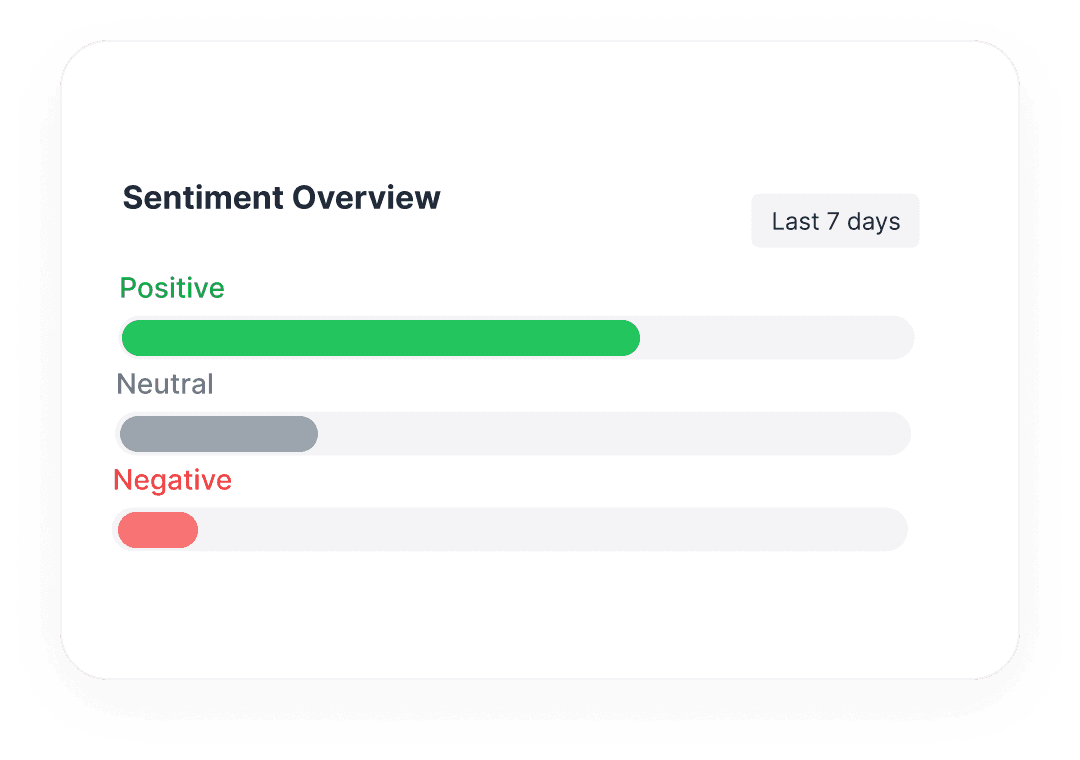
 Analyser le sentiment de marque
Ne vous contentez pas de compter les commentaires. Exportez le texte brut pour effectuer une analyse des sentiments et comprendre ce que votre audience ressent vraiment.
- Identifier les points de douleur courants
- Trouver les superfans et influenceurs

 Préparez les participations à votre jeu-concours Instagram
Examinez la liste des commentaires exportés et supprimez les participations en double conformément au règlement de votre jeu-concours avant de sélectionner un gagnant.
- Vérifiez les participations selon le règlement de votre jeu-concours
- Vérifiez manuellement que le gagnant suit votre compte
 Archiver vos données sociales
Les réseaux sociaux ne sont pas éternels. Sauvegardez en toute sécurité les interactions de votre communauté pour un stockage hors ligne, la conformité ou une référence future.
- Enregistrements Excel/CSV permanents
- Possédez vos données d'audience
Exporter les commentaires Instagram dans des formats structurés
Prend en charge les publications et Reels
Fonctionne sur tout type de contenu public Instagram.
Inclut les réponses
Récupère les commentaires imbriqués et les fils de discussion.
Export de données riches
Obtenez les noms d'utilisateur, horodatages, nombre de likes et plus.
Traitement rapide
Format JSON disponible pour les développeurs.
Questions, réponses
Tout ce que vous devez savoir pour commencer avec les workflows de commentaires Instagram de CommentGrid.
Quels liens Instagram puis-je utiliser ?
Utilisez l’URL directe d’une publication ou d’un Reel Instagram public pris en charge. L’URL d’un profil ne remplace pas le lien d’une publication. Les contenus privés, supprimés ou soumis à d’autres restrictions peuvent être indisponibles.
Puis-je consulter les commentaires Instagram avant de les télécharger ?
Oui. Envoyez l’URL d’une publication ou d’un Reel public pris en charge, attendez la fin du traitement et consultez les commentaires disponibles avant de les télécharger. Seuls les commentaires récupérés pour cette demande pourront être consultés.
Puis-je copier les commentaires Instagram sans télécharger de fichier ?
Oui. Une fois les résultats disponibles, copiez le texte des commentaires dont vous avez besoin. Pour organiser plusieurs commentaires dans un tableur, télécharger un CSV peut être plus pratique.
Quels formats de fichier puis-je télécharger ?
Téléchargez un CSV pour Excel ou Google Sheets, ou un fichier JSON pour des données structurées. Un CSV compatible avec Excel n’est pas un fichier XLSX natif ; ouvrez ou importez le CSV dans Excel pour y travailler.
Combien de commentaires puis-je exporter et à quel prix ?
Les packs de crédits payants permettent d’exporter jusqu’à 5 000 commentaires par exportation. Le nombre total de crédits d’un pack n’augmente pas cette limite par exportation. Les quotas gratuits et les frais dépendent de l’outil et de l’offre utilisés ; consultez les informations tarifaires applicables avant de commencer. Le nombre de commentaires effectivement récupérés peut être inférieur à la limite.
Pourquoi manque-t-il certains commentaires ou certaines réponses ?
Certains commentaires peuvent être supprimés, masqués ou indisponibles dans les conditions d’accès actuelles. Le nombre de réponses décrit un fil de discussion ; il ne prouve pas que le texte de chaque réponse a été exporté. Consultez les données récupérées pour vérifier quels commentaires et quelles réponses sont réellement inclus.
CommentGrid peut-il vérifier si le gagnant suit mon compte ?
Non. CommentGrid ne peut pas vérifier automatiquement si une personne suit un compte Instagram. Si votre jeu-concours exige un abonnement à votre compte, vérifiez manuellement celui du gagnant sélectionné avant d’annoncer le résultat.
Quelle est la différence entre l’extracteur de commentaires Instagram et l’outil de tirage au sort ?
Utilisez l’extracteur de commentaires pour consulter, copier et télécharger les données des commentaires. Pour examiner les participations à votre jeu-concours et sélectionner un gagnant au hasard, ouvrez l’[outil de tirage au sort Instagram](/fr/tool/instagram-giveaway-picker). Si les participants doivent suivre votre compte, vérifiez manuellement que le gagnant sélectionné le suit avant d’annoncer le résultat.
Plus d’outils

Visionneuse de profil Instagram
Recherchez une URL de profil Instagram public et consultez les détails publics du profil et les statistiques du compte. Gratuit, sans connexion, export CSV et JSON.

Exporter les commentaires Threads
Exportez les commentaires Threads depuis n'importe quelle publication publique, examinez et filtrez les réponses, puis téléchargez les résultats.

Exportateur de commentaires TikTok vers CSV
Exportateur gratuit de commentaires TikTok vers CSV. Exportez les commentaires de vidéos TikTok publiques en CSV ou JSON, examinez les lignes et téléchargez des données de commentaires propres.