Analyze Instagram Comment Sentiment
Analyze Instagram comment sentiment from pasted text, CSV rows, or Excel uploads. See a simple positive, neutral, and negative breakdown without connecting an account or analyzing a post URL.

Understand What Your Comments Are Really Saying.
Analyze sentiment, audience reactions, and hidden buyer signals directly from social comments.
How to Analyze Instagram Comment Sentiment
Use pasted comments or uploaded rows to understand audience mood in three steps.
Add Your Instagram Comments
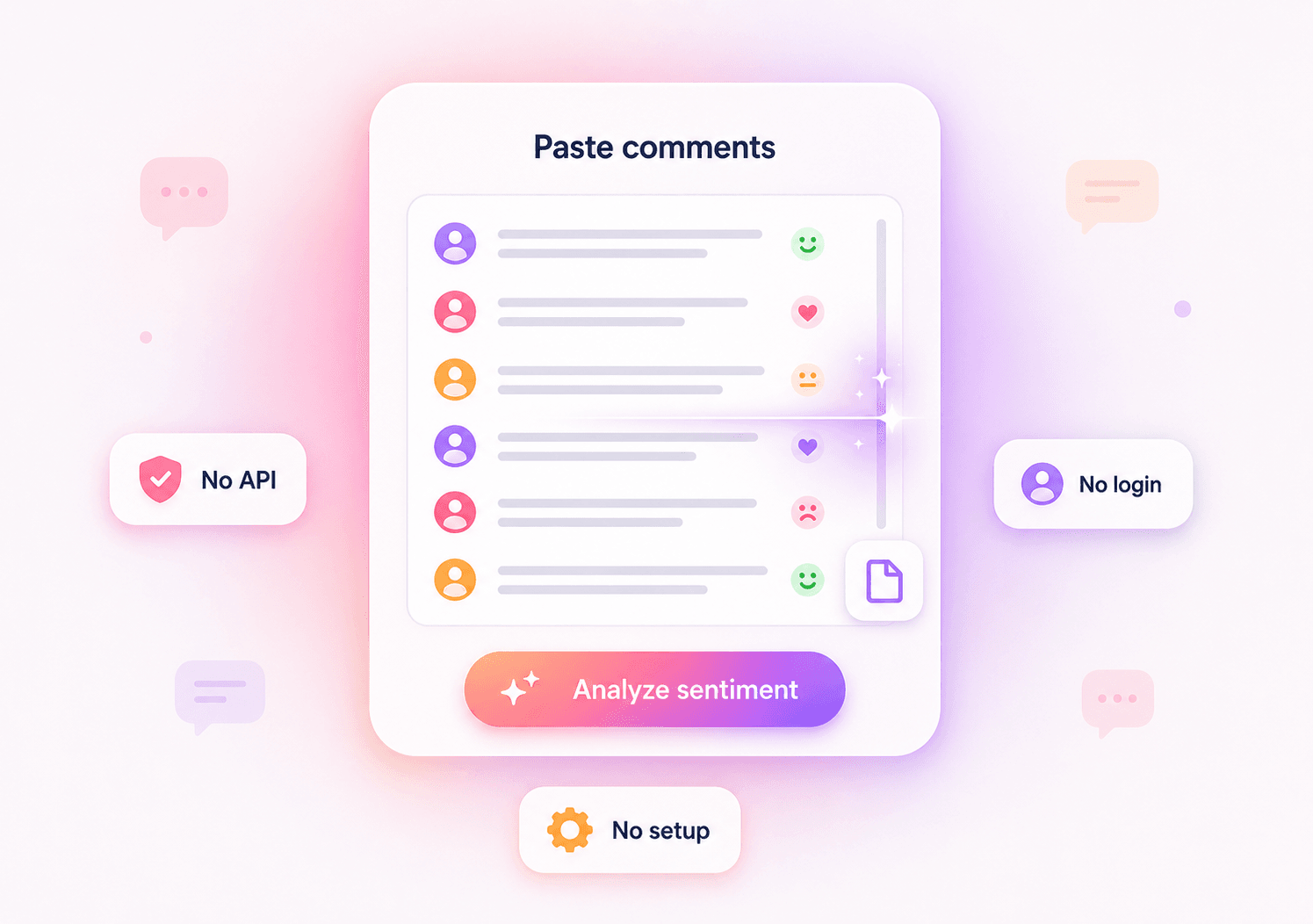
Paste one comment per line, paste CSV rows, or upload a CSV/Excel file that includes Instagram comment text.
Run the Sentiment Analysis
The tool reviews the supplied comment text and groups the overall sentiment into positive, neutral, and negative categories.
Review the Sentiment Summary
Use the sentiment percentages and short summary to spot audience mood, campaign reactions, product feedback, or posts that need closer review.
Why Use This Instagram Comment Sentiment Analyzer
A focused, lightweight tool for creators, marketers, and social media teams who already have comment text or exported rows.
You do not need a complex social listening workflow. Paste Instagram comments directly and get a simple sentiment summary.
- One comment per line
- No setup required
- Plain sentiment output

Analyze CSV or Excel rows from your own Instagram comment records, campaign exports, or manually prepared datasets.
- CSV upload
- Excel upload
- Batch comment review

The report stays focused on Instagram comment tone instead of mixing platforms, scraping workflows, or unrelated analytics.
- Instagram-focused
- Positive and negative rates
- No URL analysis

Fast Instagram Sentiment Analysis From Your Own Comments
Paste Comments Directly
Copy Instagram comments into the tool and analyze them without setting up an API, login flow, or social listening dashboard.
Upload CSV or Excel Files
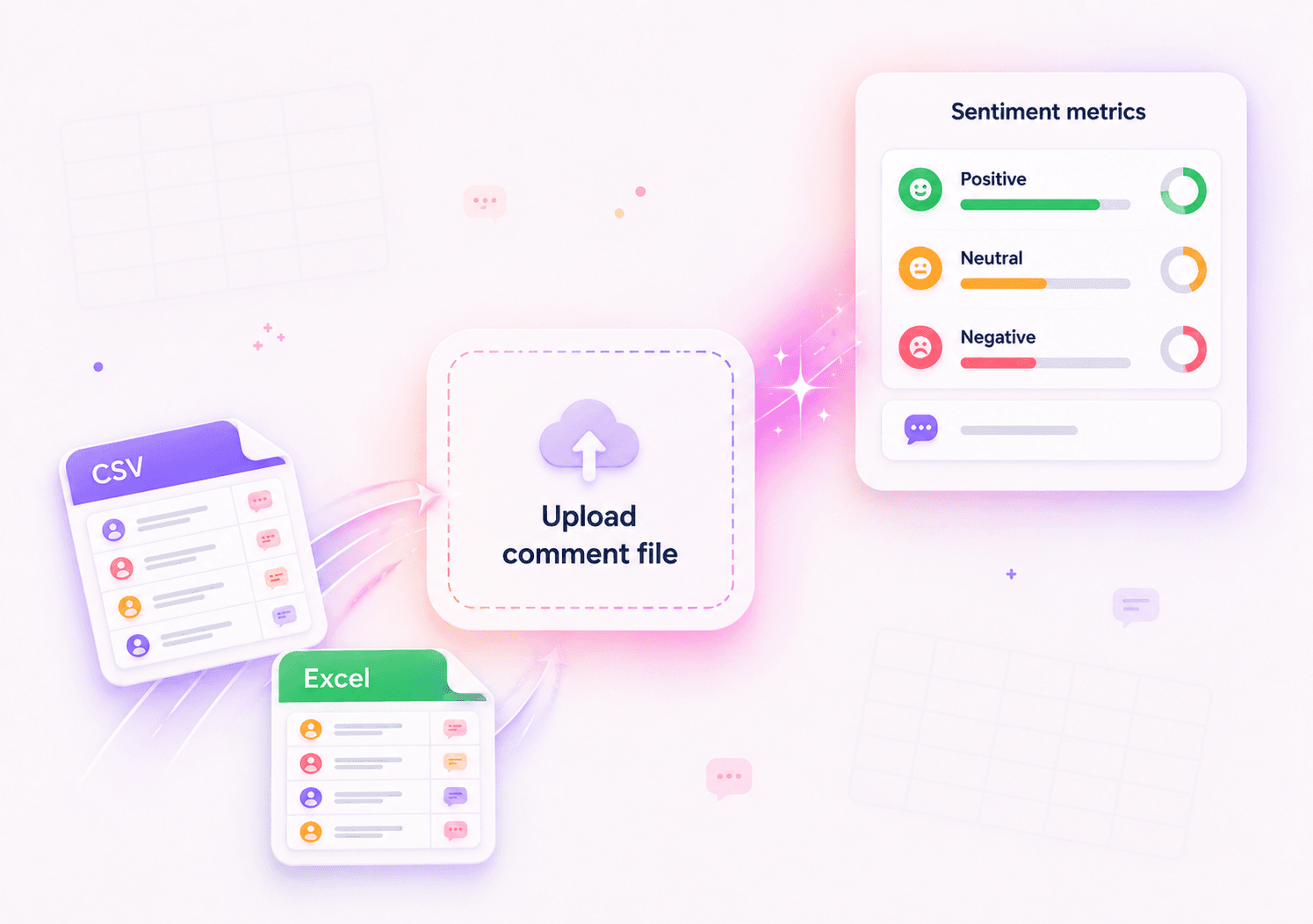
Work with comment rows you already have. Upload a CSV or Excel file and turn raw comments into clear sentiment metrics.
Simple Sentiment Metrics
Review total comments plus positive, neutral, and negative sentiment percentages in a clean summary.
No Account Access Required
The analyzer works from text or uploaded rows, so you do not need to connect an Instagram account or submit a post URL.
Instagram Comment Sentiment Analyzer FAQ
Answers to common questions about analyzing Instagram comment sentiment from pasted text, CSV rows, or Excel uploads.
How do I analyze Instagram comments with this tool?
Paste Instagram comments into the input box or upload a CSV/Excel file that contains comment text. Then run the analysis to get a short summary and positive, neutral, and negative sentiment percentages.
What sentiment metrics does the tool summarize?
The tool returns total comments, positive sentiment percentage, neutral sentiment percentage, negative sentiment percentage, and a concise written summary of the overall audience mood.
Can I analyze comments from a specific Instagram post?
Yes. First collect the comments from that Instagram post, then paste the comment text or upload a file containing those rows. This analyzer does not analyze a post URL directly.
Is this Instagram comment sentiment analyzer free?
Yes. You can use the tool to analyze Instagram comment sentiment without signing in or connecting an Instagram account.
Does the tool support CSV sentiment analysis?
Yes. You can upload or paste CSV-style comment rows. For best results, make sure one column clearly contains the Instagram comment text.
Can I upload Excel files?
Yes. The tool supports Excel uploads as long as the file includes a column with the comment text you want to analyze.
Does the tool work with languages other than English?
The tool is designed for general sentiment analysis and may recognize basic sentiment in multiple languages, but results can vary by language, slang, emoji use, sarcasm, and context.
How accurate is the sentiment analysis?
Sentiment analysis is an estimate based on the supplied text. It is useful for quick audience mood checks, but sarcasm, mixed opinions, short comments, emojis, and niche slang may affect the result.
Does the tool access my Instagram account?
No. This analyzer works from pasted comments or uploaded files. It does not require Instagram login, account connection, or direct post URL analysis.
More Tools
Instagram Audience Reaction Analyzer
Free AI tool for analyzing Instagram audience reactions from pasted comments, CSV rows, or Excel files.
Instagram Caption Generator
AI Instagram caption generator with tone, goal, and CTA control. Get exactly four copy-ready captions.
Instagram Comment Exporter
Download comments to Excel/CSV instantly. Essential for KOL campaign reporting and data backup.