11 min read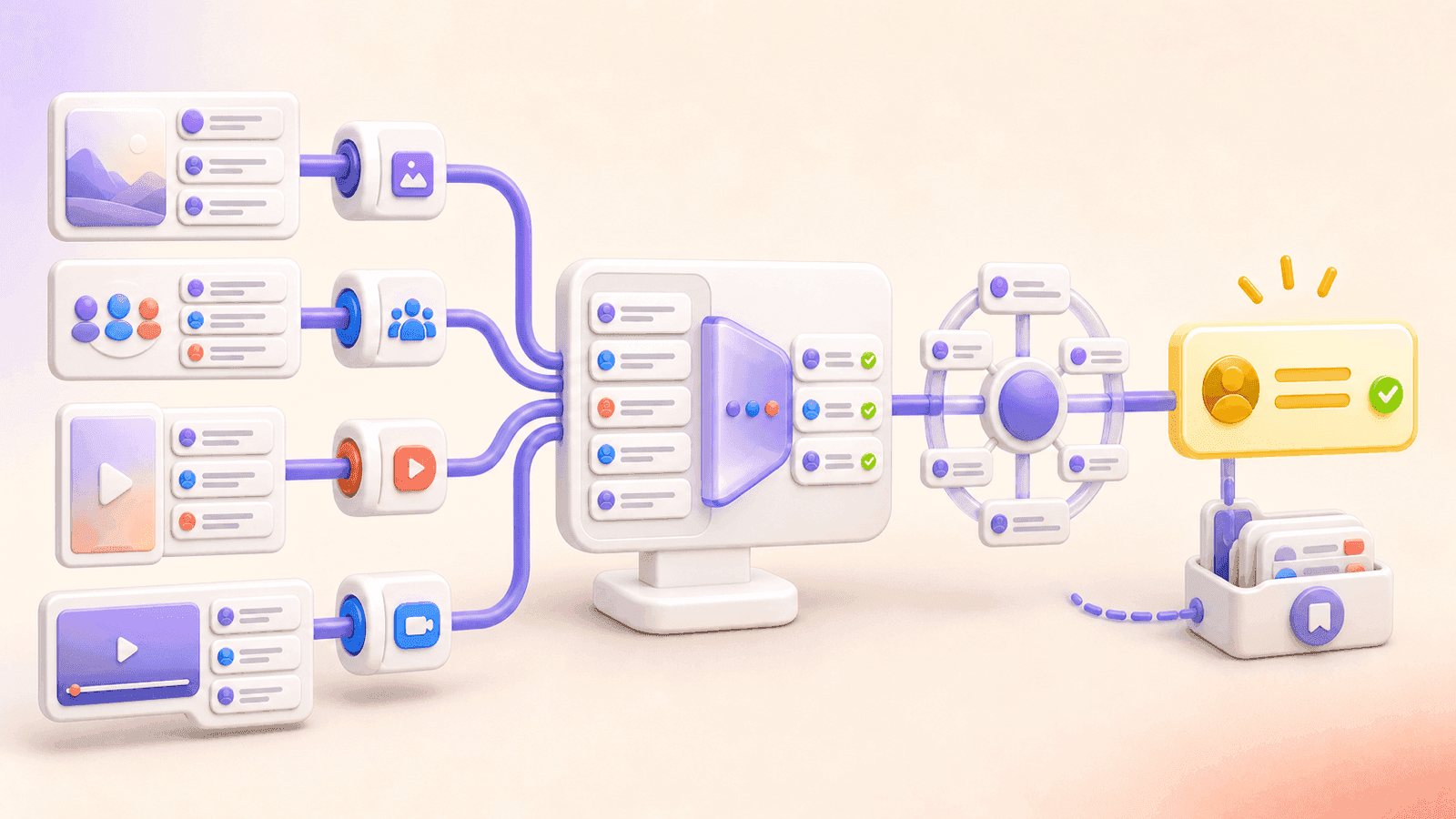
A random comment picker selects a giveaway winner from the comments under a social media post or video. The basic workflow is the same everywhere: paste a public URL, load the available comments, clean out duplicates or invalid entries, review the final pool, pick one or more winners, and save the result.
The important difference is the source. Instagram, Facebook, TikTok, and YouTube use different URL formats, comment fields, and access rules, so use the picker built for the platform where the giveaway was posted.
Quick comparison
| Platform | Giveaway source | CommentGrid picker | Best for |
|---|---|---|---|
| Public post or Reel | Instagram Giveaway Picker | Post and Reel comment giveaways | |
| Public Facebook post | Facebook Comment Picker | Page or public-post comment draws | |
| TikTok | Public video | TikTok Giveaway Picker | Short-video comment campaigns |
| YouTube | Public video with accessible comments | YouTube Giveaway Picker | Video giveaways and subscriber communities |
All four CommentGrid workflows let you review comments before the draw, handle duplicate entries, select random winners, and save CSV or JSON records. The tools work from public URLs and don't ask for your social media password.
One thing none of them can do: prove off-comment actions. A comment list alone can't reliably verify that someone followed an account, liked a post, subscribed to a channel, shared content, or completed an action on another platform.
Feature comparison by platform

| Feature | TikTok | YouTube | ||
|---|---|---|---|---|
| Supported source | Public post or Reel | Public post | Public video | Public video |
| Review comments before draw | Yes | Yes | Yes | Yes |
| Remove duplicate participants | Yes | Yes | Yes | Yes |
| Remove ineligible entries manually | Yes | Yes | Yes | Yes |
| Select one or multiple winners | Yes | Yes | Yes | Yes |
| Download CSV or JSON records | Yes | Yes | Yes | Yes |
| Common author field | Username | Visible profile name | Username | Channel handle or author name |
| Useful reference field | Comment URL when available | Comment and profile URLs when available | Comment ID and profile URL when available | Comment and channel URLs when available |
| Main access limit | Private/restricted posts and unavailable comments | Non-public or inaccessible posts | Private, restricted, deleted, or unavailable videos | Private/restricted videos or inaccessible comments |
Features and available comment counts can shift with platform behavior and processing conditions. For an important giveaway, inspect the retrieved list before you draw instead of relying on the comment count shown on the original post.
Which random comment picker should you use?
Choose the Instagram Giveaway Picker for posts and Reels
Use the Instagram Giveaway Picker when entries are comments under a public Instagram feed post or Reel.
The workflow can include comment text, available timestamps, public usernames and display names, visible like and reply counts, and a direct comment URL when supported. You can remove duplicate users when the rules allow one entry per person, select one or multiple winners, and save the list and result as CSV or JSON.
It's the best match for giveaways such as:
- Comment with an answer to enter
- Include a specified word or mention in the comment
- One entry per public username
- Random winner from eligible Reel comments
If your rules require a follow, like, or Story share, verify that condition separately after the random selection. For a complete process, read How to Pick a Winner From Instagram Comments.
Choose the Facebook Comment Picker for public posts
Use the Facebook Comment Picker for comments under a public Facebook post that the tool can access.
The available fields can include comment text, date, visible author name, likes, replies, a comment URL, and an author profile URL. The picker lets you review the entry pool, remove repeat or ineligible entries, select one or multiple winners, and download the source comments and winner records.
Facebook is the right choice when the original giveaway lives on a Facebook Page or another publicly accessible post. Don't use it to bypass access controls on private profiles or groups.
Read How to Pick a Random Winner From Facebook Comments for the platform-specific workflow.
Choose the TikTok Giveaway Picker for video comments
Use the TikTok Giveaway Picker when people entered by commenting on a public TikTok video.
TikTok exports can include the comment text, timestamp, likes, replies, public username, profile URL, and comment ID. The comment ID is handy for deduplication and later reference. After review, you can pick one or more winners and download CSV or JSON records.
The tool can't automatically prove that a participant followed the account, liked the video, or reposted it. Keep the entry rule visible in the comment whenever possible, then verify other requirements after selection.
For detailed cleanup and announcement steps, read How to Pick a Winner From TikTok Comments.
Choose the YouTube Giveaway Picker for video comments
Use the YouTube Giveaway Picker for a public YouTube video with accessible comments.
The available data can include comment text, published time, channel handle or author name, likes, reply count, a comment URL, and an author profile or channel URL. You can review comments, remove duplicates or invalid entries, select one or multiple winners, and save CSV or JSON records.
The picker can't confirm a subscription, membership, video like, or off-platform task from the comment data alone. Private or restricted videos, disabled comments, hidden comments, and deleted entries can also shrink the retrieved pool.
What makes a good random comment picker?
A useful picker does more than display a name. Evaluate the entire draw workflow.
1. It shows the entry pool before selection
You should be able to inspect the comments used in the draw. A winner pulled from a hidden population is harder to verify, especially when the giveaway rules include a required response.
2. It lets you apply your duplicate rule
"One entry per person" and "one entry per qualifying comment" are different policies. A good picker lets you remove duplicate participants without forcing that choice on every giveaway.
Use the policy stated before entries opened. Deduplicating after the deadline can unfairly change the odds if multiple comments were explicitly allowed.
3. It supports eligibility review
You need a way to remove comments that don't match the published rules. The tool shouldn't invent rules or automatically disqualify participants based on assumptions.
4. It can select backups or multiple winners
Backup winners prevent an improvised redraw if the first person is ineligible or never responds. State the number and order of backups in the giveaway terms.
5. It provides downloadable records
Save the original comments, cleaned entry list, primary winner, backups, and draw date. CSV works well for review in Excel or Google Sheets; JSON is useful for structured storage.
6. It states access limitations honestly
No third-party picker can guarantee every comment under every post. Deleted, hidden, moderated, private, restricted, or otherwise inaccessible comments may not appear. Platform behavior and processing limits can also affect the result.
How to run a random comment draw
The same seven-step process works across all four platforms.
1. Close entries at the published deadline
Record the closing date, time, and time zone. Don't start the draw while valid entries can still arrive.
2. Copy the public post or video URL
Use the original giveaway source, not a repost, preview, or profile URL. Confirm the link opens and shows the relevant comments.
3. Open the matching platform picker
Choose Instagram, Facebook, TikTok, or YouTube from the table above. Paste the URL and load the available comments.
4. Review the entry list
Check a sample against the original source. Remove late or invalid comments only when the published rules support the decision.
5. Apply the duplicate policy
Filter repeat users if each person was promised one chance. Keep multiple qualifying comments if each comment was promised as a separate entry.
6. Select the winner and backups
Run the random draw from the frozen eligible pool. Select the stated number of winners and ordered backups in the same session.
7. Verify, save, and announce
Check conditions that aren't visible in the comment data. Download the records before announcing the winner, then follow the response and replacement procedure in your rules.
How should you handle a giveaway on multiple platforms?
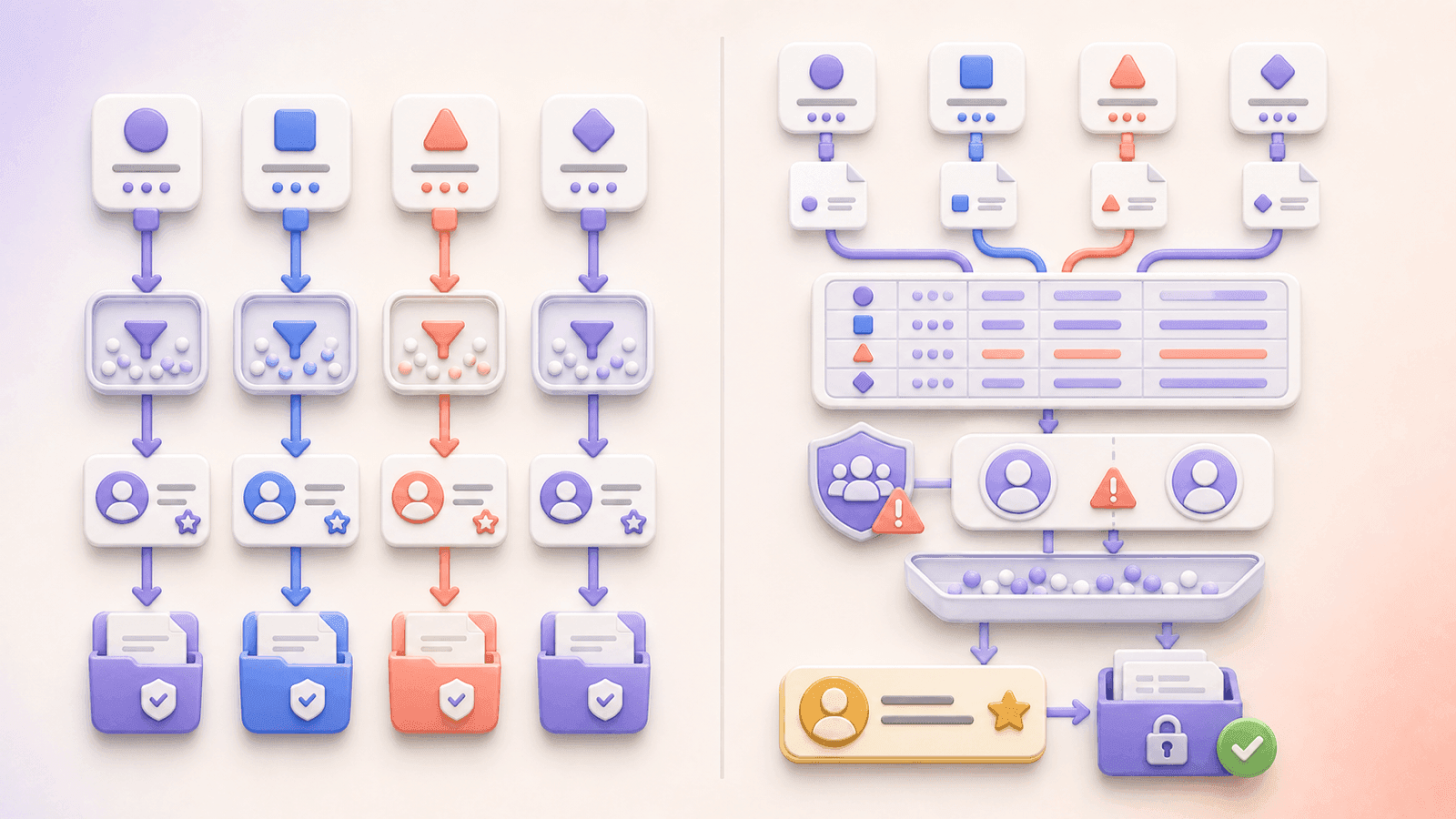
A multi-platform giveaway needs one extra decision: separate pools or one combined pool.
Option 1: Run a separate draw for each platform
Use this when the rules assign a prize or winner to each network, for example one Instagram winner, one Facebook winner, one TikTok winner, and one YouTube winner.
This is the simplest model because each picker uses the identifiers and comments native to that platform. Save four separate entry lists and draw records.
Option 2: Combine all platform entries into one draw
Use this only when the published rules promise one combined cross-platform pool.
- Export and clean each platform separately.
- Standardize the columns in a spreadsheet.
- Add a
PlatformandSource URLcolumn. - Combine the eligible rows.
- Apply the cross-platform duplicate policy in the rules.
- Draw from the final combined file and preserve the source exports.
Be careful with identities. @alex on Instagram and @alex on TikTok may be different people, and one person may use different names across platforms. A comment picker can't reliably match human identities across networks without another shared identifier or an entry form.
If entrants can comment on multiple platforms for extra chances, say so clearly. If each person gets only one total chance, explain how cross-platform duplicates will be identified before the campaign begins.
Common random-comment-picker mistakes
Using a picker for the wrong platform
A TikTok video URL won't work in a YouTube picker. Use the tool matched to the original comment source.
Treating the displayed comment count as the final pool
Platform totals can include replies or comments that are no longer accessible. The reviewed export, not the visible headline number, should define the actual draw pool.
Assuming duplicate removal is always fair
Deduplication is correct only when the giveaway rules limit each participant to one entry.
Verifying follows or likes from comment data
Comments don't prove every social action. Verify separate conditions after selection, or design the next giveaway around requirements visible in the entry comment.
Redrawing until a preferred account wins
A redraw needs a rule-based reason, such as ineligibility or a missed response deadline. Use the ordered backup list instead of repeating the random selection informally.
Saving only a screenshot
A winner screenshot doesn't show the population or the exclusions. Keep the source comments, final eligible list, winner result, and review notes.
Frequently asked questions
Is CommentGrid's random comment picker free?
CommentGrid provides free platform-specific web pickers for public Instagram, Facebook, TikTok, and YouTube URLs. The number of available comments can depend on the source, platform behavior, and processing limits.
Do I need to log into my social account?
The public URL workflows don't ask for your Instagram, Facebook, TikTok, or YouTube password. They can't bypass private or restricted content.
Can I choose multiple winners?
Yes. The four platform pickers support one or multiple winners. State the number of winners and backups before the draw.
Can I remove duplicate comments or users?
Yes. Review and filter duplicate entries when that matches your published rules. A repeated comment isn't automatically invalid.
Can the picker verify follows, likes, subscriptions, or shares?
No. These actions aren't reliably proven by a comment export. Verify them separately when required.
Can I download proof of the draw?
You can download the comment list, filtered entry pool, and winner records as CSV or JSON. Save the files together with the campaign rules and source URL.
Which picker is best for Reels?
Use the Instagram Giveaway Picker for comments under Instagram Reels. Use the TikTok picker for TikTok videos and the YouTube picker for YouTube Shorts or standard YouTube videos.
Can I combine Instagram, Facebook, TikTok, and YouTube comments?
Yes, but the four sources must first be exported and cleaned separately. Combine them only when your rules define one shared pool and explain how cross-platform duplicate participants are handled.
Choose your platform
- Pick a winner from Instagram comments
- Pick a winner from Facebook comments
- Pick a winner from TikTok comments
- Pick a winner from YouTube comments
Review the available comments, apply the rules consistently, save the final pool, and verify the selected winner before announcing the result.
CommentGrid is an independent tool and isn't affiliated with or endorsed by Instagram, Facebook, TikTok, or YouTube.
 M
MMarshall Sun
Building CommentGrid to decode social conversations. Exploring the signal within the noise of the global social web.