Export TikTok Comments to Excel & CSV
Instantly download all comments from any TikTok video. Analyze sentiment, pick winners, and backup your data.
Paste your TikTok video URL



Analyze Comments, Not Just Export Them.
Use the CommentGrid Extension to turn Instagram, TikTok, and Facebook comments into buyer signals, reply queues, and content ideas in minutes.
Add to Chrome Add to Chrome
How to export TikTok comments in 3 steps
No technical skills required

1. Copy Link
Open the TikTok video you want to analyze, tap the share button, and select "Copy Link".

2. Paste URL
Paste the video URL into the CommentGrid input box and click "Export" to start extraction.

3. Download
Wait a few seconds, then download your comments as a clean CSV or Excel file.
What data is included
| Field | Description |
|---|---|
| Comment text | The full text of each TikTok comment. |
| Comment time | The ISO timestamp returned by the comment extractor. |
| Likes count | The like count captured for the comment. |
| Replies count | The reply total associated with the comment. |
| Author username | The public TikTok unique ID for the commenter. |
| User profile URL | A link to the commenter profile when available. |
| Comment ID | The platform comment identifier used for dedupe and reference. |
Why use a TikTok Comment Exporter?
Turn raw comments into actionable insights.
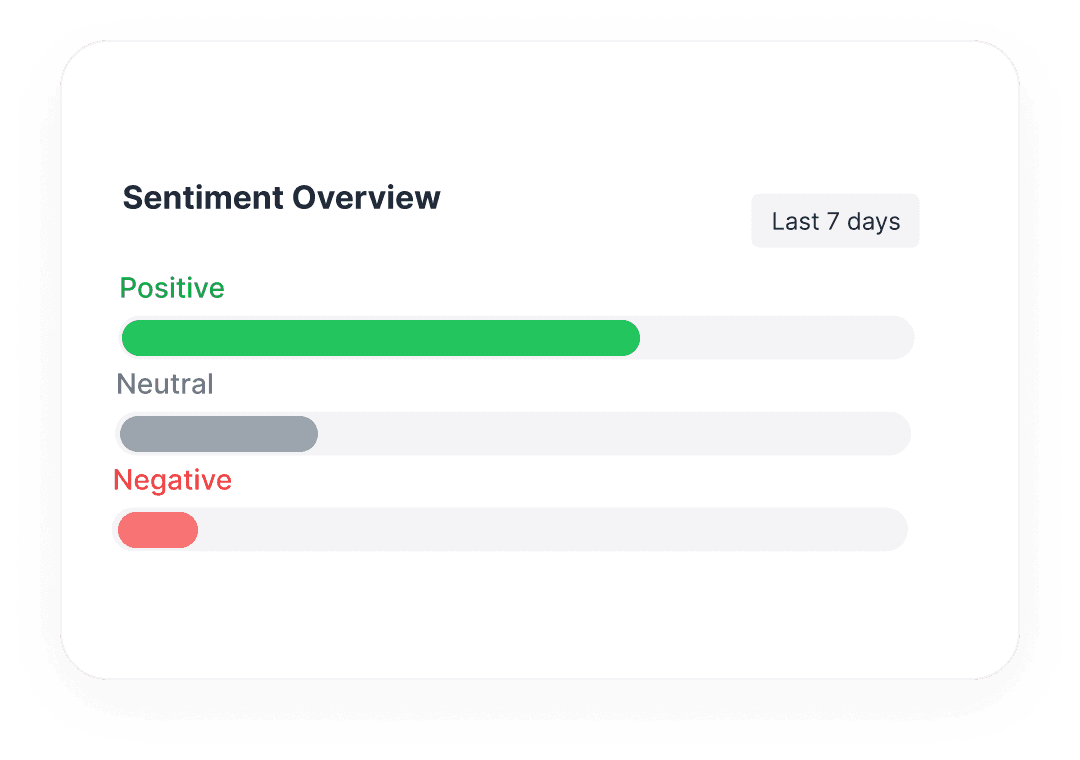
 Analyze Audience Sentiment
Go beyond likes. Export raw comment data to understand how your audience feels about your content.
- Identify trends and feedback
- Discover loyal fans and influencers

 Run Fair Giveaways
Filter duplicates and bots to create a clean list of participants for giveaways or campaigns.
- Remove duplicate entries
- Ensure fair winner selection

 Backup Your Content Data
Keep a permanent record of your TikTok engagement data for analysis, reporting, or compliance.
- Export to Excel/CSV
- Own your audience data
Features at a glance
Supports All TikTok Videos
Works on any public TikTok video URL.
Includes Replies
Fetches nested comments and conversation threads.
Rich Data Export
Get usernames, timestamps, like counts & more.
Fast Processing
JSON format available for developers and automation workflows.
Questions, answered
Everything you need to know about getting started with CommentGrid’s TikTok comment workflows.
Do I need engineering support to get started?
No. CommentGrid runs fully in the browser. Submit a TikTok video URL, monitor progress, and download results—no coding required.
Can I connect the extractor to my BI stack?
Yes. Use task IDs and webhook payloads to send fresh JSON data into Metabase, Looker Studio, Airtable, or your own systems automatically.
What makes CommentGrid different?
We focus on TikTok comment intelligence end-to-end: reliable extraction, actionable insights, and workflows designed for creators and growth teams.
How many extractions can I run each day?
Each workspace includes generous daily limits. When you're close to the limit, we notify you and suggest the next available window.
Can I export results to CSV or Google Sheets?
Yes. Download clean CSV files, copy directly into Google Sheets, or sync automatically via webhook integrations.
Do you store comments after extraction?
We store results for 30 days so you can re-download or review past tasks. You can delete your data anytime from the dashboard.
Can my team collaborate on the same data?
Yes. Invite teammates, assign tasks, and share workflows to keep everyone aligned.
What happens if TikTok rate limits requests?
CommentGrid detects platform limits early, queues retries automatically, and guides you toward safe usage patterns.
Do you support other platforms?
Instagram and Facebook workflows are also available. More platforms are continuously being added.
More Tools

Instagram Profile Viewer
View public Instagram profile details and account statistics, then download the returned record as CSV or JSON.

Threads Comment Export
Export Threads comments from any public post, review and filter the replies, and download the results.

TikTok Comment to CSV Exporter
Free TikTok Comment to CSV Exporter. Export public TikTok video comments to CSV or JSON, review rows, and download clean comment data.