Export Facebook Comments to Excel & CSV
Export Facebook comments to Excel or CSV for campaign reports, audience analysis, and record-keeping. Review comments in a clean table and use the optional random picker for giveaways.
Facebook Post URL



Analyze Comments, Not Just Export Them.
Use the CommentGrid Extension to turn Instagram, TikTok, and Facebook comments into buyer signals, reply queues, and content ideas in minutes.
Add to Chrome Add to Chrome
How to export Facebook comments to Excel or CSV
Turn Facebook post comments into a clean spreadsheet in three simple steps.

1. Copy the Facebook post URL
Open the Facebook post you want to work with and copy its link. The tool is designed for supported public Facebook post URLs.

2. Paste the URL and extract comments
Paste the Facebook post URL into the input field above and start the export. CommentGrid will prepare the comments in a structured table.

3. Review and download
Check the extracted entries, apply simple review steps, then download your Facebook comments as CSV or Excel. For giveaways, you can also pick a random winner from the reviewed list.
What data is included
| Field | Description |
|---|---|
| Comment text | The full text of each Facebook comment. |
| Comment date | The date or timestamp captured for the comment. |
| Author name | The visible profile name attached to the comment. |
| Likes count | The like count returned for the comment. |
| Replies count | The nested comment count when available. |
| Comment URL | A direct link to the Facebook comment. |
| Author profile URL | A link to the commenter profile when available. |
Why use this Facebook comment exporter?
Built for teams and creators who need clean comment exports first, with giveaway selection available when needed.
 Spreadsheet-Ready Exports
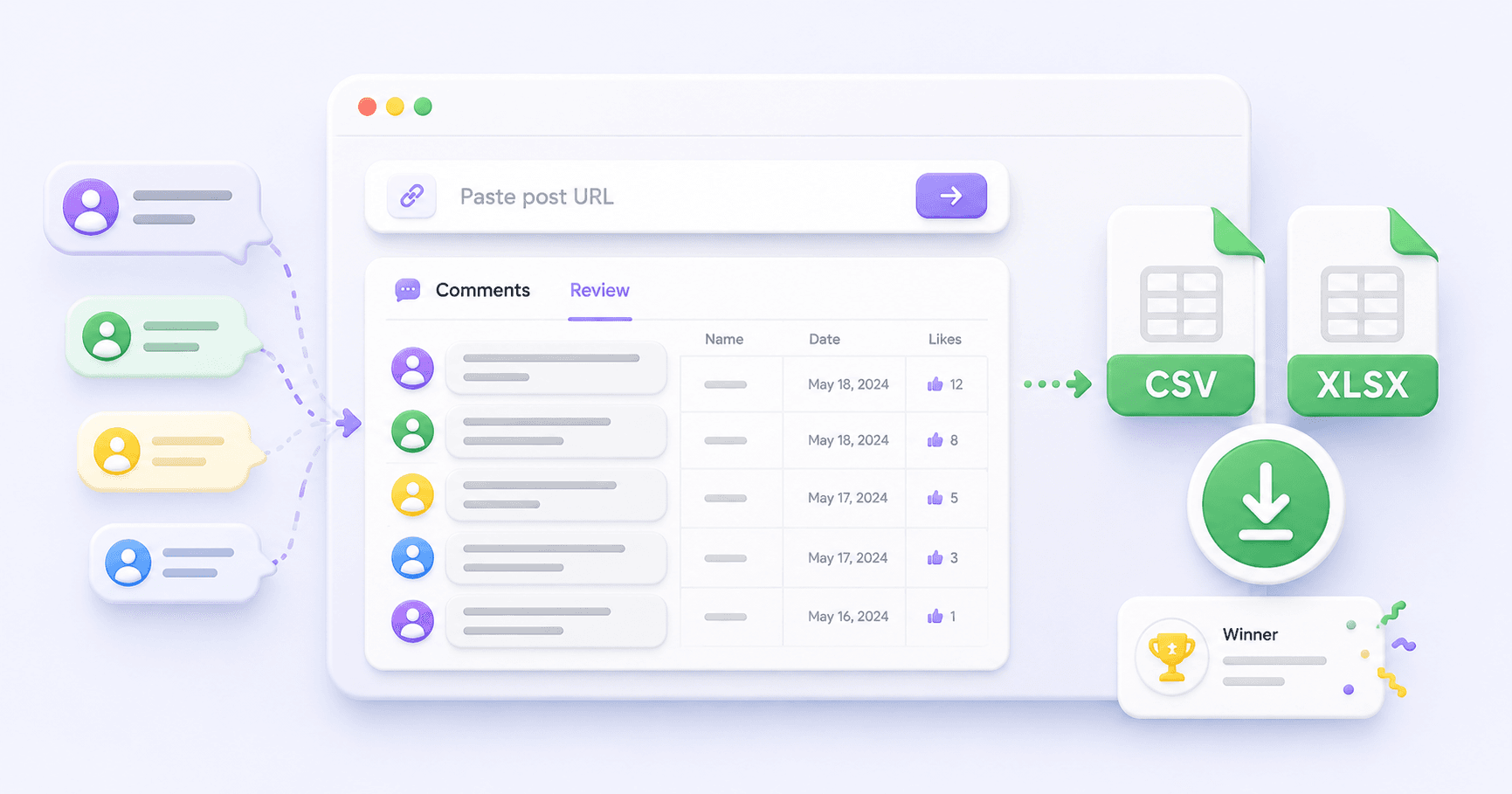
Move Facebook comments into CSV or Excel files you can use for campaign reports, engagement analysis, client updates, or internal records.
- CSV downloads
- Excel-ready files
- Cleaner reporting

 Review Before You Download
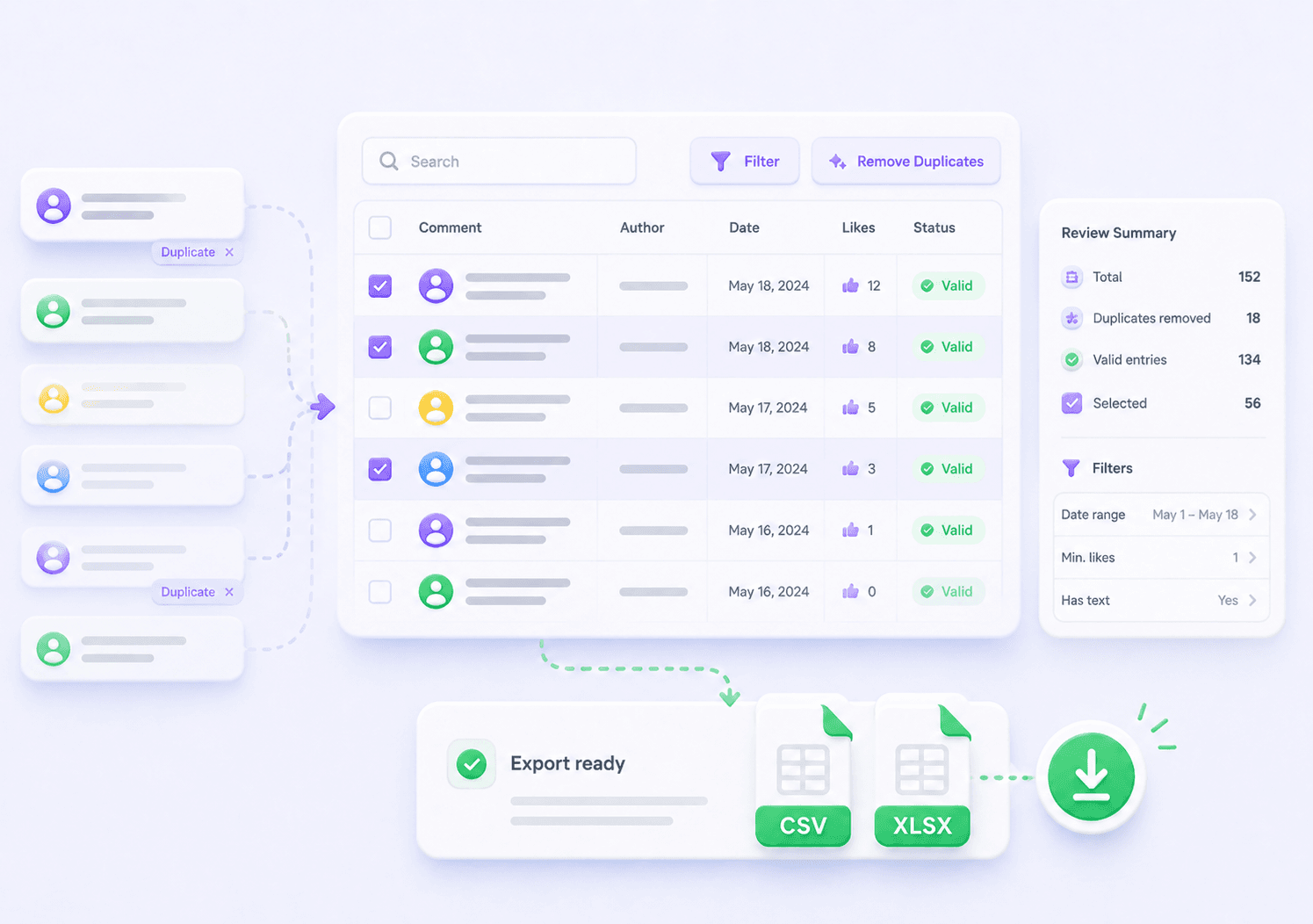
Instead of exporting a messy raw list, review comments in a table first so your spreadsheet is easier to understand, share, and reuse.
- Comment preview
- Entry review
- Cleaner records
 Export + Giveaway Workflow
Many tools stop at comment export. CommentGrid also gives you an optional random picker, so giveaway workflows can start from the same reviewed comment list.
- Export comments
- Review entries
- Pick winners

Features at a glance
Export to Excel & CSV
Download Facebook comments into spreadsheet-ready files for campaign reporting, engagement review, and offline records.
Structured Comment Table
Preview comment text, author details, timestamps, and available engagement fields before downloading your export.
Filter & Review Entries
Search, review, and clean up comment entries before exporting or using the list for a giveaway workflow.
Optional Giveaway Picker
When your export is for a giveaway, select a random winner from the reviewed comment list without switching tools.
Frequently Asked Questions
Common questions about exporting Facebook comments to Excel or CSV and using the optional giveaway picker.
How do I export Facebook comments to Excel?
Paste a supported Facebook post URL into the tool, extract the comments, review the table, and choose the Excel download option when the export is ready.
Can I export Facebook comments to CSV?
Yes. The tool is designed to help you download Facebook comments as a CSV file, so you can open the data in spreadsheet tools, databases, or reporting workflows.
What data is included in the Facebook comment export?
The export can include available comment fields such as comment text, author information, timestamps, and other supported engagement details, depending on what can be accessed from the post.
Can I use the exported comments for a Facebook giveaway?
Yes. After extracting and reviewing comments, you can use the built-in random picker to select a giveaway winner from the reviewed entries.
Can I filter and review Facebook comments before downloading?
Yes. You can review the extracted comment table before downloading the CSV or Excel file, which helps you remove irrelevant entries or prepare a cleaner campaign record.
Can I export comments from private or restricted Facebook posts?
Private, restricted, or unavailable posts may not be accessible. The tool works best with supported public Facebook post URLs.
More Tools

Instagram Profile Viewer
View public Instagram profile details and account statistics, then download the returned record as CSV or JSON.

Threads Comment Export
Export Threads comments from any public post, review and filter the replies, and download the results.

TikTok Comment to CSV Exporter
Free TikTok Comment to CSV Exporter. Export public TikTok video comments to CSV or JSON, review rows, and download clean comment data.