Free Instagram Profile Viewer
Look up a public Instagram profile to review its bio, follower and post counts, verification, business details, and website, then download the record as CSV or JSON.
Paste a public Instagram profile URL


Analyze Comments, Not Just Export Them.
Use the CommentGrid Extension to turn Instagram, TikTok, and Facebook comments into buyer signals, reply queues, and content ideas in minutes.
Add to Chrome Add to Chrome
How to view a public Instagram profile
Go from a public profile URL to a downloadable profile record in three steps.

Copy the public profile URL
Open the public Instagram profile you want to review and copy its URL, such as https://www.instagram.com/username/.

Paste the URL and run the viewer
Paste the link into the input field and start the lookup. CommentGrid loads the public profile fields that are available for that account.

Review or download the record
Review the returned profile details and account statistics, then download the same record as CSV or JSON if you want to keep a copy.
What data is included
| Field | Description |
|---|---|
| Profile identity | The returned profile picture, username, full name, biography, and profile URL. |
| Account statistics | Public follower, following, and post counts when available. |
| Verification and privacy | Whether the returned profile is verified or private. |
| Business details | Business account status and public category when returned. |
| Website | The external website linked from the public profile when available. |
Why use this Instagram profile viewer?
A focused public-profile lookup without story-viewer, follower-list, or private-account claims.
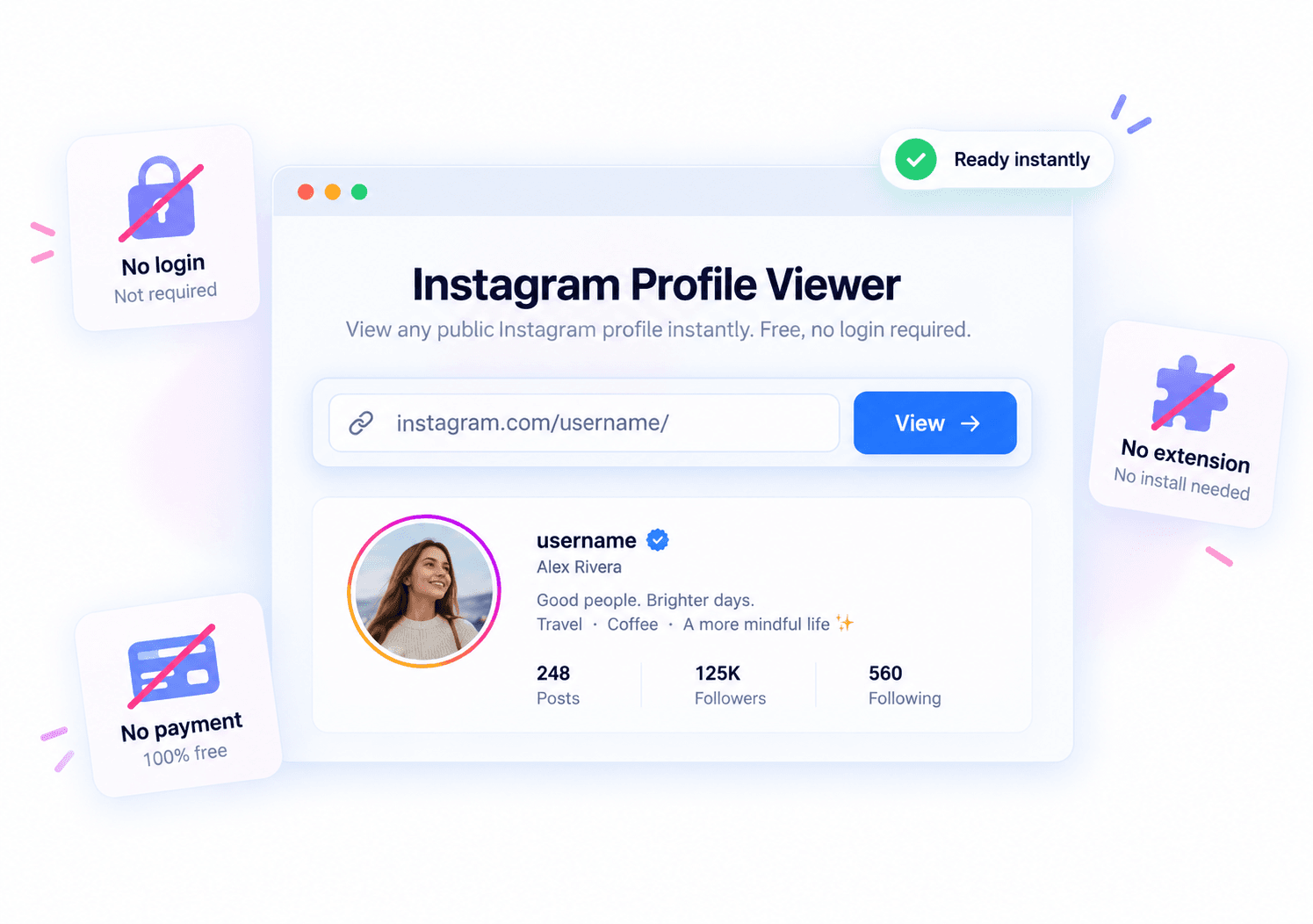
 Free and no Instagram login required
Start with a public Instagram profile URL without connecting an Instagram account or sharing an Instagram password.
- No Instagram login
- URL-based lookup
- Public profiles only

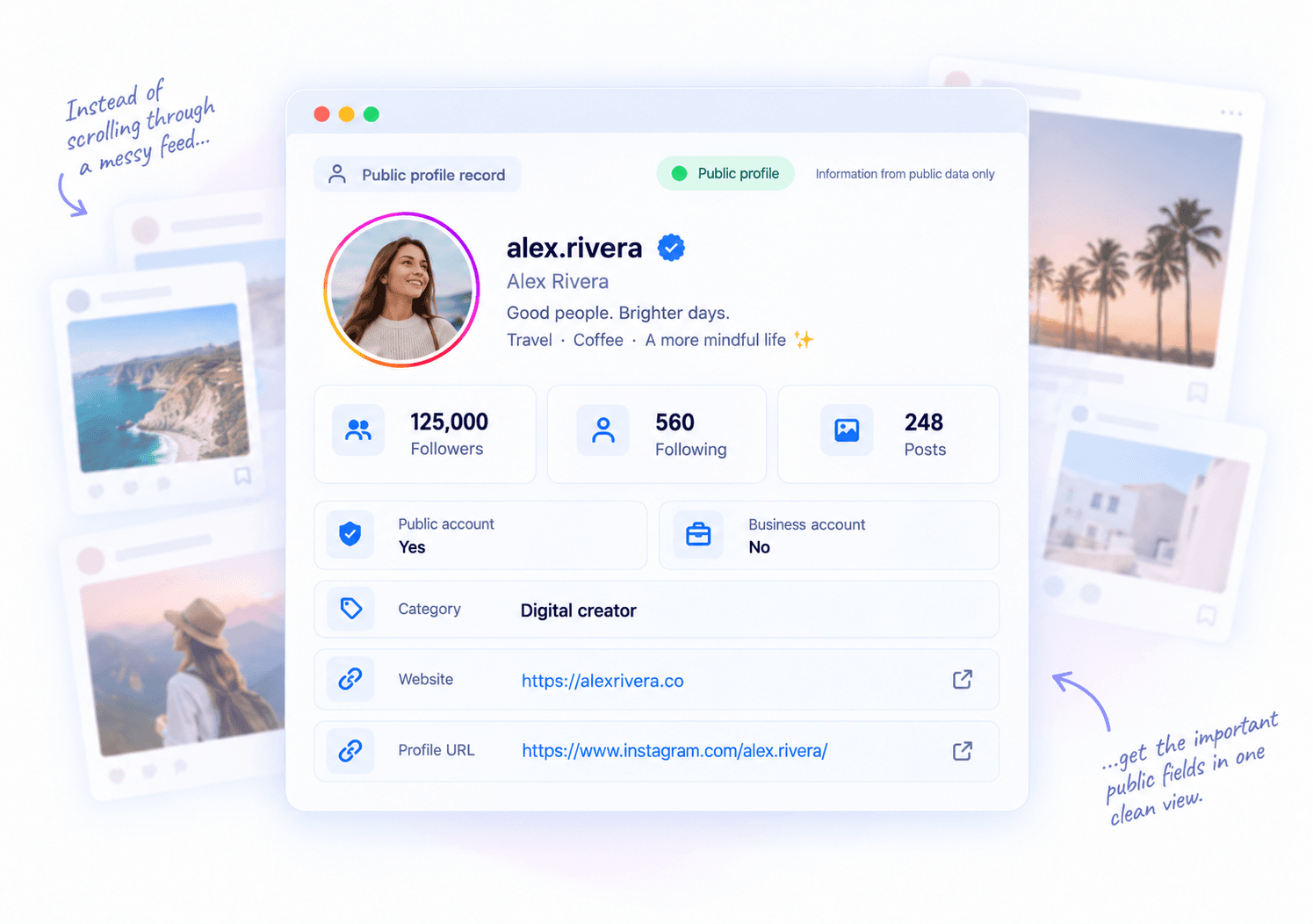
 Structured public profile fields
Review profile identity, account counts, verification, privacy, business status, category, website, and profile URL in one readable result.
- Profile identity
- Account statistics
- Business details
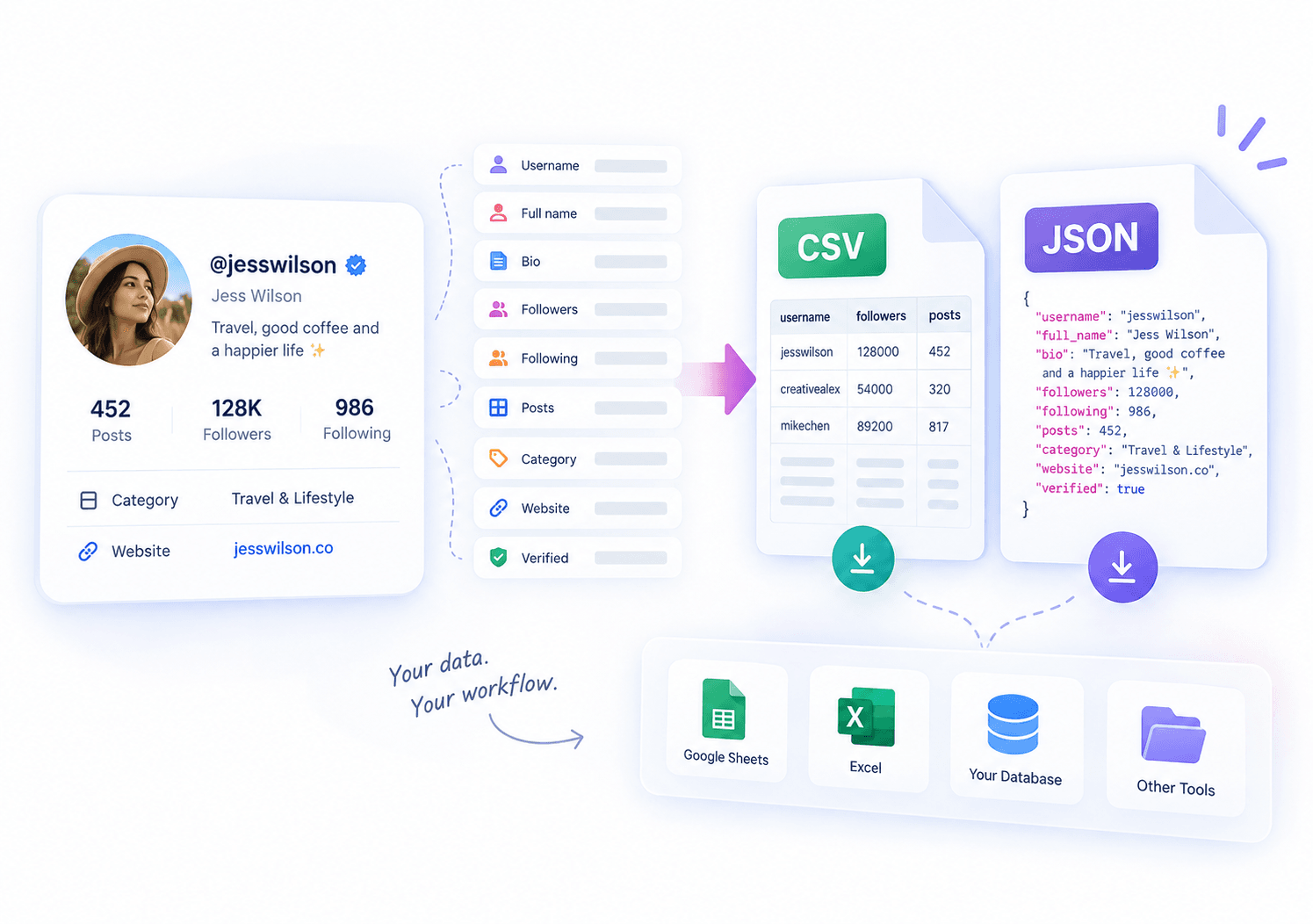
 Portable results
Download the returned public profile record for research, reporting, or internal review.
- CSV download
- JSON download
- Portable record
Public Instagram profile details at a glance
URL-based public profile lookup
Paste a public Instagram profile URL to retrieve the public record for that account. The tool does not search by name, email address, phone number, or partial username.
Public account statistics
Review the follower, following, and post counts returned for the profile in one focused view.
Profile and business context
See returned fields such as profile picture, username, full name, bio, verification, privacy status, business status, category, website, and profile URL.
CSV and JSON downloads
Download the returned public profile record as CSV or JSON for research, reporting, or your own workflow.
Instagram Profile Viewer FAQ
Common questions about public Instagram profile lookup, returned fields, and downloads.
What is an Instagram profile viewer?
An Instagram profile viewer loads the public details returned for a public Instagram profile URL and presents them in a readable format. CommentGrid can show fields such as profile picture, username, full name, bio, account counts, verification, privacy and business status, category, website, and profile URL when available.
Is CommentGrid a free Instagram profile viewer?
Yes. You can paste a public profile URL, review the public details returned by the web tool, and download the record as CSV or JSON.
How do I look up an Instagram profile?
Copy the complete URL of the public Instagram profile, paste it into the viewer, and start the lookup. The result appears when the available public profile fields have been loaded.
Which public profile details can it show?
Returned fields can include profile picture, username, full name, bio, follower count, following count, post count, verification, privacy status, business status, category, website, and profile URL. A field may be absent when it is not returned for that account.
Can I download the returned profile record?
Yes. You can download the returned public profile record as CSV or JSON from the web tool.
Do I need to log in to Instagram?
No Instagram login is required to start a lookup. You provide the URL of a public Instagram profile rather than connecting an Instagram account.
Can it search by name, email, phone number, or partial username?
No. This is a URL-based profile lookup, not a people-search service. You need the complete public Instagram profile URL, and the tool does not return contact information.
Can it access private, hidden, deleted, or unavailable profile data?
No. The tool does not unlock private content or recover hidden, deleted, unavailable, or rate-limited profile data. It only presents public profile fields that are returned for the supplied URL.
Is CommentGrid affiliated with Instagram or Meta?
No. CommentGrid is an independent tool and is not affiliated with, endorsed by, or sponsored by Instagram or Meta.
More Tools

Threads Comment Export
Export Threads comments from any public post, review and filter the replies, and download the results.

TikTok Comment to CSV Exporter
Free TikTok Comment to CSV Exporter. Export public TikTok video comments to CSV or JSON, review rows, and download clean comment data.

Instagram Comment Exporter
Download comments to Excel/CSV instantly. Essential for KOL campaign reporting and data backup.