Facebook Comment Picker for Fair Giveaway Winners
Use this free Facebook comment picker and Facebook giveaway picker to collect comments from a public post, review eligible entries, remove duplicates, and pick random winners. Download CSV or JSON records for a transparent draw—no login required.
Paste Your Facebook Post URL



Analyze Comments, Not Just Export Them.
Use the CommentGrid Extension to turn Instagram, TikTok, and Facebook comments into buyer signals, reply queues, and content ideas in minutes.
Add to Chrome Add to Chrome
How to Pick a Winner from Facebook Comments
Export comments, clean entries, and run a transparent draw in 3 steps.

Paste a Public Facebook Post URL
Copy the link to your Facebook giveaway post and paste it into the input box. The tool works with public posts that can be accessed for comment collection.

Export and Review the Comment List
Collect available comments, export the list if needed, filter duplicate entries, and review the eligible participants before choosing winners.

Pick Winners and Download Records
Run the random selection, then download the comment list, filtered entry pool, and winner results as CSV or JSON files for giveaway records.
What data is included
| Field | Description |
|---|---|
| Comment text | The full text of each Facebook comment. |
| Comment date | The date or timestamp captured for the comment. |
| Author name | The visible profile name attached to the comment. |
| Likes count | The like count returned for the comment. |
| Replies count | The nested comment count when available. |
| Comment URL | A direct link to the Facebook comment. |
| Author profile URL | A link to the commenter profile when available. |
Why Use This Facebook Comment Picker?
Designed for fair, reviewable, and exportable Facebook giveaways.
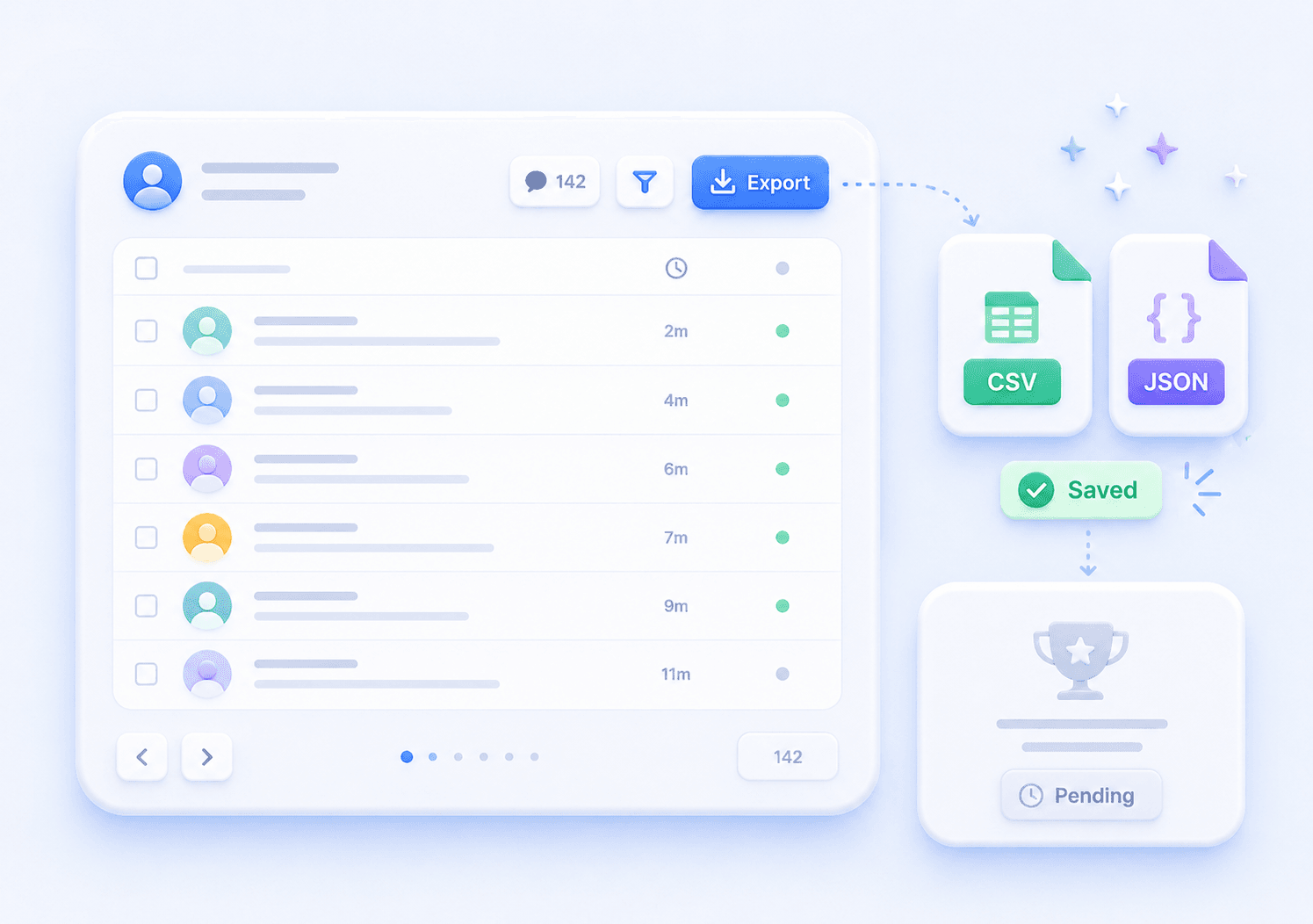
 Export Before You Pick
Many giveaway tools focus only on the final winner. CommentGrid helps you export and review the comment list first, so the draw is easier to verify later.
- Export comments
- Review entries
- Save source data

 Clean Up Duplicate Entries
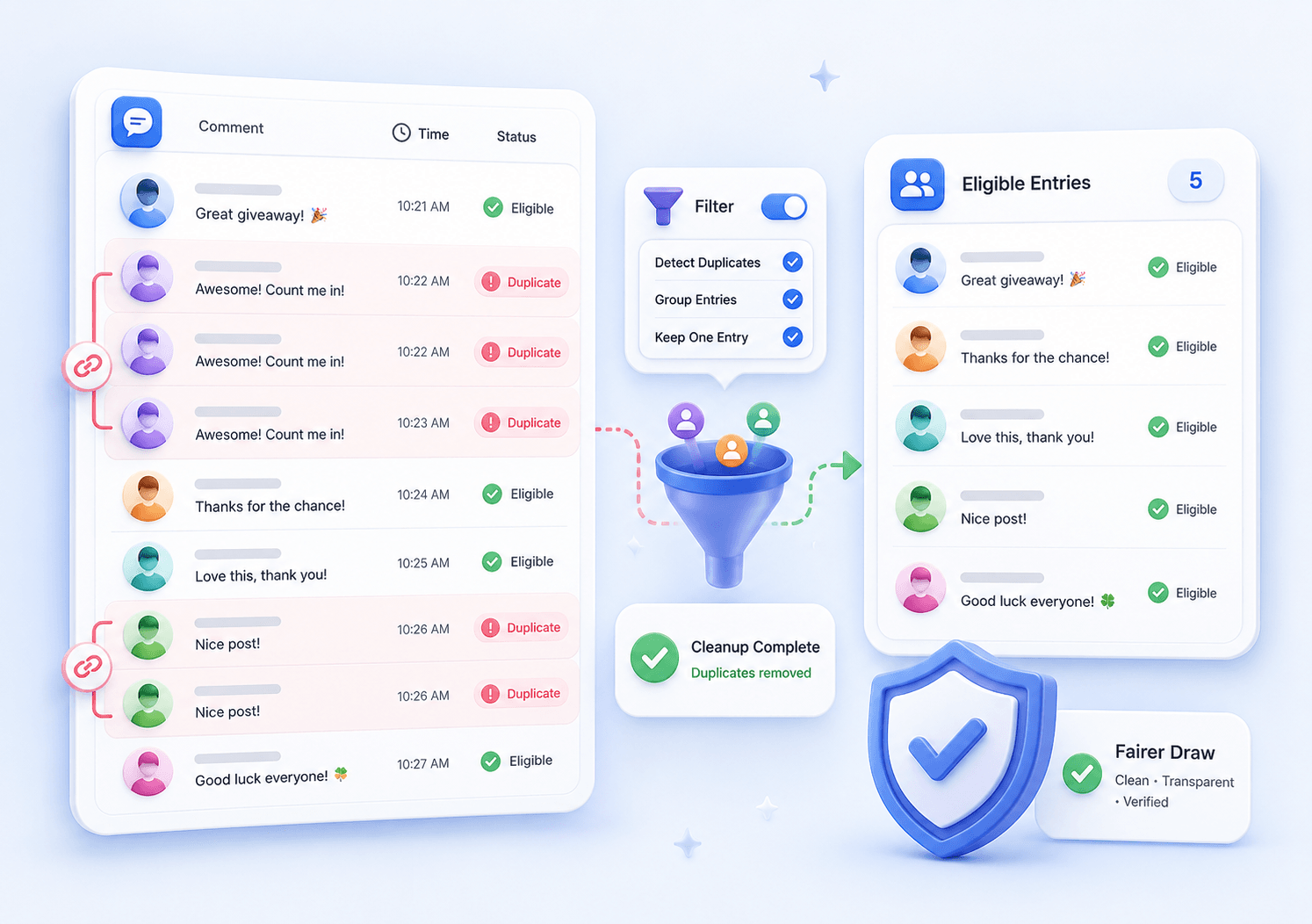
Filter repeat participants before the draw to create a cleaner giveaway pool. You can review the filtered list instead of relying on a black-box selection.
- Find duplicates
- Review eligibility
- Clean entry pool
 Keep Downloadable Giveaway Records
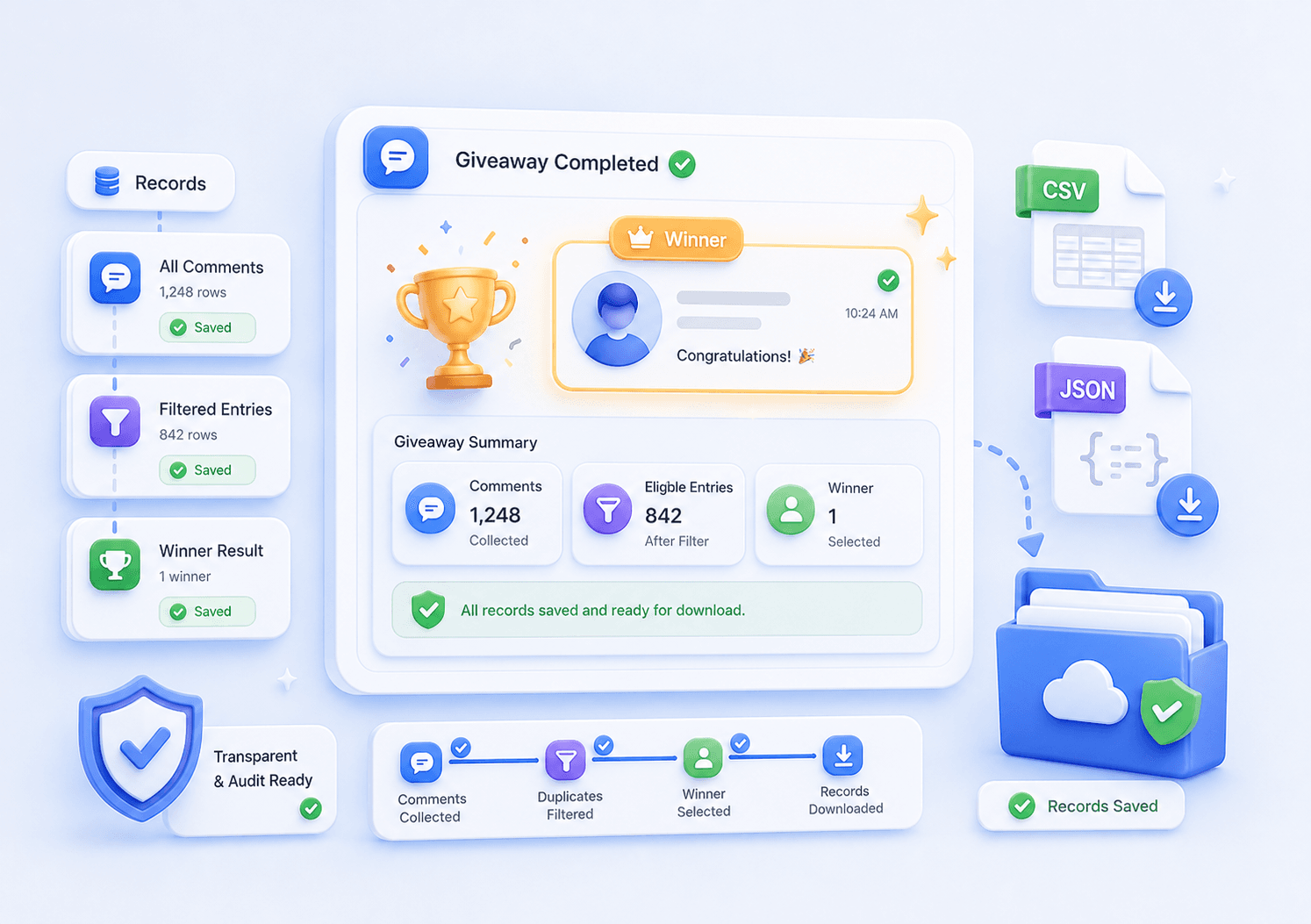
Download CSV or JSON records that include the comment export, filtered entries, and winner results. This makes the selection process easier to share, audit, or revisit.
- CSV records
- JSON backup
- Winner results
A Facebook Giveaway Picker with Export and Review Built In
Export Facebook Comments
Download available Facebook post comments as CSV or JSON so you can review entries before and after the winner selection.
Filter Duplicate Entries
Identify repeat entries from the same participant and clean the giveaway pool before running the random draw.
Pick Random Winners
Select one or multiple random winners from the reviewed entry list, with winner results saved alongside your export records.
No Login Required
Use the picker from your browser by pasting a public Facebook post URL. No account setup, extension install, or complicated workflow.
Facebook Comment Picker FAQs
Clear answers about picking random winners, exporting Facebook comments, filtering duplicates, and keeping giveaway records.
What is a Facebook Comment Picker?
A Facebook Comment Picker is a tool that helps you select random giveaway winners from comments on a Facebook post. CommentGrid also lets you export comments, filter duplicate entries, review the eligible list, and download records of the draw.
How do I pick a random winner from Facebook comments?
Paste a public Facebook post URL, collect the available comments, filter duplicate or ineligible entries, review the participant list, and click the winner selection button. You can then export the winner result with the comment records.
Can I export Facebook comments with this tool?
Yes. You can export Facebook comments as CSV or JSON files, including the source comment list and the giveaway records you need for review.
Is this Facebook Comment Picker free?
Yes. The Facebook Comment Picker is free to use for the basic workflow: paste a public post URL, review comments, filter entries, pick winners, and download records.
Do I need to log in to use the Facebook Comment Picker?
No login is required for the tool workflow. Paste a public Facebook post URL and use the picker directly in your browser.
How does duplicate filtering work for Facebook giveaways?
The duplicate filter helps identify repeat entries from the same participant so you can review them before the draw. This gives you more control over whether each person should count once or multiple times.
Can I pick more than one Facebook giveaway winner?
Yes. After reviewing the eligible comment list, you can select one or multiple random winners and include the results in your downloadable records.
Can I download Facebook giveaway results as a spreadsheet?
Yes. You can download the comment list, filtered entries, and winner results as a CSV file that can be opened in Excel, Google Sheets, Numbers, or other spreadsheet tools.
Does the tool work with private Facebook posts or groups?
The tool is designed for public Facebook post URLs. It cannot access comments from private groups, closed events, friends-only posts, or content that is not publicly available.
Is this a Facebook giveaway picker as well as a Facebook comment picker?
Yes. It is designed for comment-based Facebook giveaways: collect available comments from a public post, review eligible entries, remove duplicates, choose random winners, and save the draw records.
Can I use a Facebook comment picker without logging in?
Yes. For supported public Facebook posts, paste the post URL to collect and review available comments. No CommentGrid account or browser extension is required for the picker workflow.
More Tools

Instagram Profile Viewer
View public Instagram profile details and account statistics, then download the returned record as CSV or JSON.

Threads Comment Export
Export Threads comments from any public post, review and filter the replies, and download the results.

TikTok Comment to CSV Exporter
Free TikTok Comment to CSV Exporter. Export public TikTok video comments to CSV or JSON, review rows, and download clean comment data.