Threads Comment Exporter
Export comments from any public Threads post, review and clean the returned replies, and download the results for further use.
Public Threads post URL



Analyze Comments, Not Just Export Them.
Use the CommentGrid Extension to turn Instagram, TikTok, and Facebook comments into buyer signals, reply queues, and content ideas in minutes.
Add to Chrome Add to Chrome
How to export Threads comments
Export comments from a public Threads post in three simple steps.

Paste a public Threads post URL
Copy the link to the public Threads post whose comments you want to export, paste it into the input field, and start the export.

Review and clean the comments
Check the returned replies, search and filter the rows you need, and remove duplicate or repeated comment text.

Download the exported comments
Download the cleaned Threads comments and keep them for reporting, research, analysis, archiving, or your own workflow.
What data is included
| Field | Description |
|---|---|
| Reply text | The full text of each returned Threads reply. |
| Published time | The publication time returned for the reply. |
| Likes count | The visible like count associated with the reply. |
| Replies count | The nested reply count reported for the reply. |
| Author username | The public Threads username attached to the reply. |
| Verified status | Whether the reply author is marked as verified. |
| Reply URL | A direct link to the Threads reply when available. |
| Author profile URL | A link to the reply author’s Threads profile. |
Why use a Threads comment export tool
Move Threads comments out of the post interface and turn them into structured data you can review, organize, and reuse.
 Export comments without manual copying
Long Threads conversations are difficult to review one reply at a time. Export the available comments from a public post and work with them in one structured view.
- Export comments
- Collect replies
- Save time


 Keep your comment export clean
Duplicate replies and repeated text can make exported comment data noisy. Use built-in cleanup controls to review and refine the results before downloading them.
- Remove duplicates
- Filter replies
- Clean comment data

 Use Threads comments outside the platform
Once exported, Threads comments are easier to archive, organize, review, analyze, or move into the tools and workflows you already use.
- Archive comments
- Review offline
- Reuse your data
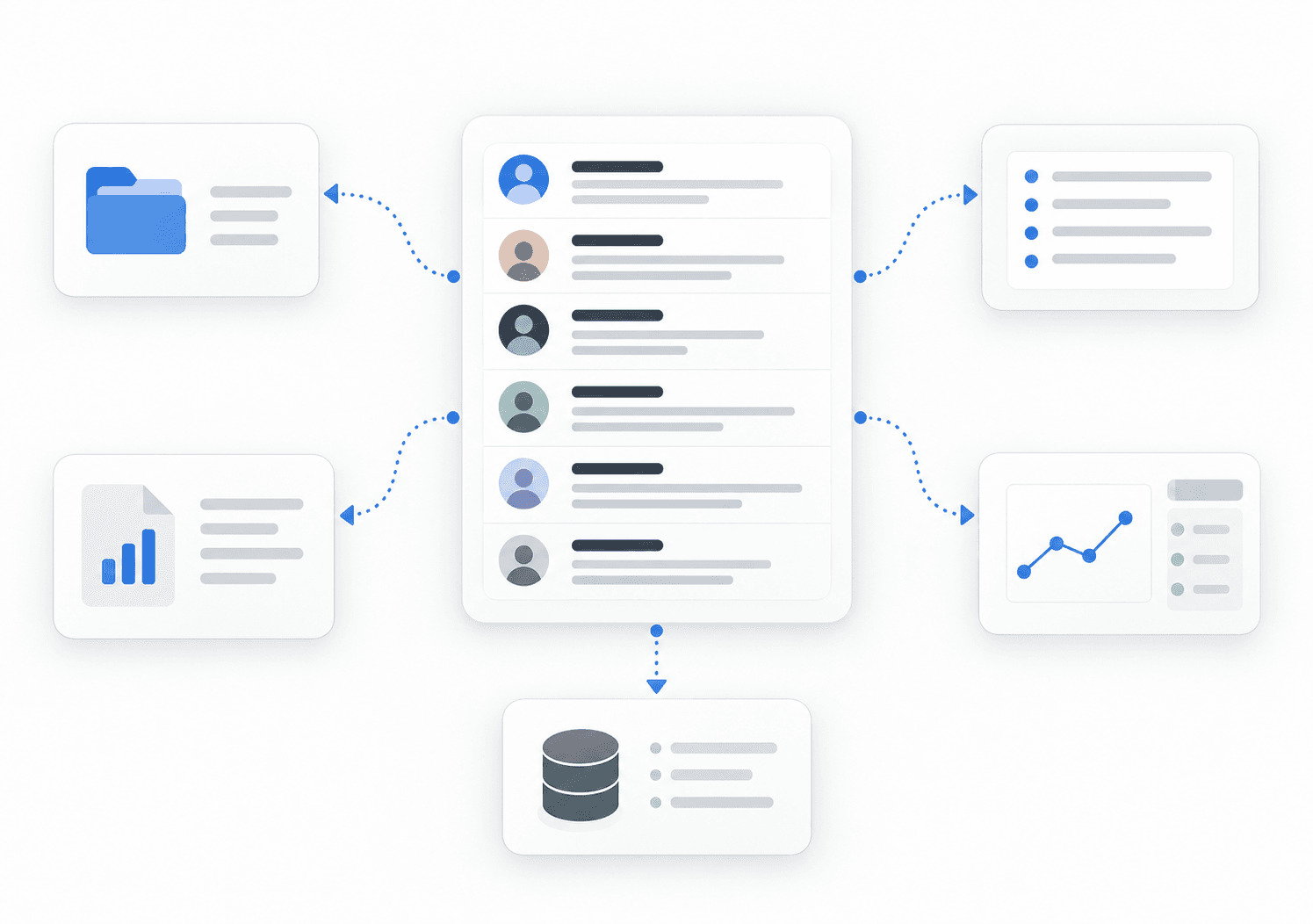
Everything you need to export Threads comments
Export comments from a public Threads post
Paste the URL of a public Threads post to collect the available comments and replies in one place instead of scrolling through the conversation manually.
Review exported Threads comments
Browse the returned comments in a structured table so you can quickly review individual replies and find the entries you need.
Filter and clean comment data
Search the returned replies, remove duplicate comments, and hide repeated reply text to keep your Threads comment export clean and easier to work with.
Download your Threads comments
Save the reviewed comment data outside Threads so you can archive it, organize replies, analyze conversations, or use the results in your own workflow.
Threads comment export FAQ
Common questions about exporting comments and replies from public Threads posts.
How do I export comments from a public Threads post?
Copy the URL of the public Threads post, paste it into the input field on this page, and start the export. The tool returns the available comments and replies so you can review, filter, clean, and download them.
Can I export comments from any public Threads post?
The tool is designed to work with public Threads post URLs. Paste the post link into the tool and it will return the comments and replies that are available for that post at the time of the export.
Can I export Threads replies as well as comments?
Yes. Threads conversations are largely organized around replies, so the export includes the available reply rows returned from the public post.
Can I filter Threads comments before downloading them?
Yes. You can review the returned replies, search the comment data, remove duplicate entries, and hide repeated reply text before downloading the export.
Does this export private, deleted, hidden, nested, or rate-limited replies?
No. The tool works with reply rows returned from a public Threads post URL. Replies that are private, deleted, hidden, nested, or otherwise unavailable at the time of export are not guaranteed to appear.
Is this Threads comment exporter affiliated with Threads, Instagram, or Meta?
No. This is an independent tool and is not affiliated with, endorsed by, or sponsored by Threads, Instagram, or Meta. Threads is a third-party platform, and its interface and data availability can change.
What can I do with exported Threads comments?
You can keep the comments as a record, review conversations outside Threads, organize replies, analyze audience feedback, or use the exported data in your own workflow.
Do I need to install anything to export Threads comments?
No. This Threads comment export tool runs directly in your browser. Paste a public Threads post URL, review the returned comments, and download the results.
What is the CommentGrid extension for?
The optional CommentGrid browser extension supports comment export workflows for Instagram, TikTok, and Facebook. It is separate from this Threads comment export tool and is not required to use it.
More Tools

TikTok Comment to CSV Exporter
Free TikTok Comment to CSV Exporter. Export public TikTok video comments to CSV or JSON, review rows, and download clean comment data.

Instagram Comment Exporter
Download comments to Excel/CSV instantly. Essential for KOL campaign reporting and data backup.

Facebook Comment Picker
Free Facebook Comment Picker for giveaways. Export comments, filter duplicates, pick random winners, and download CSV/JSON records.