Export Instagram Comments to CSV & JSON
Export comments from public Instagram posts and Reels to CSV or JSON, then review entries or pick a random giveaway winner. Free web tool, no Instagram login or extension required.
Paste Your Instagram Post or Reel URL


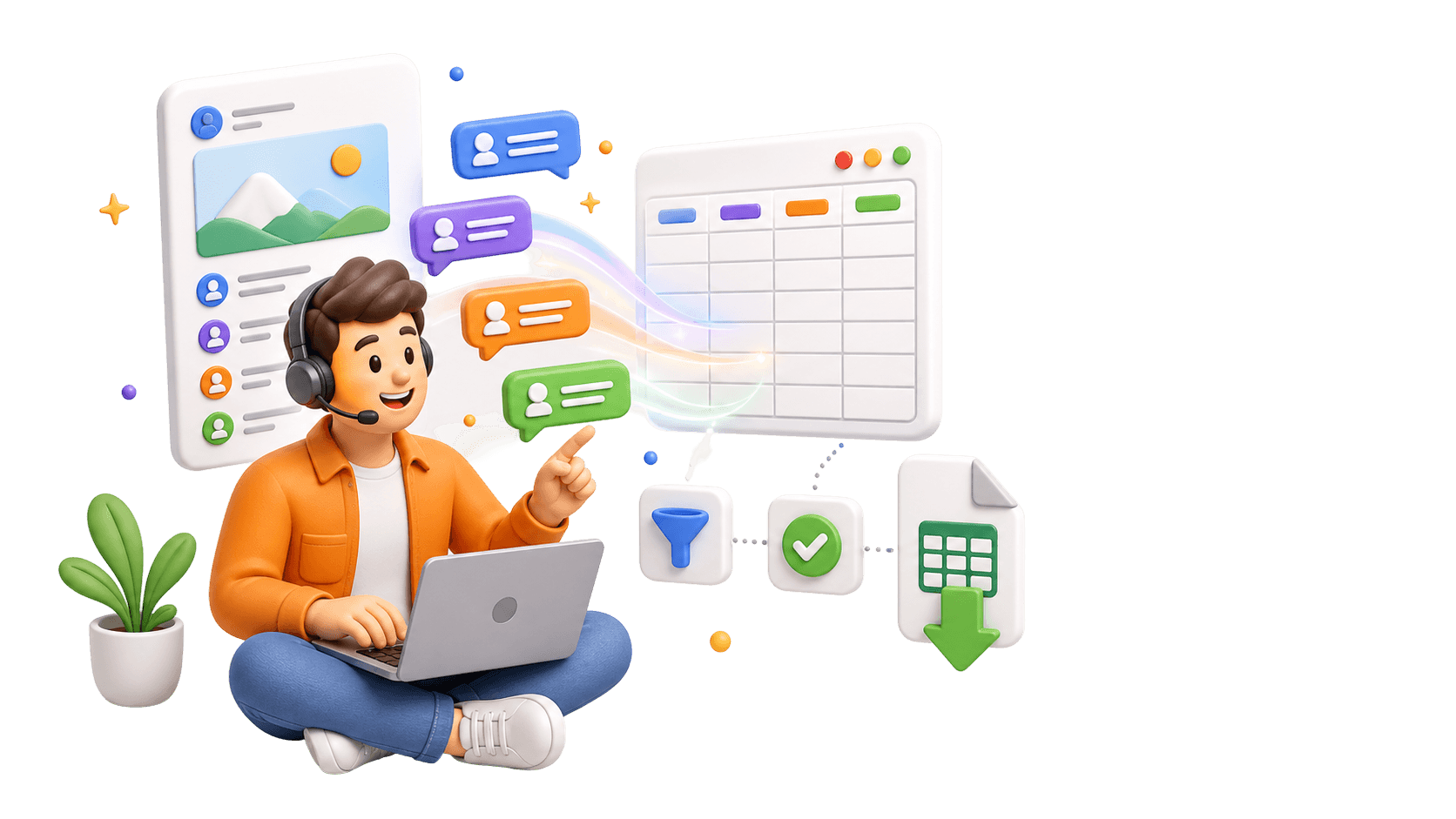
Analyze Comments, Not Just Export Them.
Use the CommentGrid Extension to turn Instagram, TikTok, and Facebook comments into buyer signals, reply queues, and content ideas in minutes.
Add to Chrome Add to Chrome
How to Export Instagram Comments to CSV
Copy a public Instagram URL, extract comments, then download your CSV or JSON file.

Copy the Instagram URL
Open the public Instagram post or Reel you want to export, then copy its share link.

Paste the URL and Extract Comments
Paste the Instagram link into the input field above and start the extraction. The tool will fetch publicly visible comments from that post or Reel.

Download CSV or Pick a Winner
Review the extracted comments, download them as CSV or JSON, or use the random picker to select a giveaway winner from the entry list.
What data is included
| Field | Description |
|---|---|
| Comment text | The full text of each exported Instagram comment. |
| Comment time | The timestamp returned for the comment when available. |
| Likes count | The visible engagement count captured for the comment. |
| Replies count | The number of replies reported for the comment thread. |
| Author username | The public Instagram username attached to the comment. |
| Author full name | The display name returned with the commenter profile. |
| Comment URL | A direct link to the public comment when supported. |
Why Use This Instagram Comment to CSV Exporter?
Turn public Instagram comments into clean, reusable records for reporting, analysis, and giveaways.
 Create Excel-Compatible Comment Records
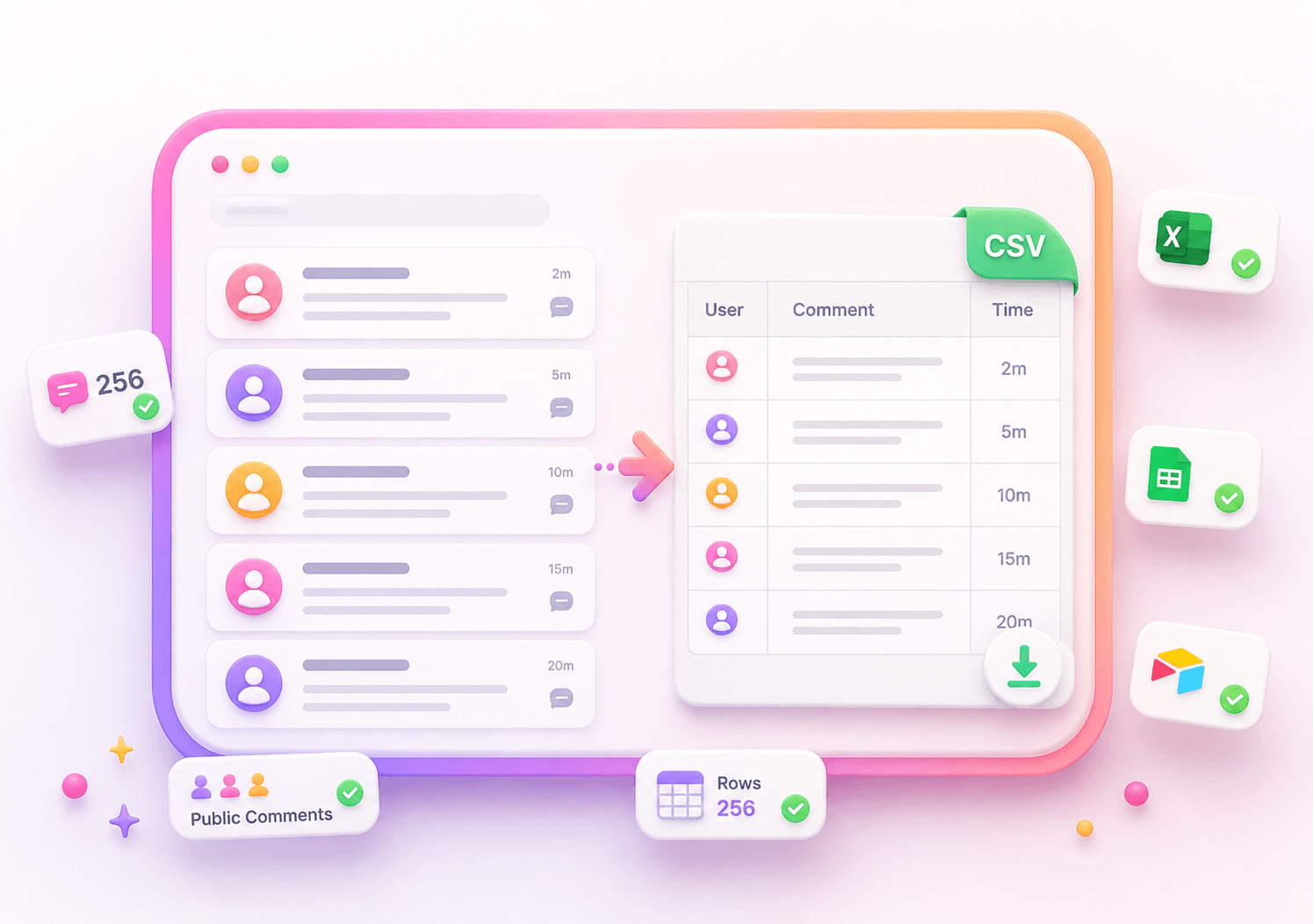
Export Instagram comments into a clean CSV file you can open in Excel, Google Sheets, Airtable, or your reporting workflow.
- CSV download
- Excel-compatible format
- Clean comment records

 Keep a Reusable JSON Backup
Save structured comment data in JSON when you need a developer-friendly backup, repeatable workflow, or audit-ready record.
- Structured JSON
- Reusable dataset
- Future analysis

 Review Entries Before Giveaways
Use the exported comment list as your giveaway entry pool, then randomly pick a winner without moving data into another randomizer.
- Review entries
- Random winner picker
- Transparent workflow

Instagram Comment Export Features
Export Instagram Comments to CSV
Download Instagram comment data as an Excel-compatible CSV file with usernames, timestamps, and full comment text.
Save a JSON Backup
Export the same comment dataset as structured JSON for audits, automation, developer workflows, or future analysis.
Review Entries Before Downloading
Check the extracted comment list before exporting, so you can confirm the data is ready for reporting or giveaway use.
Built-in Random Winner Picker
After exporting comments, randomly pick a winner from the available entry list for simple Instagram giveaways.
Instagram Comment CSV Export FAQ
Answers to common questions about exporting Instagram comments to CSV, JSON, and giveaway-ready records.
How do I export Instagram comments to CSV?
Copy the URL of a public Instagram post or Reel, paste it into the tool, extract the comments, and download the result as a CSV file.
Can I open the exported CSV file in Excel or Google Sheets?
Yes. The CSV export is designed to be opened in spreadsheet tools such as Microsoft Excel, Google Sheets, Airtable, or similar reporting tools.
Can I export Instagram comments to JSON?
Yes. You can download the same extracted comment dataset as JSON if you need a structured backup or developer-friendly format.
Does this tool work with Instagram Reels?
Yes. The tool supports public Instagram posts and public Reels, as long as the comments are publicly visible.
Can I export comments from private Instagram accounts?
No. This tool only works with publicly available Instagram posts and Reels. It cannot access private account comments or restricted content.
Do I need to log in to Instagram?
No. The tool does not ask for your Instagram username, password, or login credentials.
Do I need to install a Chrome extension?
No. This is a web-based Instagram comment exporter. You can paste a public Instagram URL and export comments without installing an extension.
How many Instagram comments can I export?
The tool is designed to fetch available public comments from the post or Reel you provide. Very large comment sections may take longer, and availability can depend on platform limits and public access.
Can I use the exported comments for an Instagram giveaway?
Yes. After extraction, you can review the comment list and use the built-in random picker to select a giveaway winner from the available entries.
More Tools

Instagram Profile Viewer
View public Instagram profile details and account statistics, then download the returned record as CSV or JSON.

Threads Comment Export
Export Threads comments from any public post, review and filter the replies, and download the results.

TikTok Comment to CSV Exporter
Free TikTok Comment to CSV Exporter. Export public TikTok video comments to CSV or JSON, review rows, and download clean comment data.