Export Instagram Followers to CSV or JSON
Export Instagram followers from a public profile into a clean, reviewable list. Remove duplicates and download follower data as CSV or JSON for audience research, reporting, or offline analysis.
Paste an Instagram profile URL


Need More Control Over Your Export?
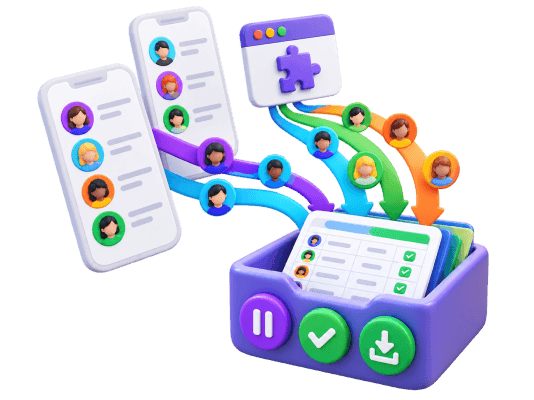
Use FollowGrid to choose Followers or Following, set how many profiles to collect, and stop anytime without losing collected results.
Add to Chrome Add to Chrome
How to Export Instagram Followers
Export a public Instagram follower list in three simple steps.

Paste the Instagram profile URL
Copy the URL of the public Instagram profile whose followers you want to export and paste it into the field above.

Export and review the followers
Start the export, then review the follower rows and remove duplicate usernames or unwanted entries from the list.

Download the follower list
Download the cleaned Instagram follower list as CSV for spreadsheet analysis or JSON for structured data workflows.
What data is included
| Field | Description |
|---|---|
| Username | The public Instagram username of the returned follower. |
| Full name | The display name returned with the Instagram profile. |
| User ID | The Instagram account identifier returned for the follower. |
| Verified status | Whether the returned Instagram account is verified. |
| Private account | Whether the returned Instagram account is private. |
| Profile URL | A link to the returned follower’s Instagram profile. |
Why Use an Instagram Follower Exporter?
Turn a public Instagram follower list into structured data you can review, analyze, and reuse outside Instagram.
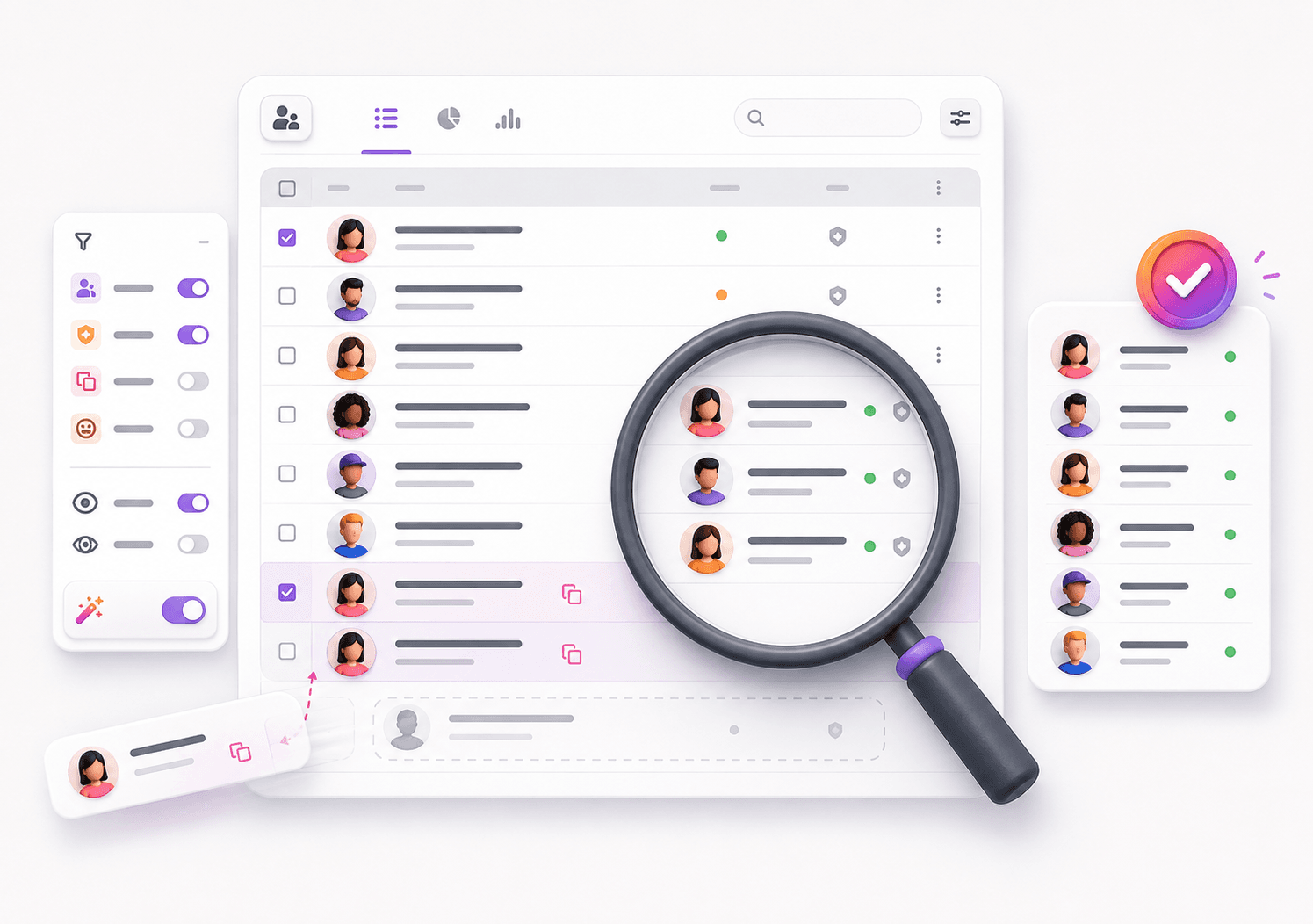
 Get a clean, reviewable follower list
Instead of working with followers one profile at a time, export them into structured rows that are easier to inspect, filter, and organize.
- Structured follower rows
- Remove duplicate usernames
- Review before download

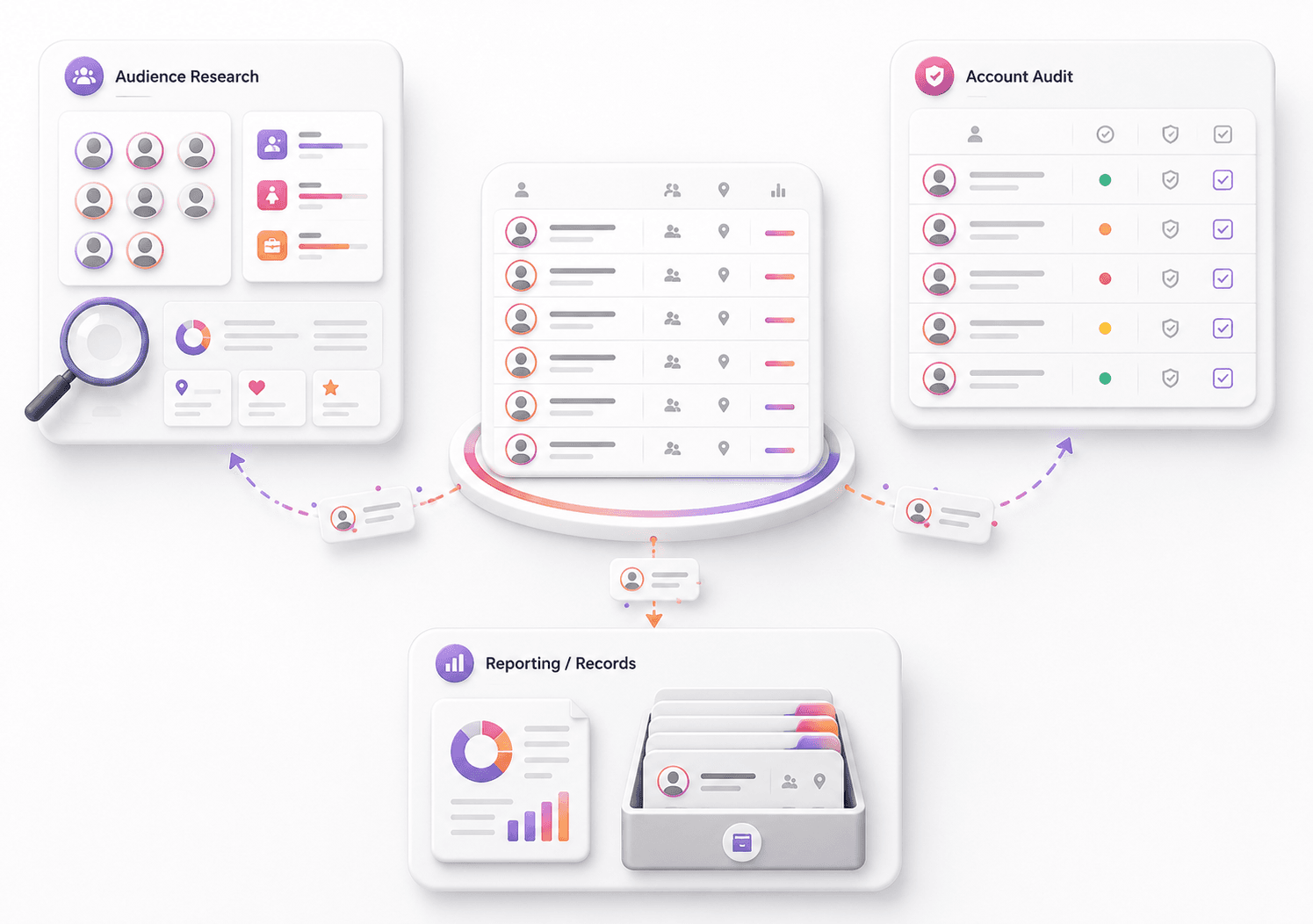
 Use follower data outside Instagram
Export follower data for audience research, account audits, campaign reporting, or any workflow that requires a reusable follower list.
- Audience research
- Account reviews
- Reusable follower data
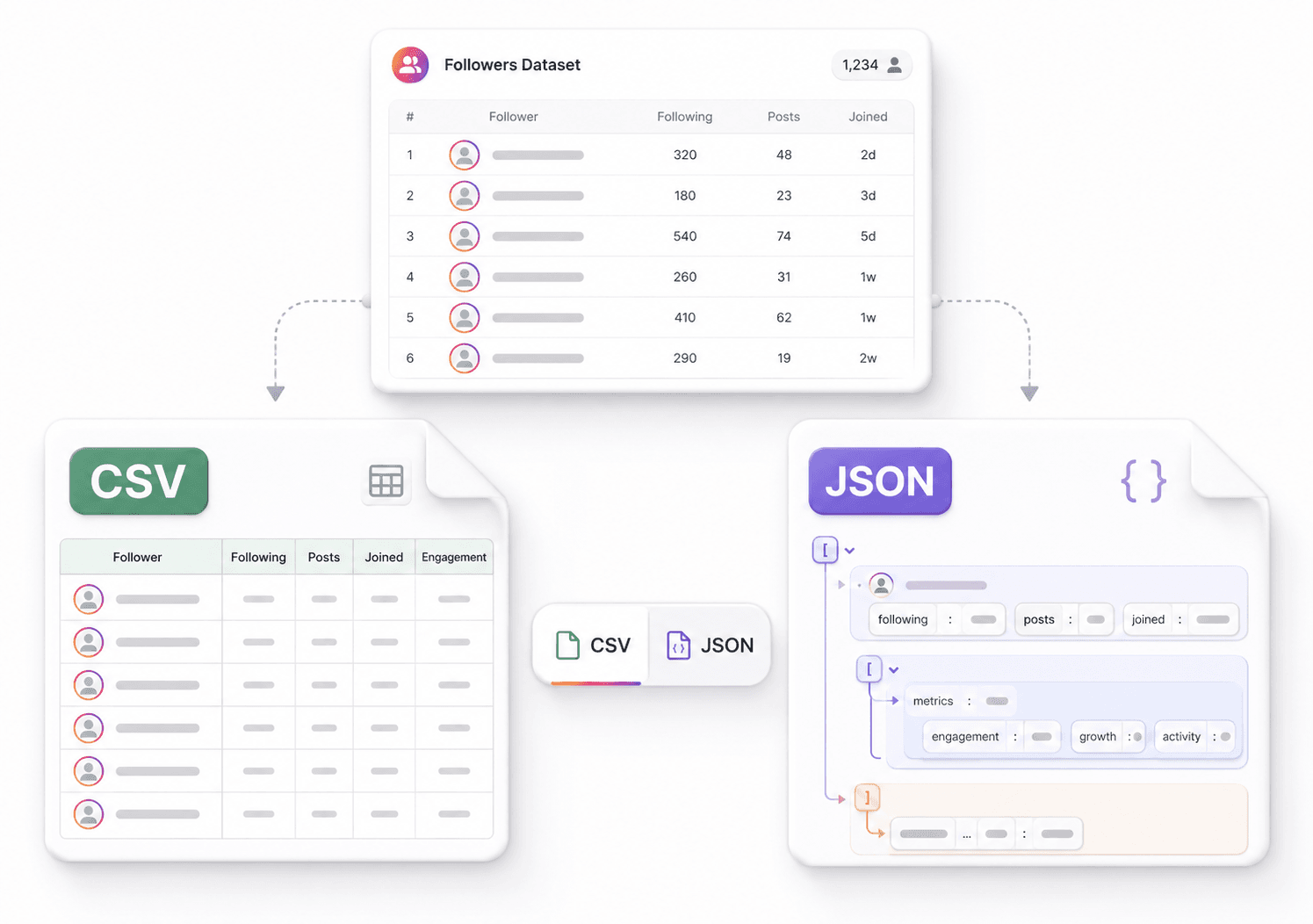
 Download as CSV or JSON
Choose the format that fits your workflow: CSV for spreadsheets and manual analysis, or JSON for scripts and structured data processing.
- CSV for spreadsheets
- JSON for structured data
- Keep an offline copy
Everything You Need to Export Instagram Followers
Export followers from public profiles
Paste a public Instagram profile URL and export the available followers into a structured, easy-to-review list.
Review and clean the follower list
Inspect follower rows, remove duplicate usernames, and clean the dataset before downloading it.
Turn followers into usable data
Move follower information from Instagram into a structured dataset you can use for audience research, account reviews, or reporting.
Download followers as CSV or JSON
Export Instagram follower data as CSV for spreadsheets or JSON for scripts, databases, and other data workflows.
Instagram Follower Exporter – FAQs
Answers to common questions about exporting Instagram followers and downloading follower lists as CSV or JSON.
Can I export followers from a private Instagram account?
No. This Instagram Follower Exporter is designed for public Instagram profiles and does not access follower lists from private accounts.
What data is included in the Instagram follower export?
The export includes the follower usernames returned from the public Instagram profile. Additional public profile fields may be included when they are available in the returned data.
Can I remove duplicate followers before downloading?
Yes. You can review the exported follower rows and remove duplicate usernames before downloading the final follower list.
Can I export Instagram followers to CSV?
Yes. After the follower export finishes, you can download the Instagram follower list as a CSV file for Excel, Google Sheets, or other spreadsheet tools.
Can I export Instagram followers as JSON?
Yes. The follower list can also be downloaded as JSON, which is useful for scripts, databases, automation, and other structured data workflows.
Do I need to log in to Instagram to export followers?
No Instagram login is required to get started. Paste the URL of a public Instagram profile and run the follower export from the web tool.
Does the export include every Instagram follower?
The tool exports the follower data available from the public profile at the time of the request. Instagram may limit how much follower data is available, so the exported list may not always include every follower.
What can I do with an exported Instagram follower list?
You can use the exported follower list for audience research, account audits, reporting, offline records, spreadsheet analysis, or your own data workflows.
Do I need to install a browser extension?
No. The Instagram Follower Exporter works directly in your browser without an extension. CommentGrid also offers a Chrome extension for Instagram, TikTok, and Facebook comment workflows.
More Tools

Instagram Profile Viewer
View public Instagram profile details and account statistics, then download the returned record as CSV or JSON.

Threads Comment Export
Export Threads comments from any public post, review and filter the replies, and download the results.

TikTok Comment to CSV Exporter
Free TikTok Comment to CSV Exporter. Export public TikTok video comments to CSV or JSON, review rows, and download clean comment data.