Facebook Caption Generator
Generate four structured Facebook caption drafts from your post idea, tone, and goal. Free, instant, and no signup required.

Turn Real Comments Into Better Captions.
Use CommentGrid to generate content ideas and captions from the words your audience already uses.
Add to Chrome Add to Chrome
How to Generate Facebook Captions
Create Facebook caption ideas in three simple steps.

Enter Your Post Topic
Describe what your Facebook post is about, such as a product launch, customer story, event reminder, or community update.

Choose Tone and Goal
Pick the tone of voice and the post goal so the generated captions match both your brand style and content purpose.

Copy Your Best Caption
Review four generated Facebook caption options, choose the strongest fit, and copy it into your post draft.
Why Use This Facebook Caption Generator?
Turn a rough post idea into structured Facebook caption options without starting from a blank box.
 Structured Output Every Time
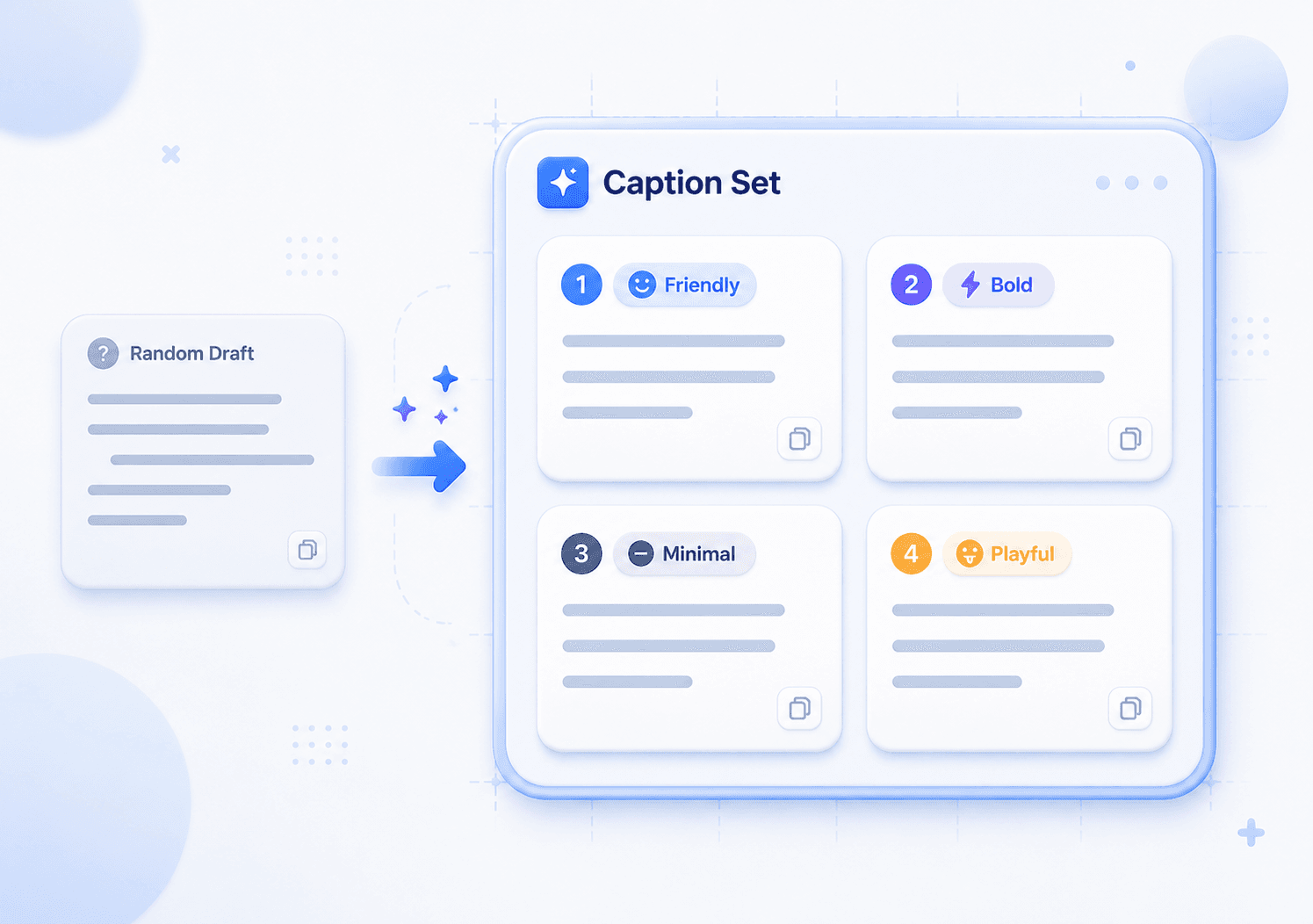
Instead of one generic AI result, CommentGrid returns a fixed set of four Facebook caption options based on your topic, tone, and goal.
- Exactly four drafts
- Easy side-by-side review
- Consistent output format

 Built for Facebook Posts
The tool writes in a natural Facebook-friendly style for feed posts, page updates, community messages, and creator announcements.
- Conversational wording
- Flexible post goals
- Natural CTA placement

 Save Time on Caption Writing
Move from idea to copy-ready Facebook captions faster, especially when you need several angles before choosing what to post.
- No blank-page friction
- Useful for quick drafts
- Free with no signup

Facebook Caption Generator Features
Four Caption Options
Get exactly four Facebook caption drafts for every prompt, so you can compare options without sorting through random output.
Tone-Based Writing
Choose Friendly, Playful, Professional, Bold, or Minimal to keep each Facebook caption aligned with your voice.
Goal-Guided Captions
Select Engagement, Traffic, Sales, Awareness, or Community to help the captions fit the purpose of your Facebook post.
Free, No Signup
Start generating Facebook captions right away without creating an account, logging in, or setting up a campaign.
Facebook Caption Generator FAQs
Answers to common questions about generating Facebook captions with CommentGrid.
What is a Facebook Caption Generator?
A Facebook Caption Generator is an AI writing tool that turns a post idea into ready-to-edit Facebook caption drafts. CommentGrid generates four options based on your topic, tone, goal, and optional call-to-action.
How does this tool differ from other free caption generators?
Many free caption tools return a single generic result. CommentGrid gives you exactly four structured Facebook caption options, making it easier to compare different angles and choose the best fit.
Can I get multiple Facebook caption ideas?
Yes. Each generation returns exactly four Facebook caption drafts. You can copy one directly, edit your favorite, or combine parts from multiple options.
What tones of voice are available?
You can choose Friendly, Playful, Professional, Bold, or Minimal. The selected tone helps shape the wording and style of each Facebook caption.
Can I use this for Facebook Pages, groups, or creator posts?
Yes. The generated captions can be adapted for Facebook Pages, group updates, creator posts, community announcements, and business content. You should still review the copy before publishing.
Is this tool officially affiliated with Facebook?
No. CommentGrid is an independent tool and is not endorsed by, sponsored by, or affiliated with Facebook or Meta.
Does it post directly to Facebook?
No. This tool only generates caption text. It does not connect to your Facebook account, schedule posts, or publish content automatically.
Do I need to sign up?
No. You can use the Facebook Caption Generator for free without creating an account or logging in.
Can I add a call-to-action to the caption?
Yes. Use the optional CTA field to include a phrase such as Shop now, comment below, or save this post. The tool will integrate it naturally when appropriate.
More Tools

Facebook Comment Picker
Free Facebook Comment Picker for giveaways. Export comments, filter duplicates, pick random winners, and download CSV/JSON records.

Facebook Comment Sentiment Analyzer
Free Facebook comment sentiment analyzer for pasted text or CSV/Excel uploads.

Facebook Duplicate Comment Remover
Free web tool to remove duplicate Facebook comments, clean entry lists, and export deduplicated results as CSV or JSON.