Calculate Facebook Engagement Rate with a Clear Formula
Calculate your Facebook engagement rate instantly with followers, likes, comments, shares, and saves. See the exact formula behind every result, with no AI guesswork.
Measure Engagement Before You Guess.
Calculate comment-driven engagement rates and compare content performance faster with CommentGrid.
Add to Chrome Add to Chrome
How to Calculate Facebook Engagement Rate
Use your Facebook follower count and interaction totals to calculate engagement rate in seconds.

Enter Your Follower Count
Start with the number of followers for the Facebook page, profile, or reporting period you want to evaluate.

Add Your Engagement Metrics
Enter the total likes, comments, shares, and saves for one post or a group of posts. Use zero for any metric you do not want to include.

Review the Percentage
The calculator shows your Facebook engagement rate as a percentage, along with a simple range label based on the numbers you entered.
Why Measure Facebook Engagement Rate?
Engagement rate helps you understand how actively your audience responds to your Facebook content.
 Evaluate Post Performance
Use engagement rate to see how strongly a Facebook post performs relative to your follower count, instead of looking at raw likes alone.
- Measure post response
- Normalize by followers
- Spot stronger content

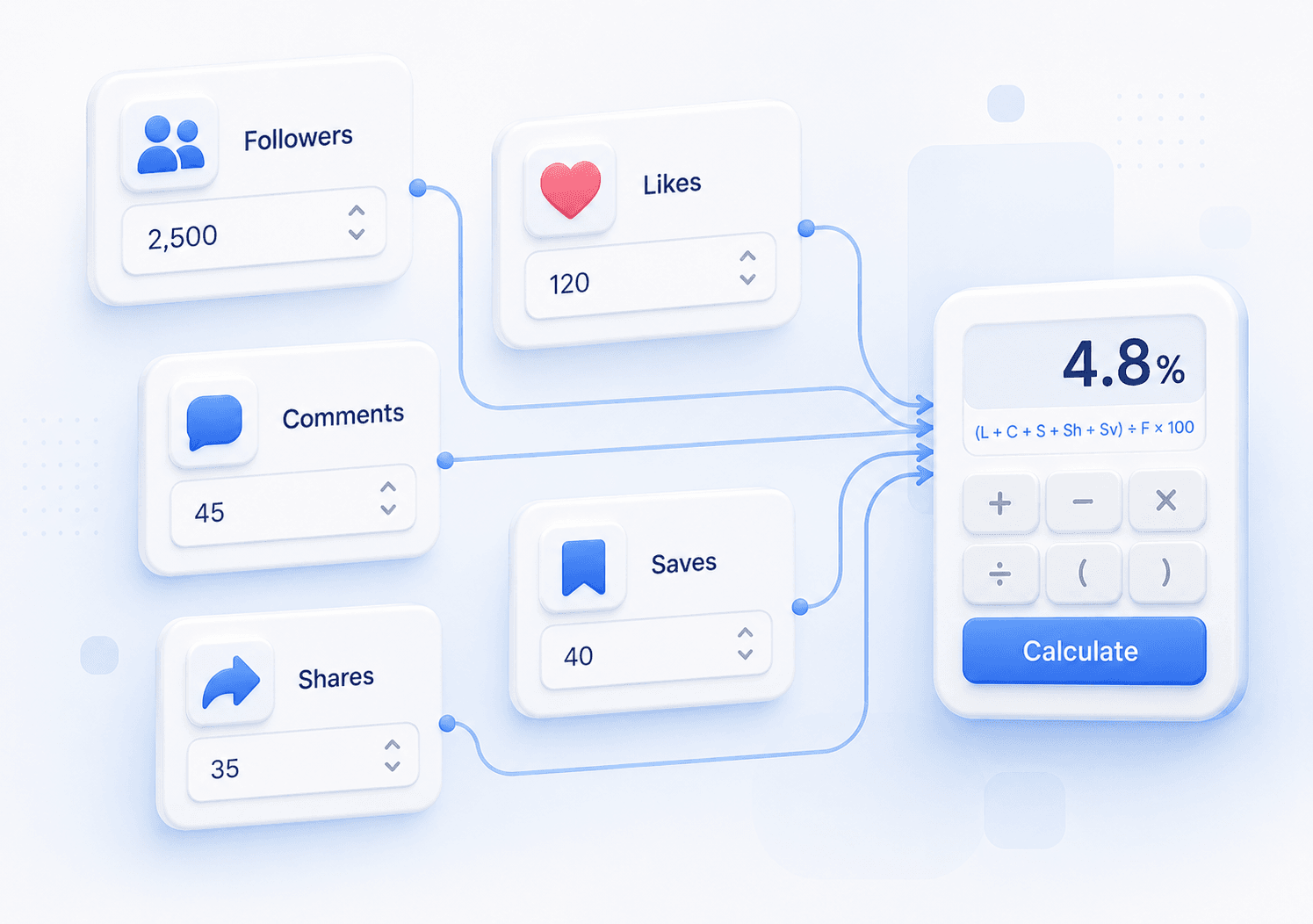
 Track Content Trends
Calculate engagement rate regularly to compare campaigns, content formats, and reporting periods with a consistent formula.
- Review weekly results
- Compare content formats
- Track engagement changes
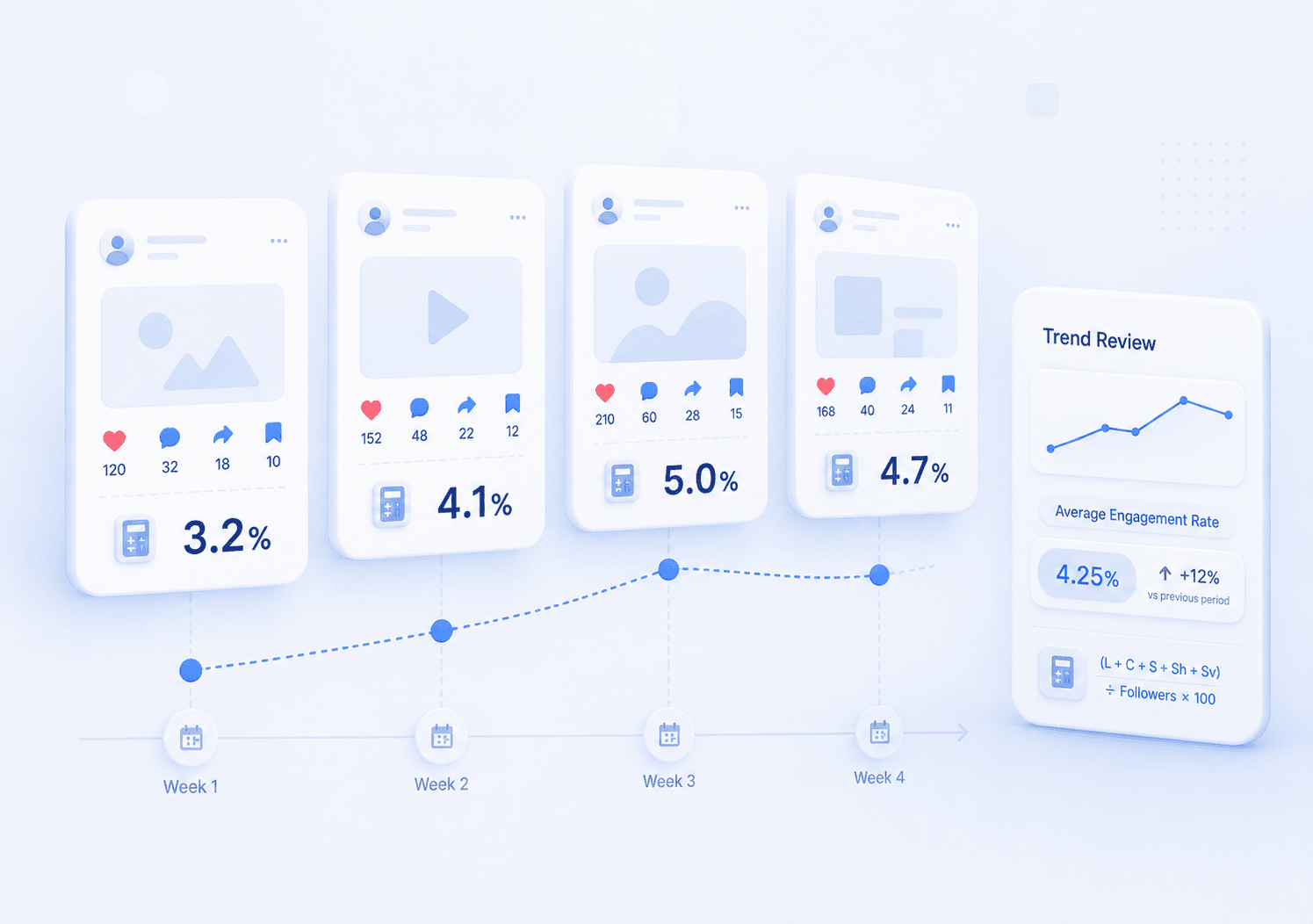
 Report with Clear Math
Use a transparent calculation when sharing Facebook performance with clients, collaborators, or internal teams.
- Show formula inputs
- Explain the percentage
- Create repeatable reports
Why Use This Facebook Engagement Rate Calculator?
Instant Formula-Based Result
Enter your Facebook metrics and get an engagement rate immediately. The calculator uses a fixed formula, not AI estimates or hidden scoring.
Clear Calculation Breakdown
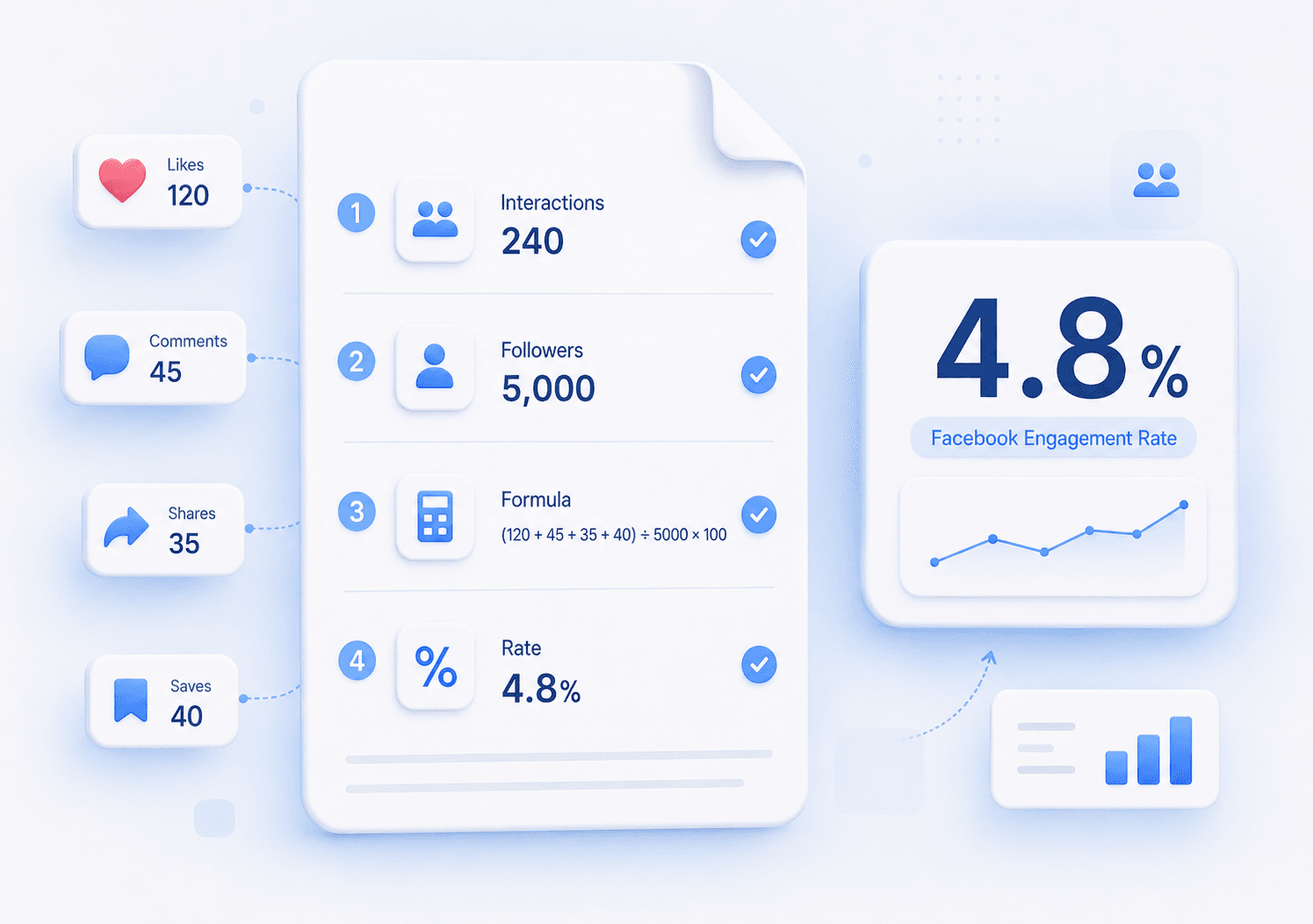
See how your rate is calculated: likes, comments, shares, and saves are added together, divided by followers, then converted into a percentage.
Built for Facebook Metrics
Measure Facebook engagement with the interaction types creators and marketers commonly review, including likes or reactions, comments, shares, and saves.
Free and Easy to Use
No sign-up, setup, or spreadsheet required. Add your numbers, review the result, and use the percentage in your content reports.
Facebook Engagement Rate Calculator FAQs
Answers to common questions about Facebook engagement rate, formula choices, and metric inputs.
What is the formula for Facebook engagement rate?
This calculator uses: Engagement Rate = (Likes + Comments + Shares + Saves) ÷ Followers × 100. It shows how many interactions your content receives relative to your follower count.
Should I use followers or reach to calculate Facebook engagement rate?
Both approaches are used in social media reporting. This calculator uses followers because follower count is easy to access and stable across posts. If you prefer a reach-based rate, divide total engagements by reach instead.
How do I calculate engagement rate for one Facebook post?
Add the post’s likes, comments, shares, and saves. Then divide that total by your follower count and multiply by 100 to get the post engagement rate.
What counts as engagement on Facebook?
This calculator includes likes or reactions, comments, shares, and saves. These interaction types help indicate whether people are responding to, discussing, or saving your content.
Can I calculate engagement rate for multiple Facebook posts at once?
Yes. Add together the likes, comments, shares, and saves from all posts you want to include, then use the same follower count to calculate one combined engagement rate.
Is this Facebook engagement rate calculator free?
Yes. The calculator is free to use and does not require an account, download, or setup.
Does this calculator store my Facebook metrics?
No. The calculator only needs the numbers you enter to produce the result. You do not need to connect a Facebook account or upload private data.
What is a good Facebook engagement rate?
A good engagement rate depends on your audience size, niche, content type, and campaign goal. Use this calculator to measure your own posts consistently instead of relying on a single benchmark.
Can I use this calculator for other social platforms?
The formula can be applied to other platforms that use follower-based engagement metrics, but Facebook-specific interpretation may differ from Instagram, TikTok, YouTube, or X/Twitter.
More Tools

Facebook Comment Picker
Free Facebook Comment Picker for giveaways. Export comments, filter duplicates, pick random winners, and download CSV/JSON records.

Facebook Comment Sentiment Analyzer
Free Facebook comment sentiment analyzer for pasted text or CSV/Excel uploads.

Facebook Duplicate Comment Remover
Free web tool to remove duplicate Facebook comments, clean entry lists, and export deduplicated results as CSV or JSON.