Instagram Comment Reply Generator
Paste an Instagram comment and choose a tone to generate four AI reply suggestions. Copy your favorite, personalize it, and post it on Instagram.

Find the Comments That Need Your Attention
Use CommentGrid to collect and analyze social comments, identify audience questions and buyer signals, and prioritize conversations worth a closer look.
Add to Chrome Add to Chrome
How to reply to Instagram comments with AI
Go from a comment on your post or Reel to a reply you can make your own.

Paste an audience comment
Copy one comment from your Instagram post or Reel and paste it into the audience comment field.

Choose a tone and generate
Choose Friendly, Professional, Playful, Supportive, or Concise, then generate four reply suggestions.

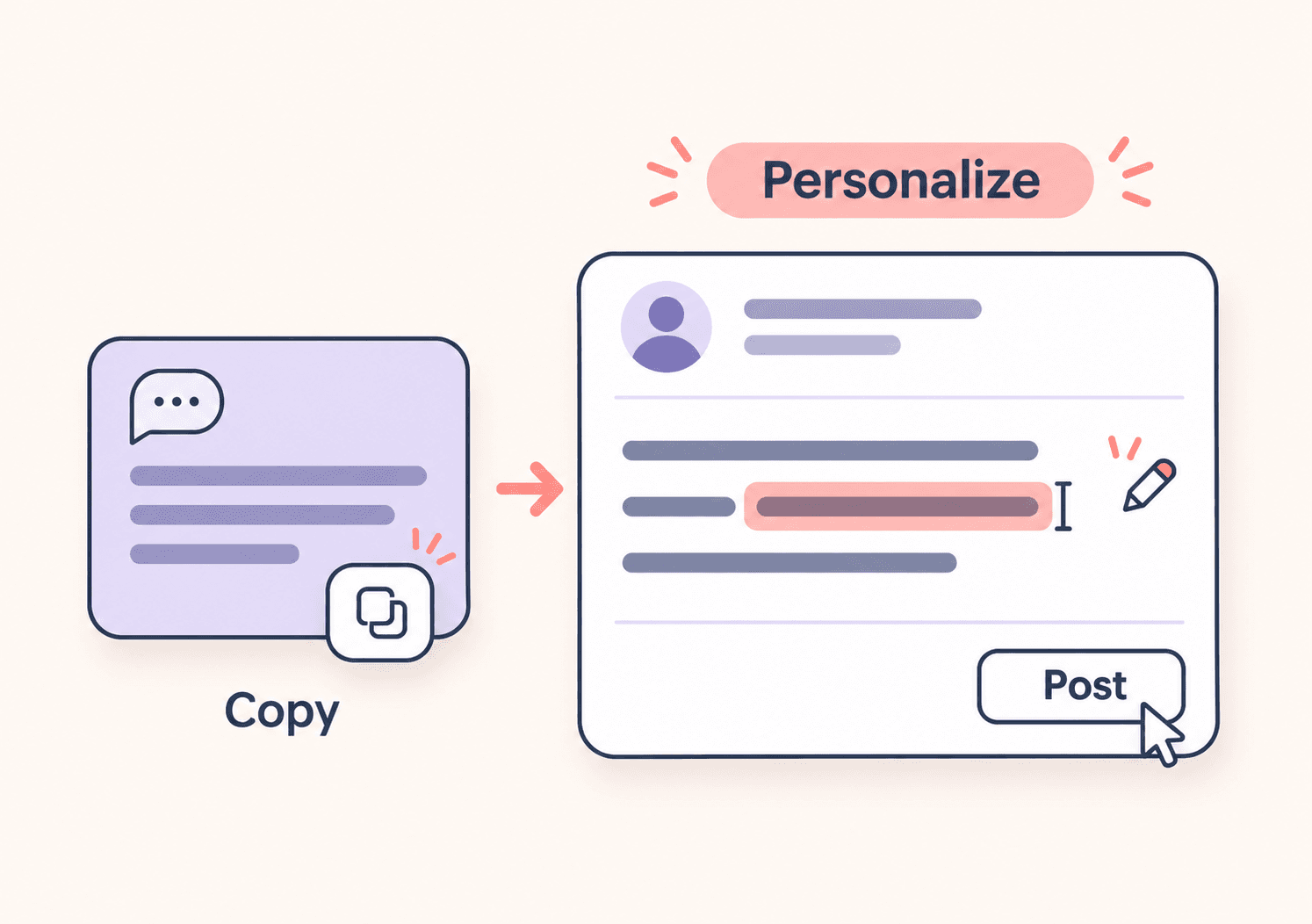
Copy, personalize, and post
Compare the replies and copy your favorite. Paste it into Instagram or a text editor, add any relevant details, and review it before posting.
Reply ideas for the comments you receive
Keep conversations moving with responses to questions, kind words, and feedback on your posts and Reels.
 Respond to everyday audience comments
Use a pasted comment as the starting point for your reply. For example, a friendly response to “Love this color!” could be “Thank you! So glad you like it.”
- Respond to compliments
- Handle product questions
- Acknowledge concerns


 Choose wording that fits the situation
Try Professional for a product question or Supportive for a complaint. For “Does this come in other sizes?”, a useful starting point is “Thanks for asking! Which size are you looking for?” Add confirmed product details after copying.
- Five tone options
- Four reply suggestions
- Compare different wording

 Make the final reply your own
Copy the suggestion that fits, then adjust it to your voice and the context of your post. You decide what to say and when to publish it.
- Copy your preferred reply
- Add your own details
- Post when you’re ready
Turn a comment into a reply that sounds like you
Four reply suggestions
Get four ways to respond to one audience comment. Compare the wording and choose the starting point that fits your conversation.
Five tones to choose from
Choose Friendly, Professional, Playful, Supportive, or Concise for the response you want to write.
Replies for everyday interactions
Find wording for compliments, product questions, complaints, constructive feedback, and short comments or emoji reactions.
Easy to copy and personalize
Copy a suggestion, then adjust it in Instagram or your text editor. Add the details that make the response specific to your audience.
Instagram comment reply generator FAQs
Answers about reply ideas, tone choices, and using the generated suggestions.
How does the Instagram comment reply generator work?
Paste one comment you received, select a tone, and generate four AI reply suggestions. Copy the option you like, personalize it, and post it yourself on Instagram.
Can I edit a generated reply before posting?
Yes. Copy a reply and paste it into Instagram or a text editor, where you can change the wording and add details. The result cards provide a copy button; they are not an inline editor.
How should I reply to a negative Instagram comment?
Acknowledge the concern and keep your response calm and specific. Try Supportive or Professional for a starting point. For example, “Thanks for letting us know. Could you tell us more about what happened?” Move personal order details to a private channel when appropriate.
Which tone should I choose?
Try Friendly for compliments, Professional for product questions, Supportive for complaints, Playful for lighthearted exchanges, and Concise for a short acknowledgment. Choose based on the conversation and your usual voice.
Can it answer questions about pricing, shipping, or availability?
It can suggest how to phrase a response, but it does not look up your products or policies. Add verified prices, delivery details, availability, or refund information after copying a reply.
What should I reply to a short comment or emoji?
A short acknowledgment is often enough. For “Love this!”, you might reply “Thank you! So glad you like it.” Try Concise or Playful, then personalize the suggestion to fit the exchange.
Does this tool automatically reply on Instagram?
No. This tool generates text suggestions from the comment you paste. It does not connect to your Instagram account, publish replies, or send DMs. You review and post the final response yourself.
Can I generate replies to multiple comments at once?
This tool works with one pasted comment at a time. Repeat the process for another comment. The AI may lack context from your post or earlier conversations, so check each suggestion before using it.
Is this an official Instagram tool?
No. This is an independent CommentGrid tool and is not affiliated with or endorsed by Instagram or Meta.
More Tools

Facebook Comment Sentiment Analyzer
Analyze Facebook comments from pasted text, CSV, or Excel. See sentiment percentages and an AI summary of the feedback you provide.

Facebook Caption Generator
Write Facebook captions with AI. Turn your topic, tone, and goal into four editable drafts for business posts, events, and everyday updates.

Instagram Profile Viewer
View public Instagram profile details and account statistics, then download the returned record as CSV or JSON.