Convert Threads Comments to CSV
Convert comments from a public Threads post to CSV. Paste a Threads post URL, review and clean the returned replies, and download structured comment data without logging in.
Threads post URL



Analyze Comments, Not Just Export Them.
Use the CommentGrid Extension to turn Instagram, TikTok, and Facebook comments into buyer signals, reply queues, and content ideas in minutes.
Add to Chrome Add to Chrome
How to convert Threads comments to CSV
Go from a public Threads post URL to a clean CSV file in three simple steps.

Paste the Threads post URL
Copy the URL of the public Threads post whose comments you want to convert to CSV, then paste it into the input field.

Review and clean the comments
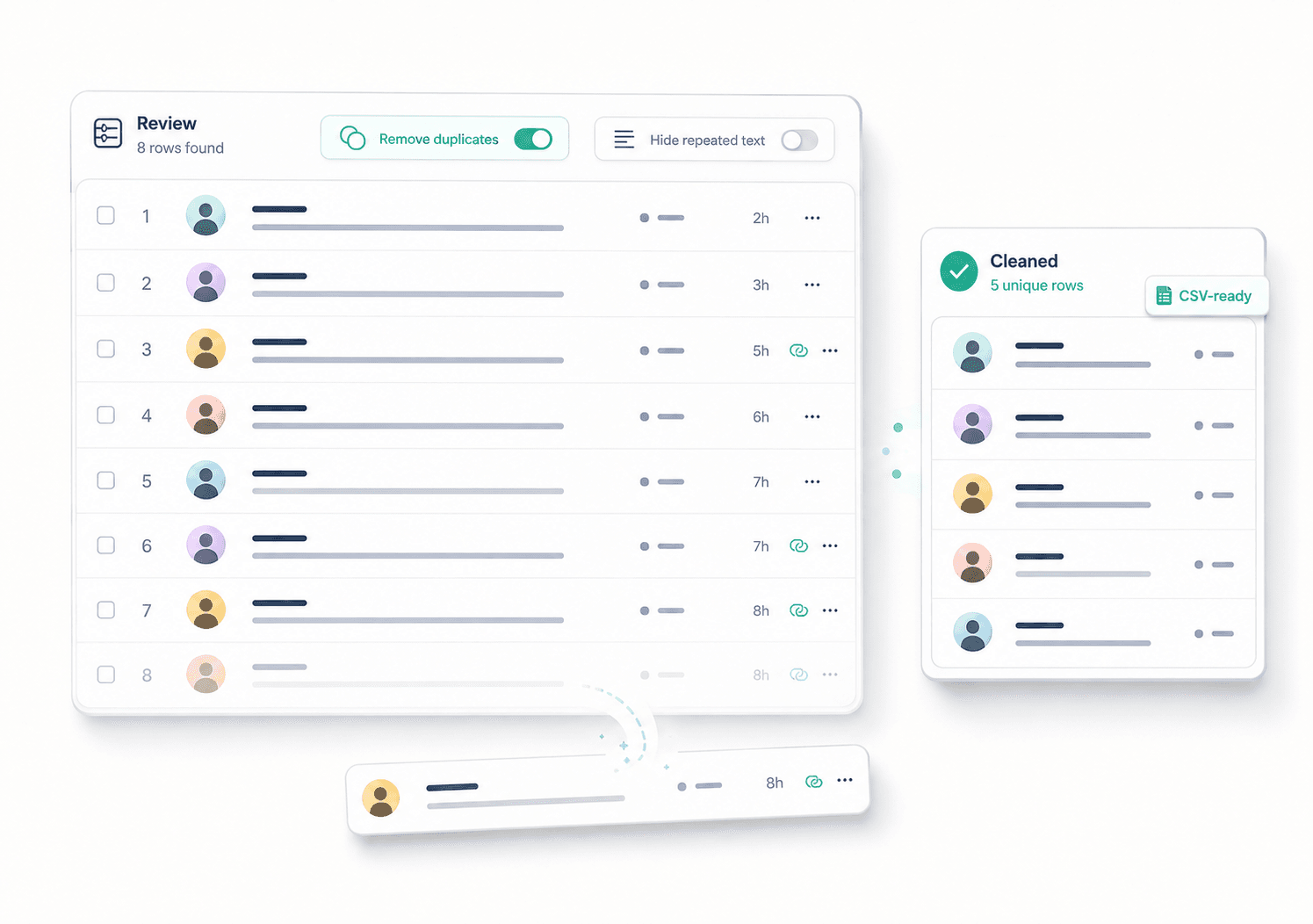
Review the returned Threads replies, remove duplicate entries, and hide repeated reply text before creating your CSV file.

Download the CSV file
Download the cleaned Threads comment data as a CSV file for spreadsheets, reporting, analysis, archiving, or further processing.
What data is included
| Field | Description |
|---|---|
| Reply text | The full text of each returned Threads reply. |
| Published time | The publication time returned for the reply. |
| Likes count | The visible like count associated with the reply. |
| Replies count | The nested reply count reported for the reply. |
| Author username | The public Threads username attached to the reply. |
| Verified status | Whether the reply author is marked as verified. |
| Reply URL | A direct link to the Threads reply when available. |
| Author profile URL | A link to the reply author’s Threads profile. |
Why convert Threads comments to CSV
Move public Threads comments into a structured file that is easier to review, organize, analyze, and keep.
 Turn Threads Comments into Structured Data
Instead of manually copying replies one by one, convert the comments from a public Threads post into organized rows in a CSV file.
- Structured comment rows
- Clean CSV format
- Easy spreadsheet access


 Clean the Data Before Exporting
Review the returned comments and remove duplicate entries before downloading, so your final CSV is easier to work with.
- Review reply rows
- Remove duplicates
- Hide repeated text
 Use Threads Comments Outside Threads
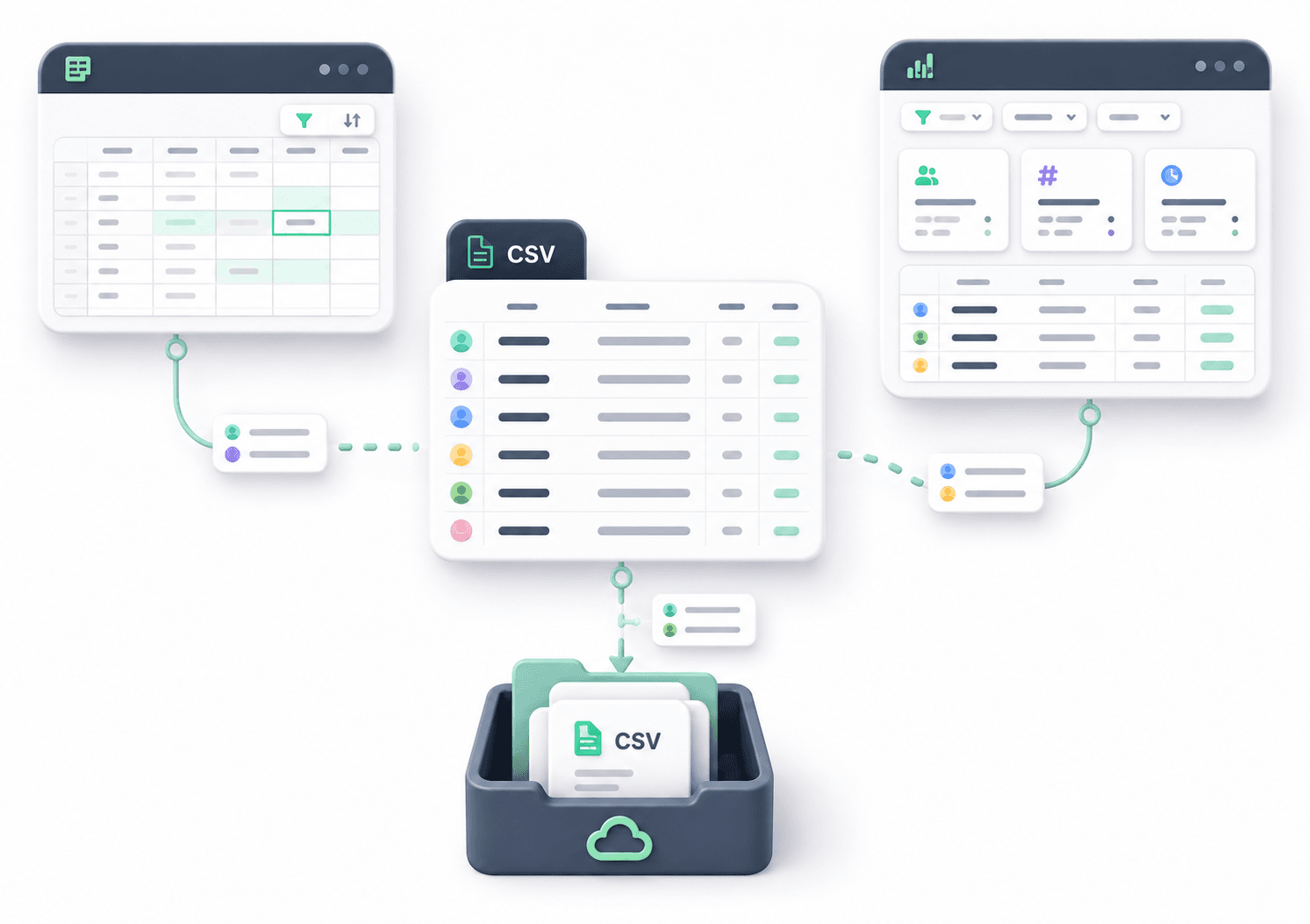
A CSV file makes Threads comment data easier to sort, filter, archive, analyze, or reuse in spreadsheets and other data workflows.
- Open in spreadsheets
- Keep offline records
- Reuse structured data
Everything you need to convert Threads comments to CSV
Threads Comment to CSV
Turn the comments returned from a public Threads post into a structured CSV file that is easy to open, sort, filter, and analyze in a spreadsheet.
Review Comments Before Download
Inspect the returned Threads replies in a structured table before downloading so you can verify the data and keep only the entries you need.
Remove Duplicate Replies
Clean your Threads comment data by removing duplicate entries or hiding identical reply text before creating the final CSV file.
No Threads Login Required
Paste the URL of a public Threads post and convert its available comments to CSV without signing in to Threads or Instagram.
Threads Comment to CSV FAQ
Common questions about converting public Threads comments to CSV, cleaning reply data, and downloading structured files.
How do I convert Threads comments to CSV?
Paste the URL of a public Threads post into the tool and wait for the available replies to load. Review the returned data, remove duplicates if needed, then download the comments as a CSV file.
Can I convert Threads comments to CSV without logging in?
Yes. The tool works with public Threads post URLs and does not require you to log in to Threads or Instagram before downloading the available comments as CSV.
Are Threads comments and Threads replies the same thing?
Threads uses the term replies for responses posted under a Threads post. In this tool, those public replies are the comment data that is converted into CSV rows.
What information is included in the Threads CSV?
The CSV contains the reply data returned from the public Threads post, such as reply text and available author information. The exact columns depend on the public data available for each reply.
Can I remove duplicate Threads comments before downloading the CSV?
Yes. You can remove duplicate reply entries and hide identical reply text before downloading the final CSV file.
Can I convert comments from a private Threads post to CSV?
No. The tool is designed for public Threads posts. Comments or replies that are not publicly accessible cannot be retrieved and converted to CSV.
What can I do with Threads comments after exporting them to CSV?
You can open the CSV in spreadsheet software to sort, filter, review, archive, analyze, or organize the Threads comment data for your own workflow.
Do I need to install software to convert Threads comments to CSV?
No. The workflow runs in the browser. Paste a public Threads post URL, review the returned comments, and download the CSV file without installing additional software.
Will every comment from a public Threads post appear in the CSV?
The CSV contains the replies available to the tool from the public post. Hidden, deleted, restricted, or privacy-limited replies may not be included.
More Tools

Instagram Profile Viewer
View public Instagram profile details and account statistics, then download the returned record as CSV or JSON.

Threads Comment Export
Export Threads comments from any public post, review and filter the replies, and download the results.

TikTok Comment to CSV Exporter
Free TikTok Comment to CSV Exporter. Export public TikTok video comments to CSV or JSON, review rows, and download clean comment data.