Export YouTube Comments to CSV
Export YouTube comments to CSV or JSON from a public video URL. Review comment rows, download structured data, and open the export in Excel or Google Sheets.
YouTube Video URL



Analyze Comments, Not Just Export Them.
Use the CommentGrid Extension to turn Instagram, TikTok, and Facebook comments into buyer signals, reply queues, and content ideas in minutes.
Add to Chrome Add to Chrome
How to Export YouTube Comments to CSV
Download public YouTube comments in three simple steps

Paste a YouTube video URL
Copy the link from a public YouTube video and paste it into the YouTube comments to CSV exporter.

Extract available comments
CommentGrid fetches publicly available comment entries and prepares them as structured rows.

Download CSV or JSON
Export the comment data as a CSV file for Excel or Google Sheets, or save a JSON version for structured records.
What data is included
| Field | Description |
|---|---|
| Comment text | The full body of each YouTube comment. |
| Published time | The visible publish time text returned by YouTube. |
| Author handle | The public channel handle or author name. |
| Likes / votes | The visible vote count associated with the comment. |
| Replies count | The reply count reported for the comment. |
| Comment URL | A deep link to the YouTube comment when available. |
| Author profile URL | A link to the commenter channel or profile. |
Why Use CommentGrid to Export YouTube Comments?
A simple way to turn YouTube comments into usable spreadsheet data
 Built for CSV Workflows
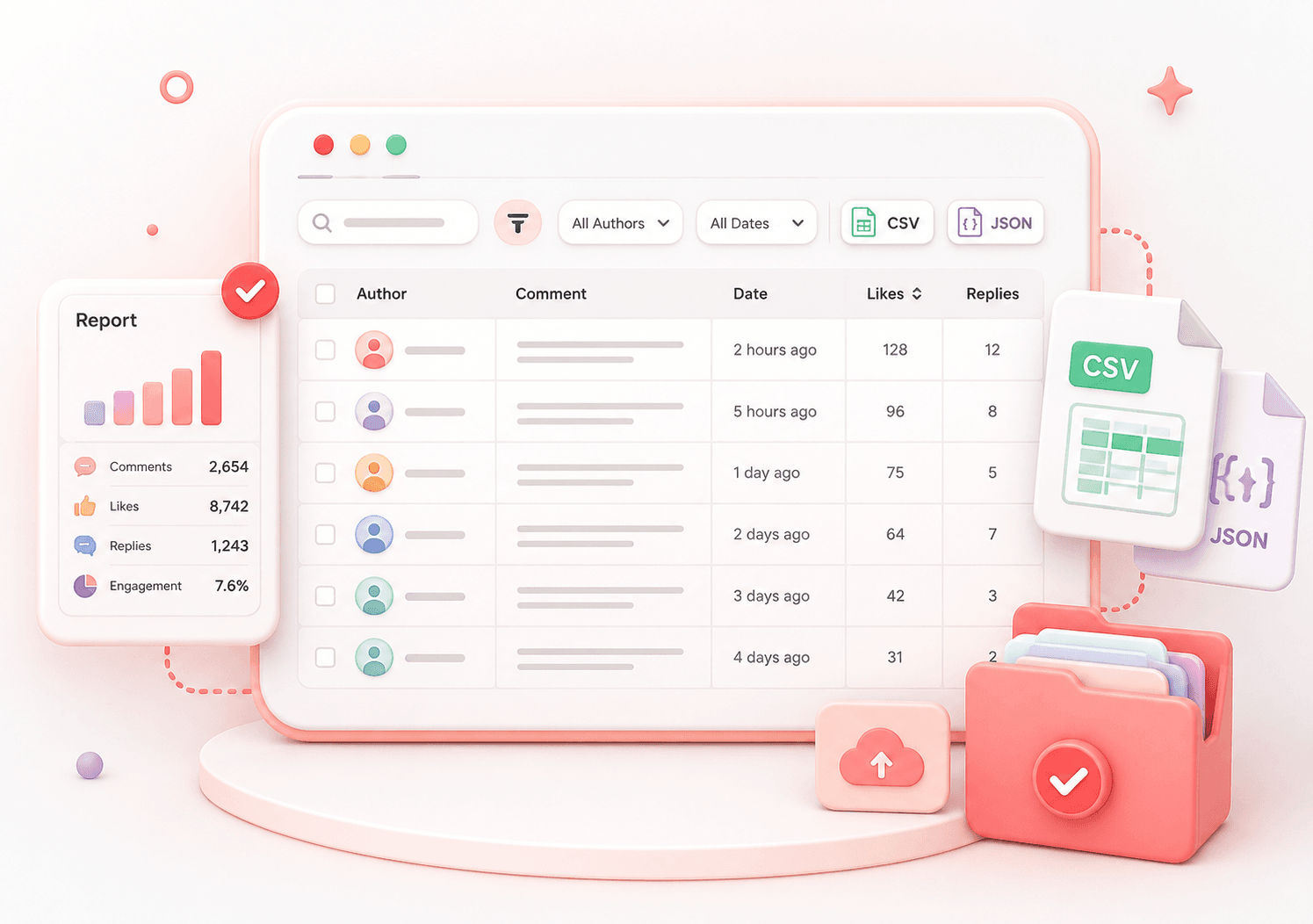
Turn YouTube comment sections into clean CSV rows that are easier to search, sort, filter, and analyze in Excel or Google Sheets.
- CSV download
- Spreadsheet-ready rows
- Easy filtering


 Clean Comment Records
Export available comment data into a reusable file for campaign reporting, content research, community review, or internal records.
- Comment text
- Author data
- Reusable export
 No Manual Copying
Skip repetitive copy-paste work. Paste a public video URL, review the extracted rows, and download your YouTube comment export in a structured format.
- Paste URL
- Review rows
- Download file

YouTube Comments to CSV Exporter Features
Export YouTube Comments to CSV
Download public YouTube video comments as clean CSV files for Excel, Google Sheets, campaign reports, or manual review.
Open Comments in Excel or Sheets
Use the CSV export in spreadsheet tools to sort, filter, search, tag, and analyze YouTube comment data.
JSON Export for Structured Data
Save YouTube comment data as JSON when you need a reusable backup or developer-friendly format.
Review Comment Rows Before Download
Preview exported comment rows in the browser so you can check the available data before saving your file.
YouTube Comments to CSV FAQ
Answers about exporting YouTube comments to CSV, JSON, Excel, and Google Sheets.
How can I export YouTube comments to CSV?
Paste a public YouTube video URL into CommentGrid, start the export, review the available comment rows, and download the results as a CSV file.
Can I open the exported YouTube comments in Excel?
Yes. The CSV export can be opened in Excel, Google Sheets, Numbers, or other spreadsheet tools that support CSV files.
Can I download YouTube comments as JSON?
Yes. CommentGrid supports JSON export as an alternative format for structured records, backups, or developer workflows.
Is this YouTube comments to CSV exporter free?
Yes. You can use the tool for free and export available public YouTube comments without creating an account.
What data is included in the YouTube comment export?
The export is designed to include available public comment data such as comment text, author information, timestamps, and engagement-related fields when available.
Does the exporter include YouTube comment replies?
Reply availability can depend on the video, comment visibility, and the current export workflow. The tool focuses on exporting available public comment entries in a clean, manageable format.
How many YouTube comments can I export?
The number of exportable comments can vary by video, comment visibility, and platform limitations. The tool does not access private, deleted, or unavailable comments.
Do I need a YouTube or Google account?
No. You do not need to sign in with a YouTube or Google account to export publicly available comment data from a video URL.
Can I use the export for comment analysis?
Yes. Once comments are exported to CSV, you can sort, filter, tag, summarize, or analyze them in spreadsheet tools or your own workflow.
More Tools

Instagram Profile Viewer
View public Instagram profile details and account statistics, then download the returned record as CSV or JSON.

Threads Comment Export
Export Threads comments from any public post, review and filter the replies, and download the results.

TikTok Comment to CSV Exporter
Free TikTok Comment to CSV Exporter. Export public TikTok video comments to CSV or JSON, review rows, and download clean comment data.